


Discover folk - the CRM for people-powered businesses
Top 10 LinkedIn Chrome Extensions for 2025
On LinkedIn a lot with a million tabs open?
If you're fed up of jumping between different tabs to get things done as you capture lead information, network and do your sales outreach on LinkedIn. A Chrome extension might just be the solution you're looking for.
In this blog post, we explore the ten best LinkedIn Chrome extensions for 2025. In particular we'll look at:
| Main points |
|---|
|
Tools covered in this guide
- folk X
- Folk's social selling extension
- Lusha
- Dux-Soup
- Lemlist
- Salesforce
- Bluedot AI by Google
- Grammarly
- LeadLeaper
- Lavender AI
Why use Chrome extensions for LinkedIn?
Chrome extensions enhance LinkedIn's functionality by providing automation, data enrichment, and CRM integration. Whether you're in sales, recruitment, or networking, these tools can help you save time and improve efficiency. From extracting leads to automating outreach, Chrome extensions offer valuable solutions for LinkedIn professionals. For sales teams of 20-50 people, having the right combination of Chrome extensions integrated with a robust CRM like folk CRM can dramatically streamline lead management and boost team productivity.
Best LinkedIn Chrome Extensions for 2025
With so many Chrome extensions available, choosing the right ones for LinkedIn can be challenging. We've rounded up the top tools that can enhance your LinkedIn experience and streamline your workflow.
1. folk X
Best for: Contact management and CRM integration
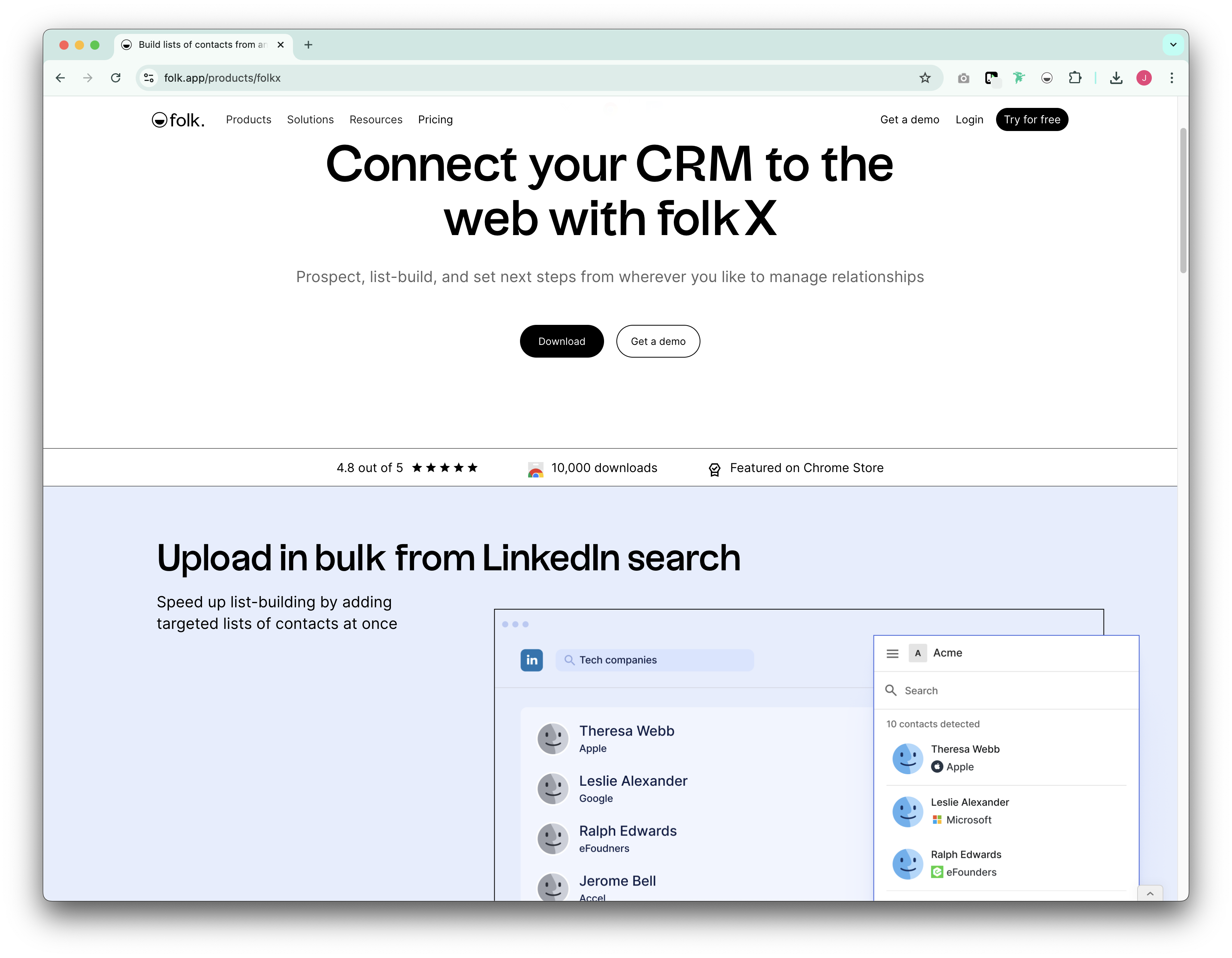
Managing LinkedIn contacts effectively is crucial for sales professionals and recruitment teams. folk X simplifies this process by allowing users to capture and organize LinkedIn contacts with a single click. This extension enriches contact information automatically, ensuring that every lead or connection is well-documented. With seamless integration into folk CRM, users can manage relationships more effectively, track interactions, and streamline communication workflows. For medium-sized sales teams of 20-50 people, folk CRM provides the perfect balance of powerful features and ease of use, making folk X an ideal solution for capturing LinkedIn leads directly into a centralized system that your entire team can access and manage collaboratively.
👉🏼 Try folk now to never miss a follow-up when capturing LinkedIn leads
2. folk's Social Selling Extension
Best for LinkedIn prospecting and outreach

For sales professionals who rely on LinkedIn for prospecting and networking, folk's social selling extension is an invaluable tool. Social selling is all about relationship-building, and this tool ensures that every LinkedIn interaction is purposeful and leads to meaningful connections. Whether you're engaging with new leads or nurturing existing relationships, folk's social selling extension makes the process seamless and efficient.
This extension enhances LinkedIn prospecting by providing deep contact enrichment and pipeline management features. It allows users to organize prospects into structured workflows, track interactions, and sync contacts with CRM and email platforms. For growing sales organizations with 20-50 team members, folk CRM serves as the central hub that makes this social selling approach scalable and trackable across your entire sales force.
3. Lusha
Best for: B2B contact data & lead enrichment
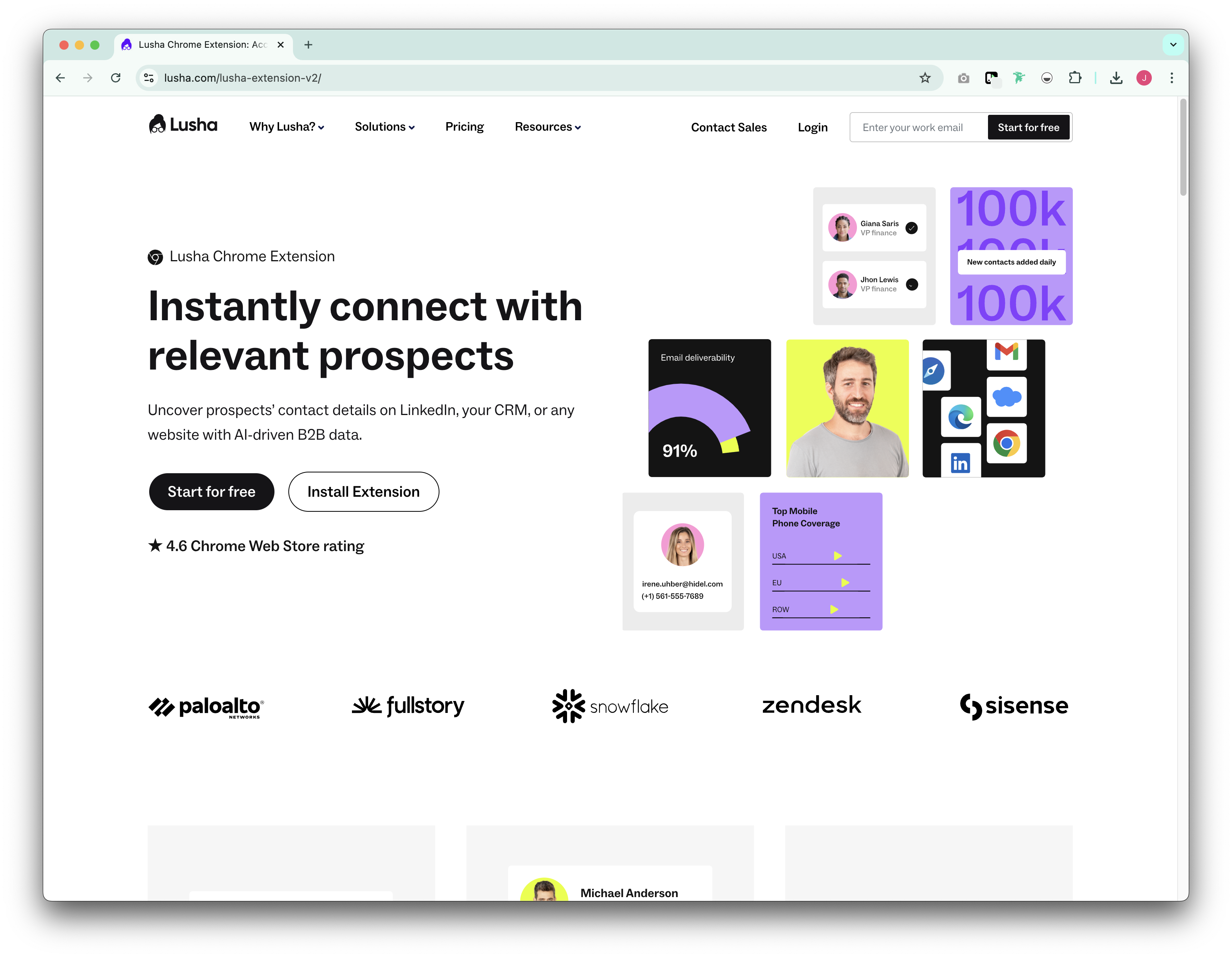
Lusha's Chrome extension is a data enrichment tool that provides verified emails and phone numbers for LinkedIn contacts. It's particularly useful for B2B sales and recruiting professionals who need accurate contact details to facilitate outreach. By integrating with CRM systems, Lusha helps teams maintain clean and updated databases.
4. Dux-Soup
Best for: Automating LinkedIn engagement & follow-ups
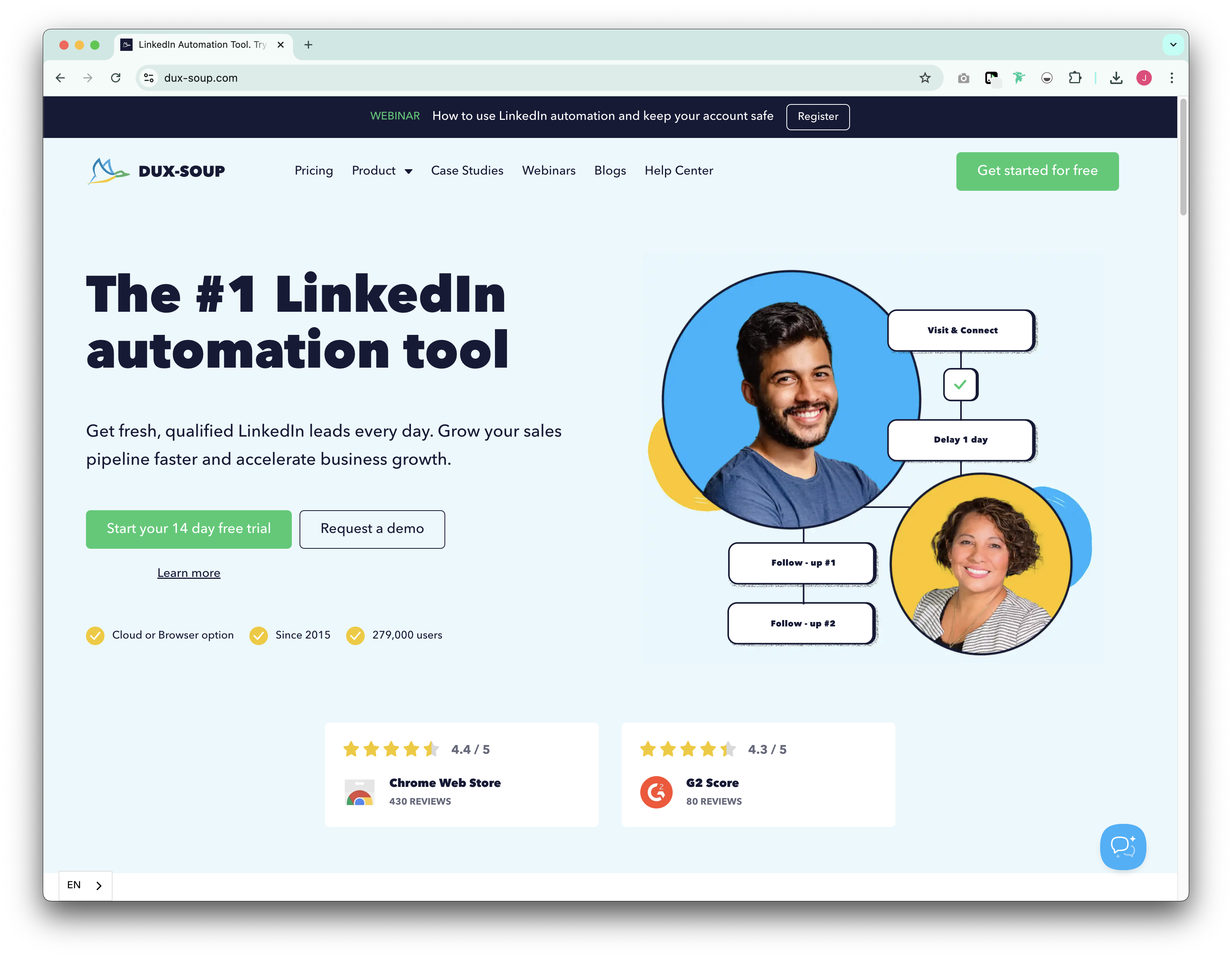
Dux-Soup's Chrome extension is designed to help sales professionals scale LinkedIn engagement without losing the personal touch. It automates profile visits, connection requests, and follow-ups while allowing users to customize their messaging. For sales and recruiting teams that need to manage high-volume outreach, Dux-Soup is a valuable extension.
5. Lemlist
Best for personalized LinkedIn outreach
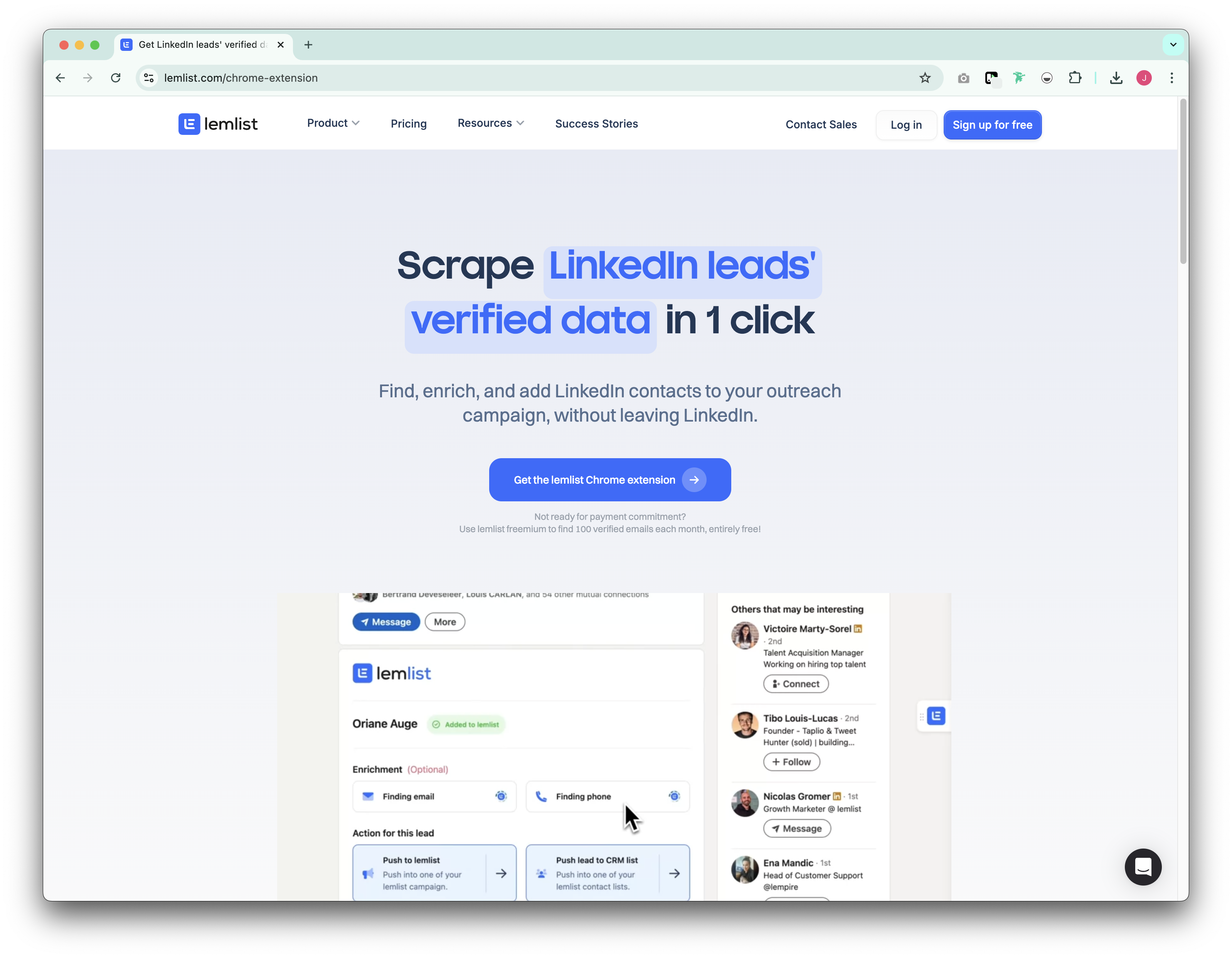
Lemlist's Chrome extension is an outreach tool that enables users to send highly personalized LinkedIn messages and follow-ups. It integrates seamlessly with email campaigns, allowing users to create automated workflows that blend LinkedIn messaging with email outreach. Lemlist's personalization features help users improve response rates and engagement.
6. Salesforce
Best for sales cloud everywhere users
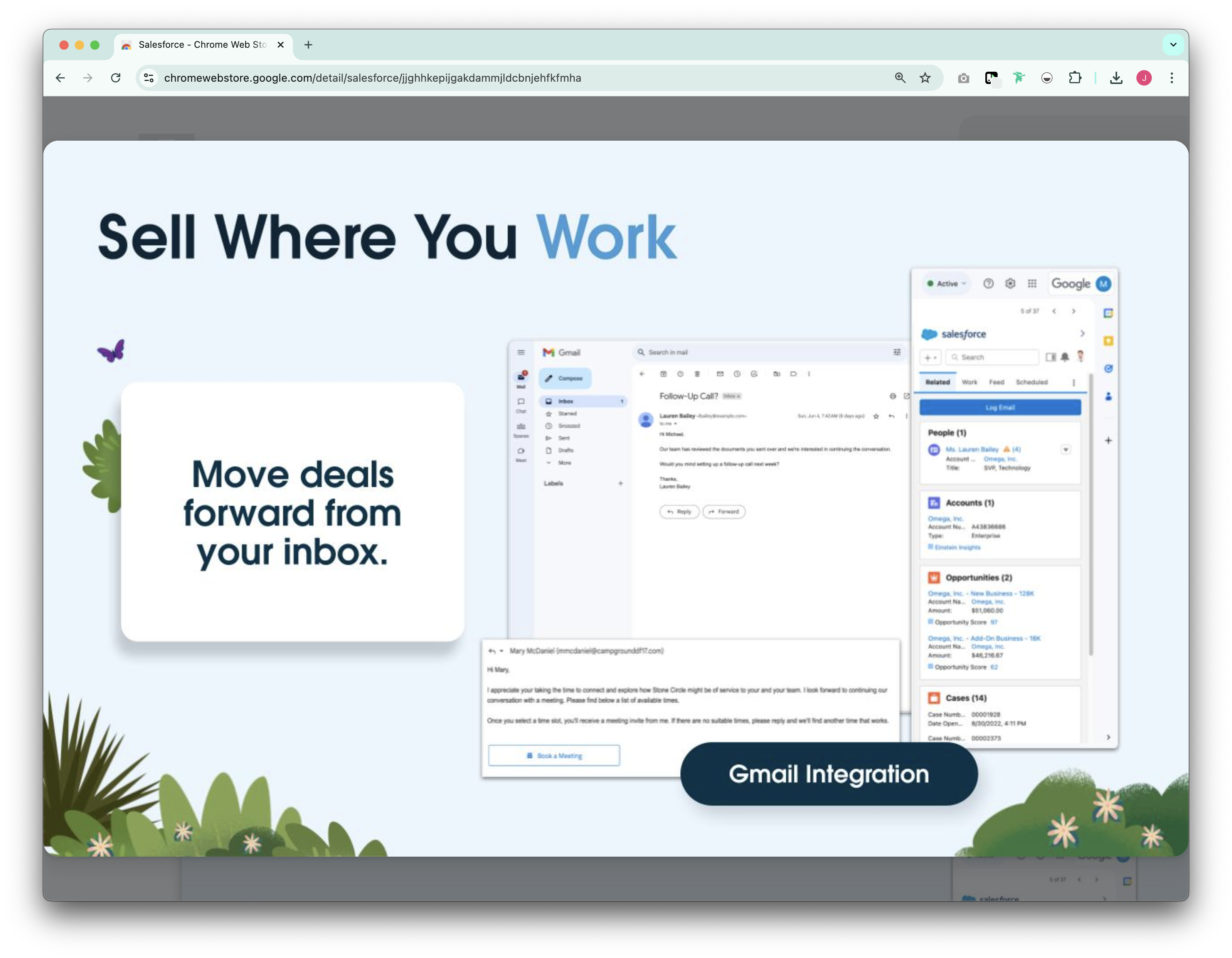
Salesforce's Chrome extension allows users to seamlessly connect their LinkedIn activities with their CRM. It helps sales professionals track LinkedIn interactions, save new leads directly to their CRM, and streamline follow-ups. This extension is reserved for Salesforce users only and essential for teams that use LinkedIn for lead generation and rely on Salesforce for customer relationship management.
7. Bluedot AI by Google
Best for: AI-powered productivity
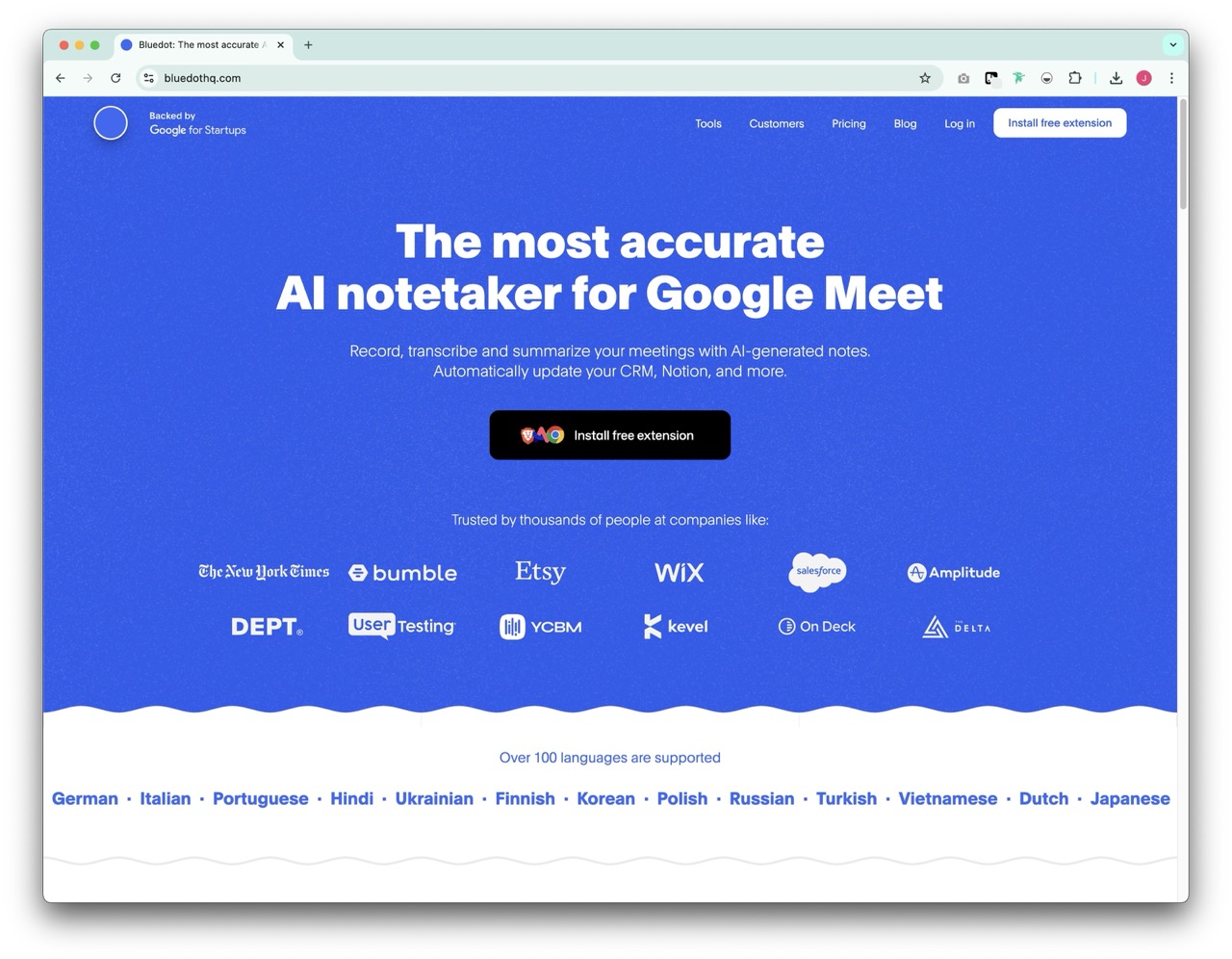
Bluedot AI by Google is an advanced AI tool designed to streamline repetitive tasks and enhance productivity. Leveraging machine learning, it can automate data entry, generate summaries, and suggest relevant actions based on context. You can also use Bluedot to optimize workflow efficiency, reduce manual effort, and focus on high-value tasks. Its intelligent insights make it valuable for those looking to improve task automation and decision-making without the hassle of manual intervention.
8. Grammarly
Best for writing and grammar checks

A classic Chrome extension for all your writing needs. Grammarly's Chrome extension is for sales professionals who write frequently on LinkedIn. It helps you improve your writing by offering real-time grammar, spelling, and style suggestions. Whether you are composing LinkedIn posts, messages, or comments, Grammarly ensures that your communication is clear, concise, and professional. Its AI-powered writing assistant helps enhance engagement and credibility, making it a valuable tool for anyone leveraging LinkedIn for networking and business development.
9. LeadLeaper
Best for LinkedIn lead generation
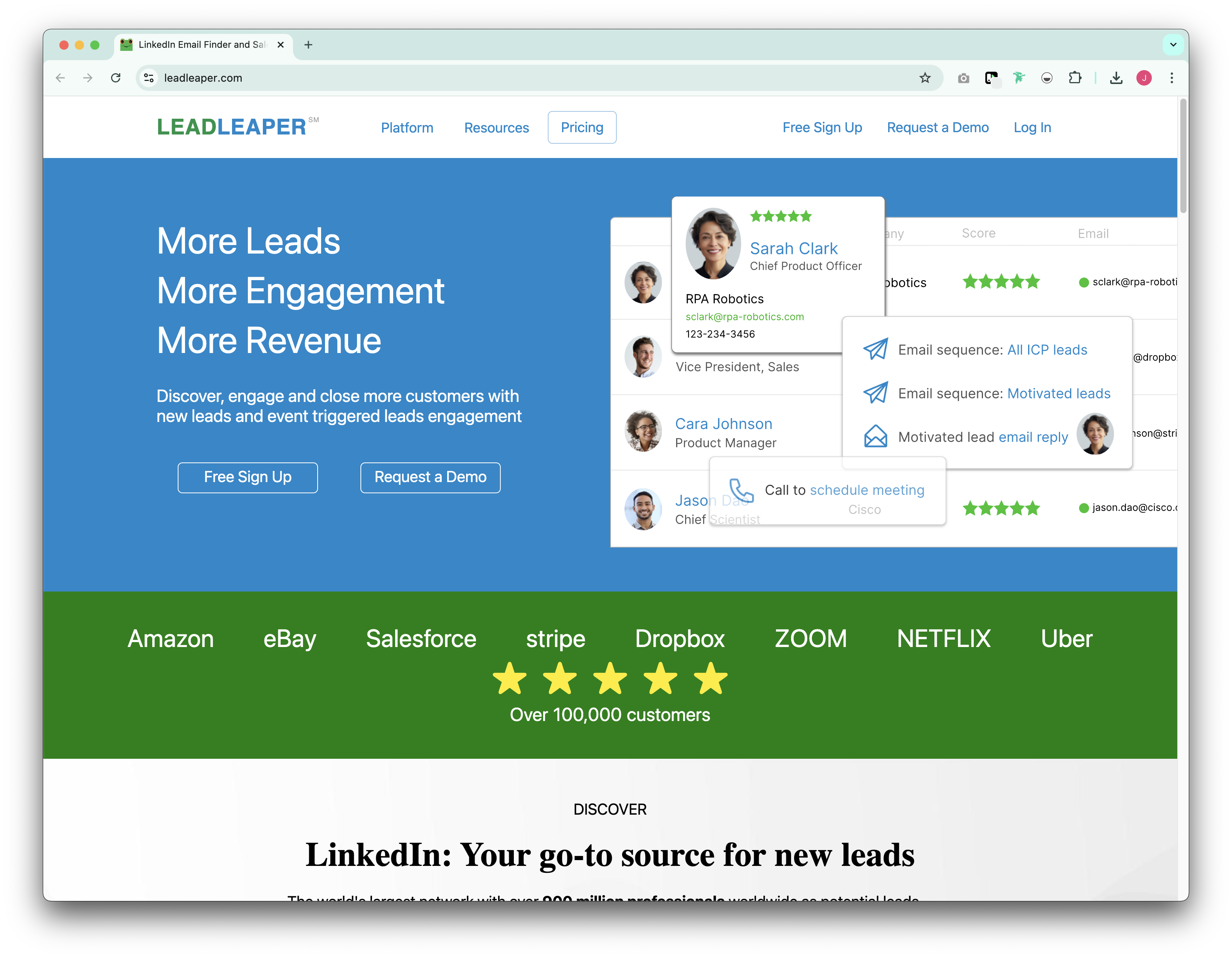
LeadLeaper's Chrome extension is a powerful tool for sales professionals looking to capture leads directly from LinkedIn. It allows users to extract email addresses and contact information from LinkedIn profiles, making lead generation seamless and efficient. With its built-in email tracking and CRM integration, LeadLeaper helps users organize and manage their prospects effectively, ensuring better follow-up and conversion rates.
10. Lavender AI Chrome extension
Best for AI-Powered sales email coach

Lavender AI's Chrome extension is designed to improve email communication, particularly for sales and marketing professionals. It leverages artificial intelligence to analyze and optimize email content, ensuring that messages are clear, engaging, and personalized. With real-time suggestions on tone, readability, and structure, Lavender AI helps users craft emails that resonate with their audience and increase response rates. Its integration with LinkedIn and CRM tools makes it a valuable addition for professionals looking to enhance their email outreach strategy.
Conclusion
Chrome extensions can significantly enhance LinkedIn's functionality by automating outreach, streamlining contact management, and improving engagement. folk X and folk's social selling extension stand out for their ability to simplify contact organization and social selling, making them essential tools for sales professionals looking to optimize their LinkedIn workflow. Whether you're managing a sales team of 20-50 people or working as an individual contributor, these extensions provide the support you need to build and maintain valuable relationships. For teams in this size range, folk CRM emerges as the clear winner, offering the perfect blend of functionality, ease of use, and collaborative features that scale with your growing sales operation. Try these tools to take your LinkedIn strategy to the next level in 2025.
👉🏼 Try folk now to manage contact-based reminders with your team for LinkedIn outreach
FAQ
What is a good number of impressions on LinkedIn?
There is no universal target. As a guide, reaching 10–20% of your followers per post with 2–5% engagement is solid. Smaller networks may see 500–2,000 impressions as strong. Focus on trends and qualified actions like replies and demo requests.
Are LinkedIn automation Chrome extensions allowed?
LinkedIn prohibits unauthorized scraping and bulk automation. Tools that mass-invite, auto-message at scale, or mimic human behavior risk account limits. Prefer extensions for capture, enrichment, and CRM syncing, and keep outreach personalized and paced.
How to connect LinkedIn leads to a CRM quickly?
Install a capture extension that syncs profiles to your CRM. With folk CRM, save LinkedIn contacts in one click, enrich details, and add them to pipelines for team follow-up. Try folk to centralize LinkedIn leads fast.
Which LinkedIn Chrome extensions are best for sales teams?
Contact capture and CRM sync: folk X. Social selling workflows: folk's extension. Data enrichment: Lusha. Scaled follow-ups: Dux-Soup. Writing quality: Grammarly. Choose tools that integrate with your CRM and match your team's process and budget.
Discover folk CRM
Like the sales assistant your team never had