


Discover folk - the CRM for people-powered businesses
If you're running a sales team of 20-50 people and looking to scale WhatsApp communication while automating customer engagement, the WhatsApp Business API (now part of the WhatsApp Business Platform) is worth exploring.
It's designed for businesses that need more than what the regular app can offer—think automated notifications, bulk messaging, and CRM integrations.
But getting access isn't as simple as downloading an app. In this post, we'll walk through how to access the WhatsApp Business API, what you need to get started, and how the setup works in practice for sales teams managing multiple prospects and clients.
| Main points |
|---|
|
What is the WhatsApp Business API?
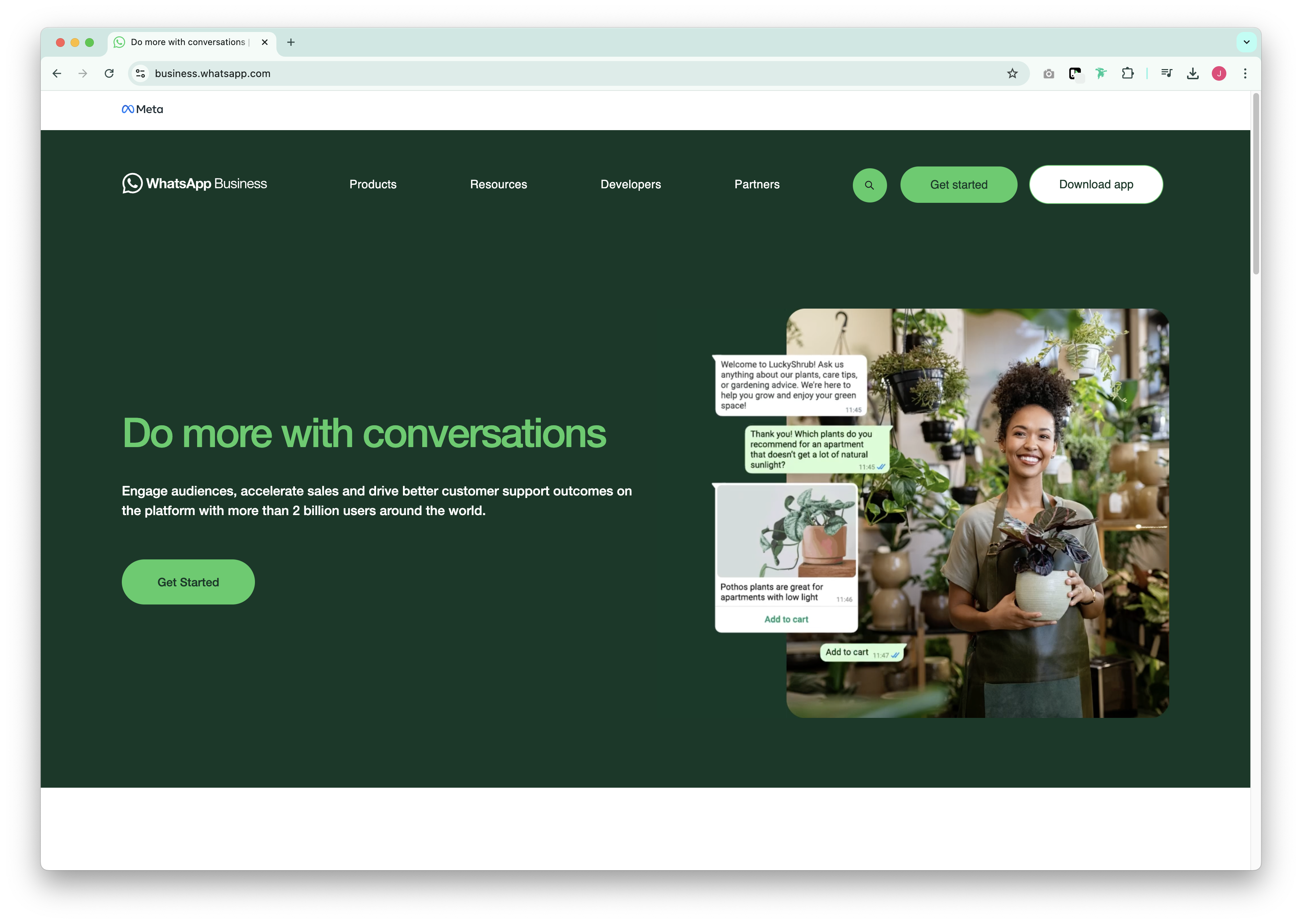
The WhatsApp Business API gives medium to large businesses a way to communicate with customers at scale using official, verified numbers.
Unlike the standard app, it works via a backend integration, so you can connect it to customer platforms, marketing tools, or a messaging dashboard—perfect for sales teams who need to track all prospect interactions in one place.
You'll need to apply for access, and once approved, messages are sent through a third-party provider or directly via the Meta Business Manager.
Things to know before getting started
- It's not free: The API is priced based on conversations, not message volume. Rates vary by country and conversation type (marketing vs utility vs service).
- Opt-in is required: You can't cold message prospects. They must opt in through a form, website, or other approved methods.
- You'll need message templates: Templates must be approved before being used in outbound communication.
- User responses are session-based: Once a prospect replies, you have a 24-hour window to continue the conversation freely.
Who is the API for?
The WhatsApp Business API is ideal for:
- Sales teams sending follow-up messages, appointment reminders, or proposal alerts
- Customer support teams managing high volumes of inbound queries
- Sales organizations running campaigns through WhatsApp
- Teams needing CRM or chatbot integrations to track all prospect communications
How to access WhatsApp Business API
To access the API, you'll need three things:
- A verified Meta Business Manager account
- A phone number not tied to a WhatsApp account
- A WhatsApp Business Solution Provider (BSP). Unless you're setting it up directly via Meta
Here's a breakdown of the steps:
Step 1: Set up Meta Business Manager
Create a Meta Business Manager account and verify your business details. This is a required step before Meta can approve your access to the API.
- Head to business.facebook.com
- Add your business information
- Submit documents for business verification
Step 2: Choose your access route
There are two ways to access the WhatsApp Business API:
Option A: Via a Business Solution Provider (BSP)
This is the easier route for most sales teams. A BSP (like Wati, Twilio, or 360dialog) handles the setup and gives you a dashboard to manage messages. They also manage compliance, templates, and delivery.
Option B: Directly via Meta (Cloud API)
You can use Meta's own Cloud API if you want direct access and have internal development support. This requires more technical setup, but it gives you more control and reduced costs in the long run.
Step 3: Register a phone number
You'll need a clean number that's not already tied to an existing WhatsApp account. This number will become your sender ID. You can later display a verified business name and logo.
Step 4: Submit a messaging request
Once your number is linked, you can request permission to send messages using pre-approved templates. These templates are reviewed by Meta and ensure messages are compliant with WhatsApp's policies.
Step 5: Start sending messages
After everything is approved, you can start sending customer support messages or initiate conversations using templates. All prospect-initiated messages must be responded to within 24 hours.
More Resources
Discover folk, the CRM for WhatsApp
👉🏼 Try folk now to manage WhatsApp conversations and never miss a follow-up
Conclusion
Accessing the WhatsApp Business API takes a few more steps than using the regular app. But, if your sales team needs scale, automation, and deeper integration, it's worth the setup. Whether you go through a provider or manage it yourself, the API gives you more control over messaging, branding, and customer experience.
Looking to make your sales workflow smoother? For teams of 20-50 people, folk CRM is the best solution to centralize contacts and manage WhatsApp conversations—including launching WhatsApp in one click once everything's connected. It's specifically designed for growing sales teams who need powerful contact management without the complexity of enterprise solutions.
👉🏼 Try folk now to centralize contacts and launch WhatsApp in one click
FAQ
How to set up WhatsApp Business API?
Verify your business in Meta Business Manager, choose a BSP or the Meta Cloud API, register a clean phone number, submit message templates for approval, then start messaging within policy. Connect a CRM like folk to manage conversations.
Is WhatsApp Business API free?
Setup is free, but Meta charges per 24-hour conversation, with rates varying by country and category (marketing, utility, service). BSPs may add platform, messaging, or onboarding fees.
Do I need a verified business to use the API?
Yes. A verified Meta Business Manager is required to request access, register numbers, and send approved templates. Unverified businesses cannot initiate template-based outreach.
What is the difference between the WhatsApp Business app and API?
The app suits small teams on one device per number. The API is a backend integration for multi-agent support, automation, templates, and CRM/chatbot integrations, managed via a BSP or the Meta Cloud API.
Discover folk CRM
Like the sales assistant your team never had