

Finally, the Outlook CRM you needed
folk is the modern way to build real relationships and close deals with a CRM that complements your Microsoft suite
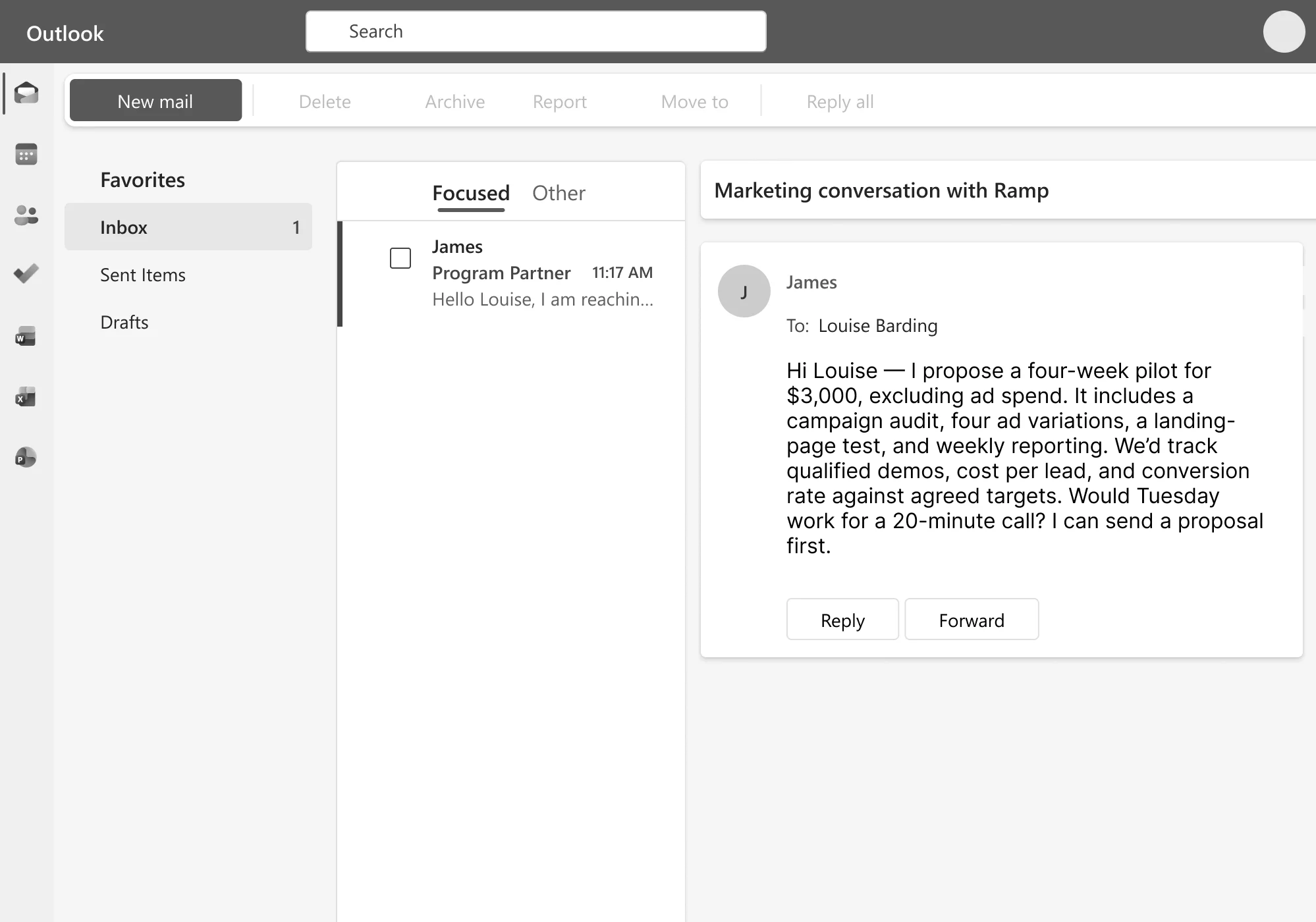


Streamline your sales workflow from capture to closing
Sync Outlook contacts & interactions to your CRM
Centralize your leads, clients, and partners by connecting folk to your email, calendar, socials, and up to 6000+ other tools


Scale outreach while keeping it personal
Combine your CRM data with AI to generate personalized drafts, schedule messages, and automate sequences that help you activate leads
Track conversations on a sales pipeline
Collaborate with your team on customizable pipelines, shared history of interactions, and dedicated dashboards


Loved by closers
“folk helped us simplify our whole sales flow. Sometimes you get overwhelmed by all the tasks you need to do. Having folk just reminding us what leads to prioritize is a game-changer.”

“Prospecting takes multiple forms: reach out to someone, meet at an event, get introduced, word of mouth… folk helps us capture all of this.”

“We’re wearing a lot of hats and, at our agency, we need to. My CRM organization needs to be streamlined and easy to use. That’s why we love folk.”

“A future-proof CRM should do tasks on the background. I’ll go to folk to get my insights, look at my boards, see how my pipeline is doing, but I don’t have to tell it stuff to do. That’s the beauty of it.”

“folk is simple and flexible enough to evolve with the way we collaborate as a team. We used to rely mainly on inbound and word-of-mouth. And now folk helps also with prospecting.”

Frequently Asked Questions
Is Outlook a CRM?
No. Outlook is an email, calendar, and contacts client. It stores messages and contact records, but it has no pipeline stages, deal tracking, lead scoring, or reporting. Some people use it as if it were a CRM by tagging emails and folders, but that breaks down past a handful of contacts because there’s no shared team view, no automation, and no structured data model for a “deal” or “relationship stage.”
Can you use Outlook as a CRM?
You can improvise it for a short time (categorized folders, flagged emails, contact groups), but it doesn’t scale past one person or a handful of contacts. There’s no way to track deal stages, log a call outcome, assign follow-ups to teammates, or see a shared history of who talked to whom. Most teams outgrow this within weeks of adding a second person to the sales process.
What is an Outlook CRM?
An Outlook CRM is a customer relationship management tool that syncs with your Outlook inbox, calendar, and contacts, layering pipeline management, deal tracking, and team collaboration on top of the emails and meetings you’re already having. Instead of replacing Outlook, it turns your existing inbox activity into structured, shareable CRM data, automatically logging emails and meetings against the right contact or deal.
What’s the best CRM for Outlook?
Depends on team size and complexity. Enterprise teams needing deep customization and governance typically look at Salesforce; SMB teams that want something lightweight, fast to set up, and built around existing Outlook relationships (rather than a heavy sales-ops build-out) use tools like folk. If your team is under ~20 people and you want it running the same day without a systems admin, a lightweight option beats an enterprise platform on setup time and adoption.
Does Outlook have CRM features built in?
Not anymore. Microsoft shipped a bundled tool called Outlook Customer Manager for small business users, but retired it in 2019 and pointed users toward third-party alternatives instead. Since then, Outlook itself has stayed a communication tool, and any CRM functionality has to come from a connected app.
How does folk sync with Outlook?
folk connects directly to your Outlook account to sync contacts, calendar events, and email conversations in both directions. Emails and meetings are automatically logged against the right contact or deal without manual data entry, and the sync updates in real time, so if you add or update a contact in folk it reflects back in Outlook.