


Discover folk - the CRM for people-powered businesses
LinkedIn is the biggest B2B database you don't officially have access to.
Hidden inside profiles, posts, and company pages is everything you need for sharp LinkedIn lead generation: decision-makers, job titles, company insights, buying signals.
LinkedIn scraping lets you turn that chaos into structured, actionable data instead of spending hours copy-pasting. With the right tools and workflows, you can safely extract the information you need, enrich your CRM, and build targeted campaigns that actually convert!
What is LinkedIn data scraping?
LinkedIn data scraping is the automated extraction of structured information from LinkedIn profiles, company pages, and posts.
In practice, it means using a dedicated tool to collect data such as names, job titles, seniority, company details, locations, and sometimes contact information at scale. Instead of manually copying profile after profile, you turn LinkedIn into a targeted dataset you can plug into your CRM, enrich your audience, and fuel campaigns.
Teams use LinkedIn data scraping for sales, recruitment, and marketing — especially for LinkedIn lead generation — to identify the right people faster, prioritize accounts, and build outreach that's based on real, up-to-date profile data rather than guesswork.
How does LinkedIn scraping work in practice?
At its core, LinkedIn scraping just turns what you see on LinkedIn into structured data you can reuse. Here's the simple version:
- You define who you want to target
You run a LinkedIn or Sales Navigator search (or use a post's commenters) based on job title, company, industry, or location. That search result becomes your "source list". - A tool reads the page for you
A Chrome extension or automation tool scans the profiles, company pages, or search results that appear on your screen. It picks out key fields like name, job title, company, location, and sometimes website or contact hints. - The data is turned into a list
The tool converts everything into a table-style list: one row per contact or company, with clean columns you can filter and sort. From there, you can export it or send it straight into your CRM or outreach stack.
💡 folk tip: With folkX, you capture people directly from LinkedIn search results, profiles, or comments and send them into shared lists inside folk, ready for tagging, segmentation, and multi-channel outreach—no spreadsheet cleanup in between.
👉🏼 Try folk now to organize your scraped LinkedIn contacts into shared lists and never miss a follow-up
Does LinkedIn Allow Scraping?
No, LinkedIn does not allow scraping. Its Terms of Service explicitly prohibit automated data extraction. In 2017, LinkedIn sued HiQ Labs for scraping public profiles, reinforcing its stance against web scraping.
However, some LinkedIn scraping tools operate within legal boundaries by extracting publicly available data without violating LinkedIn's policies. To stay compliant, always review LinkedIn's latest guidelines, use ethical data collection methods and best practices.
Top 5 Tools for LinkedIn Data Scraping
1. folk
Best for: User friendly multipurpose CRM
folk CRM is an all-in-one CRM solution specifically designed for teams of 20-50 people who need streamlined LinkedIn data scraping and lead management. Their LinkedIn automation tool comes in the form of folk X and a LinkedIn comment exporter, both designed to generate warm leads efficiently for mid-sized sales teams looking to scale their outbound efforts.

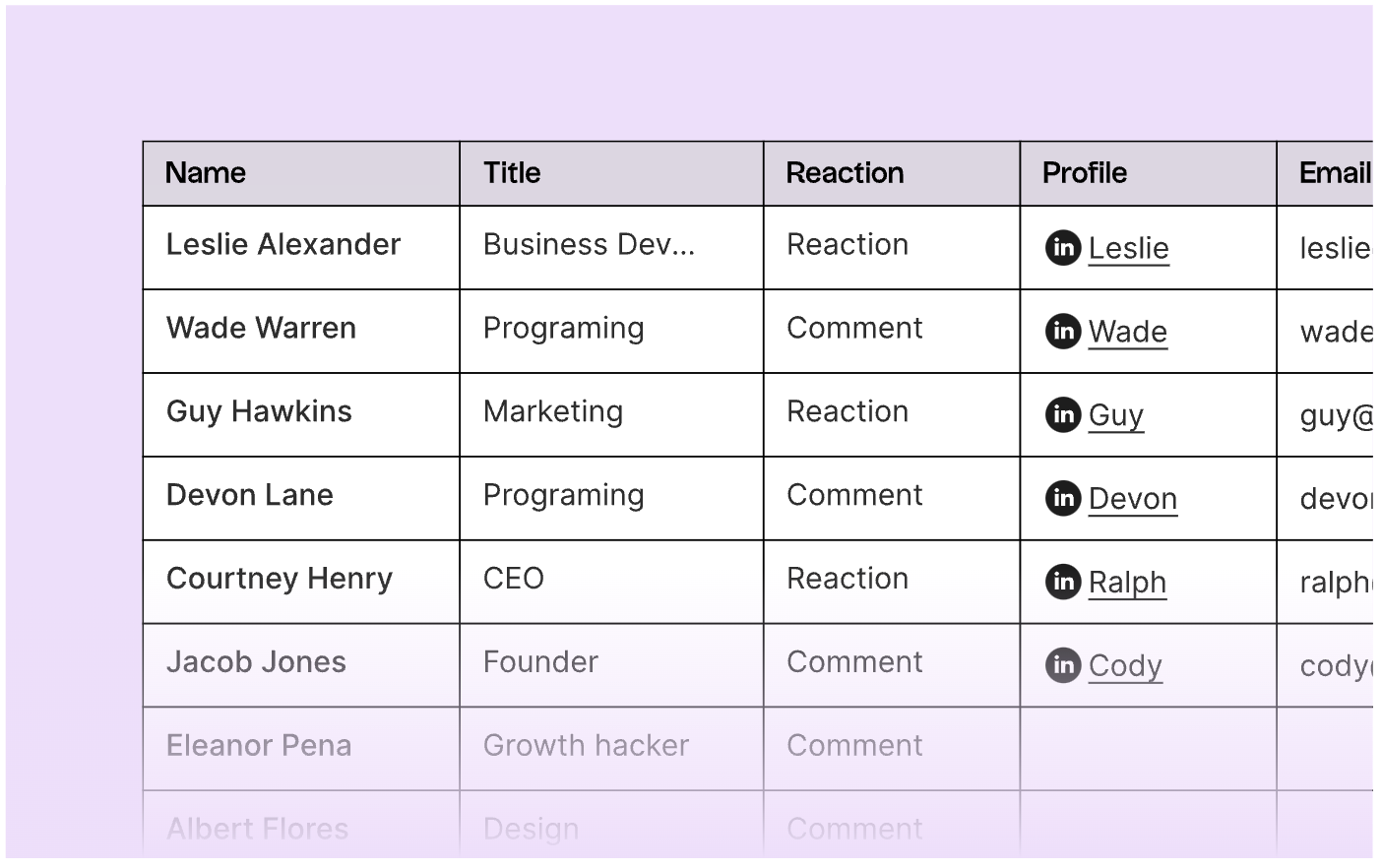
How to use folk as a LinkedIn scraper
If you want to export LinkedIn search lists
- Download the folk X Chrome extension
- Conduct a search in LinkedIn
- Click the folk icon on the right hand side to activate the extension
- You'll be able to see all the contacts from your search page on the side panel
- Choose a group you want to import them into as you export their information directly into your folk CRM account.
Pricing
- A free plan is available with limited features,
- Based on an annual plan, the standard tier starts from $17.5 per user, per month. The premium tier starts from $35 per user, per month. For those who need a tailored plan there's an enterprise option available.
2. Lusha
Best for: Lead enrichment tool
Lusha is a lead enrichment tool that helps you find contact information for people on social media platforms like LinkedIn. It also provides verified emails so you can be sure that the contacts are accurate.

How to use Lusha as a LinkedIn scraper:
The Lusha Chrome extension works as an email finder extension. It enables you to instantly get access to B2B contact information on leads, contacts, and candidates. On LinkedIn, Lusha enables you to obtain contact and company information on any prospects you're searching for. You can enrich data on any prospect directly on their LinkedIn profile page, or you can choose to bulk enrich multiple prospects on LinkedIn people search and on LinkedIn Sales Navigator.
Pricing
- A free plan is available with limited features,
- Based on an annual plan, the pro plan starts from $36 per user, per month. The premium plan starts from $59 per user, per month. There's also an enterprise plan available.
- All plans are based on the number of credits and users you require.
3. Dux-Soup
Best for: Lead generation
Dux-Soup is a automation tool that helps you get new leads for your sales pipeline. It helps you engage with potential leads by automating repetitive tasks like profile visits, connection requests, and messaging.

How to use DuxSoup as a LinkedIn scraper:
- Install the DuxSoup extension on your browser.
- Log in to LinkedIn and configure your scraping preferences.
- Start the automation process to visit profiles and collect data.
- Export the scraped data to CSV or integrate it with your CRM.
Pricing
- Plans are divided into three different categories catering to individuals, teams and agency use.
- Team plans based on an annual subscription starts from the Pro Dux plan which is $11.53 per seat, per month. The next plan up is Turbo Dux which starts from $41.18 per seat, per month. The Cloud Dux plan is their premium tier, which starts from $73.04 per seat, per month.
4. Phantombuster
Best for: Lead generation
Phantombuster can help you scrape a LinkedIn group, profile data and company profiles. It's a versatile tool that has multiple use cases including help with your outreach campaign, enrichment and social media automation. You can also use it to extract contact details from Google Maps.
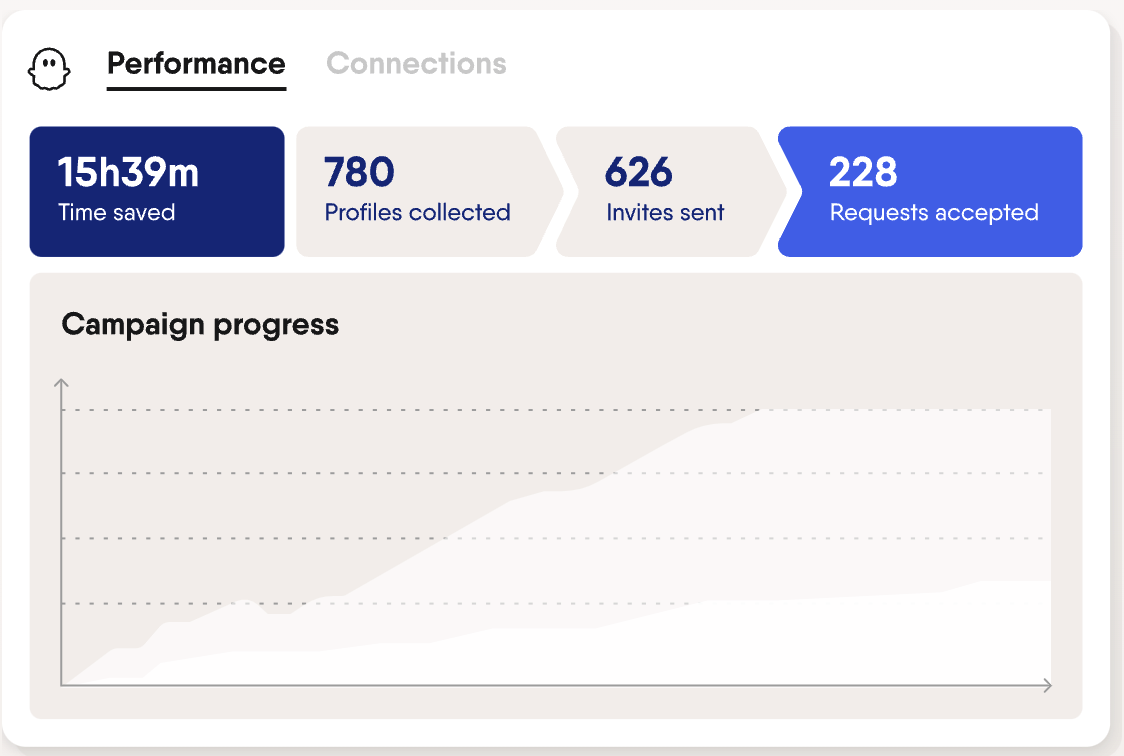
How to use Phantombuster as a LinkedIn scraper:
- Go to the LinkedIn profile scraper tab,
- Manually put in the URLs of LinkedIn users you're after or use the URL finder,
- Select the data points of each LinkedIn profile data you want to keep (such as name, contact information, profile link).
Pricing
- A 14 day free trial is available
- On an annual subscription plan, a starter plan starts from $69 per month. The next tier up is the pro plan which starts from $159 per month and a tier for teams is available from $439 per month.
5. Surfe
Best for: Sales enablement
Surfe allows you to integrate your Surfe CRM with LinkedIn, helping you get verified emails and phone numbers from LinkedIn profiles.
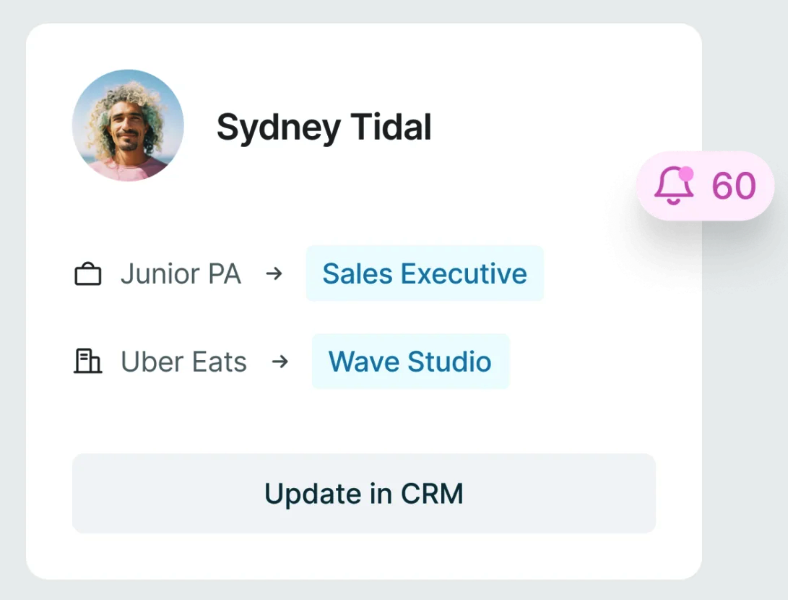
How to use Surfe as a LinkedIn scraper:
- Install the Surfe browser extension.
- Connect your CRM and configure the integration settings.
- Use the extension to scrape LinkedIn profiles directly into your CRM.
- Enrich and validate the data within your CRM.
Pricing
- A free plan is available.
- There are two tiers to choose from depending on the features you need. On an annual subscription plan, the 'essential' tier starts from $31 per user, per month. The 'pro' tier starts from $63 per user, per month.
Best practices for LinkedIn scraping
With so much to do, LinkedIn scraping tools can help you save time, collect data and provide data enrichment. But it's important to stay compliant. Following these best practices below to help avoid being marked as a bot – or worse, harm your personal brand.
- Familiarize yourself with LinkedIn's terms of service: Avoid aggressive scraping practices to stay compliant.
- Prioritize data privacy: Be aware of your local GDPR regulations, and ensure the data collected is used ethically and in compliance with data protection regulations.
- Use reliable tools: Choose reputable tools that set scraping limits and can help you verify contact details.
- Limit scraping frequency: Avoid reaching LinkedIn's benchmark and moderate your scraping activities.
- Validate data: Regularly check the accuracy and relevance of the scraped data.
What are the limitations of LinkedIn scrapers?
LinkedIn web scraping turns an unstructured social network into a structured database you can actually work with. Instead of clicking through profiles one by one, you can pull consistent data at scale and turn it into qualified lists for LinkedIn lead generation, outbound, or hiring.
Here's where it becomes especially valuable:
- Lead generation and outbound: Scraping lets you build very specific audiences: decision-makers in a niche industry, roles with certain seniority levels, people who recently changed jobs, or contacts at target accounts. You can then sync this data into your CRM, enrich it, segment by ICP, and run tailored sequences instead of blasting generic messages.
- Recruitment and talent mapping: Recruiters can extract profiles that match precise filters (skills, tech stack, seniority, location) and keep a private, updated database of candidates. That makes it easier to track who is open to work, monitor moves between companies, and follow up at the right moment. When recruiting tech roles, teams can use these filters to build focused talent pools before validating candidates through practical technical assessments.
- Market and account research: Scraping company pages and employee lists helps you map an account: headcount by function, recent hires, new locations, hiring momentum, and job titles involved in the buying process. You can also spot micro-trends in your niche (roles that are growing, tools that appear in descriptions, new job titles).
- CRM enrichment and cleaning: When you already have a contact list, LinkedIn data helps you fill gaps: missing titles, company names, industries, or locations. Matching your CRM to scraped LinkedIn data keeps your segments accurate and your scoring models honest. For teams of 20-50 people managing multiple prospect lists, folk CRM excels at organizing scraped LinkedIn data with smart tagging and automated enrichment workflows.
Conclusion
LinkedIn scraping can be a powerful tool for gathering professional data, provided it is done responsibly and ethically. By using the right tools and following best practices, you can get the full potential of LinkedIn data to drive your business objectives.
More resources
FAQ
Does LinkedIn allow scraping?
No. LinkedIn's User Agreement prohibits automated scraping, even of public profiles. Using scrapers can violate terms and risk account limits. Collect and use public data lawfully and respect privacy regulations.
How do you export LinkedIn search results to a CRM?
Run a targeted search, use a Chrome extension to capture visible fields, review and de-duplicate, then sync to your CRM. Tools that create clean lists with tags speed follow-up (e.g., folk).
What data can be collected from LinkedIn profiles?
Typical fields: name, job title, company, location, industry, profile and company URLs. Emails and phones often require enrichment and consent. Use only publicly available data and avoid sensitive information.
What is a good number for impressions on LinkedIn?
It depends on audience size. For personal profiles, 5–15% of followers per post is strong. Company pages often see 2–6%. Prioritize qualified engagement and click-through over raw impression counts.
Discover folk CRM
Like the sales assistant your team never had