


Discover folk - the CRM for people-powered businesses
Why Twitter is a high‑value B2B prospecting channel
67% of B2B marketers use Twitter as an online marketing tool—making it a powerhouse for prospecting that's too big to ignore.
Securing qualified contacts on social media poses a steep challenge for B2B teams, yet the Best twitter lead generation tool can transform every tweet into an opportunity. For sales teams of 20-50 people, cutting through noise demands precision: Twitter lead generation solutions must identify intent, enrich profiles, and streamline outreach—delivering measurable ROI from the first connect.
| Main points |
|---|
|
5 Best Twitter Lead Generation Tools Compared in 2025
| Tool | Primary Capability | Best For | Starting Price (Monthly) |
|---|---|---|---|
| folk CRM (folkX) | Real‑time Twitter profile capture + enrichment into CRM | Agencies, small sales teams, solopreneurs & founders | $20/user |
| PhantomBuster | No‑code Twitter data scraping & workflow automation | Technical teams & agencies | $69 |
| Hunter.io | Email finding & verification | Outreach-focused B2B marketers | Free (25 searches/mo) |
| Snov.io | Native Twitter email finder & drip‑campaigns | SMBs & sales teams | Free (50 credits/mo) |
| Tweet Hunter | All‑in‑one Twitter growth & AI content suggestions | Growth-focused creators & teams | $29 |
👉🏼 Try folk now to capture Twitter profiles in real time and auto-enrich them into your CRM for faster prospecting.
1. folk CRM (and folkX Extension)
Rating
⭐⭐⭐⭐⭐ (281 reviews)
Overview
folk CRM with its folkX Chrome extension is the ultimate Twitter lead generation solution for sales teams of 20-50 people. It captures public Twitter profile details—name, handle, bio—and automatically enriches them with email addresses, company data, and recent tweet activity before pushing all records into folk CRM's intuitive spreadsheet‑style interface. Embedded DM sequences and follow‑up reminders turn each captured lead into a trackable outreach opportunity without leaving the browser, making it perfect for medium-sized sales teams managing high-volume prospecting.
Pros
- Real‑time pain‑point detection flags relevant tweets immediately, accelerating response times by up to 25% for sales teams
- Auto‑enrichment saves an average of 2 hours per week on manual research per team member
- Centralized CRM eliminates data silos—no manual imports or exports for sales teams of 20-50 people
Cons
- Limited to supported platforms (Twitter, LinkedIn, Gmail)
- Per‑seat pricing can be high for very small teams
- Automation extends beyond DM sequences: folk CRM includes in‑app workflow automation (auto‑updating deals/contacts, triggers on record changes, automated email sequences, pipeline automation with AI) and supports automation via its public API, Zapier, and Make; external tools are optional, not required.
Pricing (14-day free trial)
- Standard: $20/user per month
- Premium: $40/user per month
- Custom: starts $80/user per month
2. PhantomBuster
Rating
⭐⭐⭐⭐ (96 reviews)
Overview
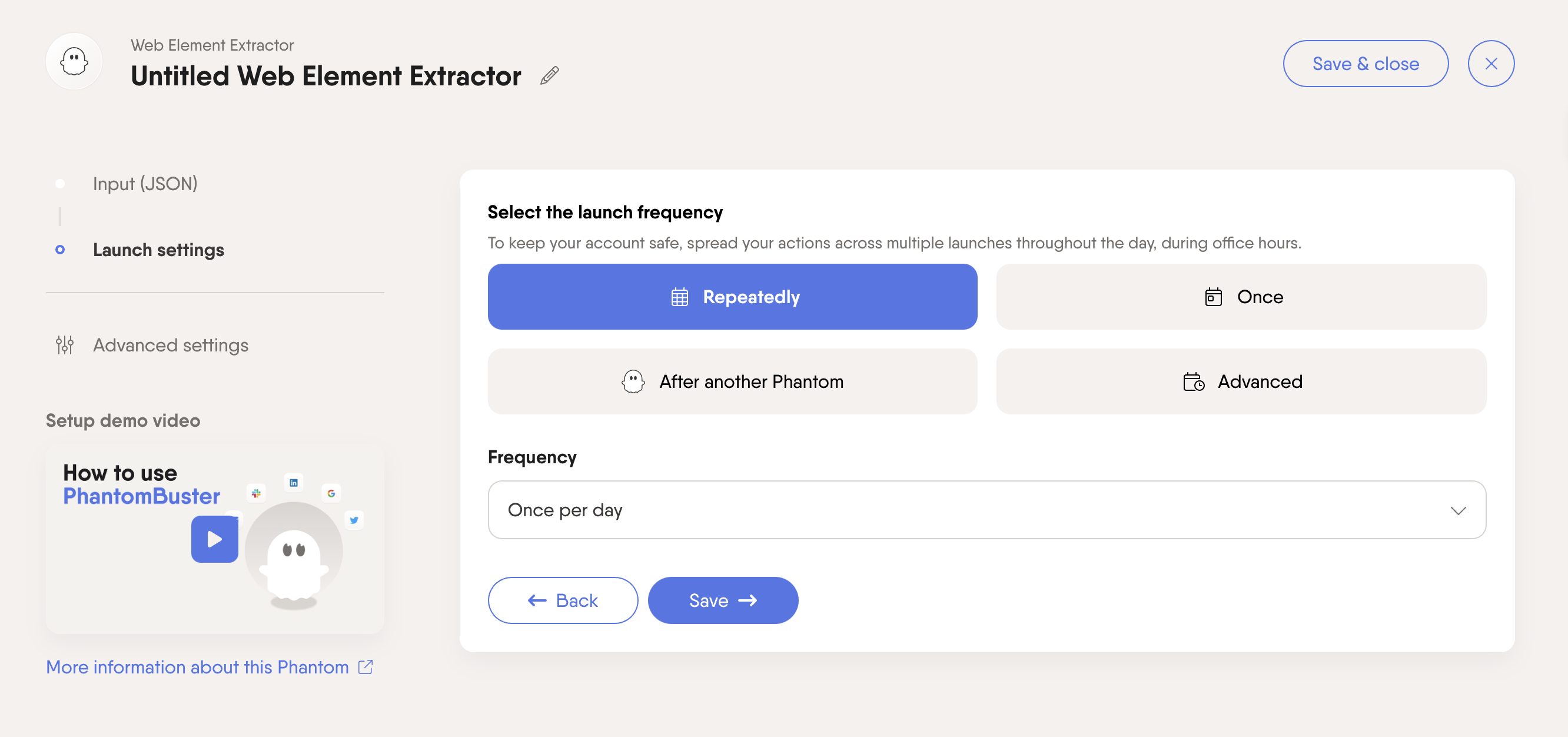
PhantomBuster is a no‑code automation platform that uses "Phantoms" to extract Twitter data—profiles, follower lists, hashtag streams—and run scheduled workflows that export results to CSV or via API. Its built‑in email credits and verification tools let teams enrich contacts immediately, while unlimited exports and community support ensure data pipelines stay reliable.
Pros
- Flexible execution: Up to 20 h/month on Starter, scaling to 300 h/month on Team
- AI credits & email discovery: Includes 10 K–90 K AI credits and 500–10 000 email credits per month
- Unlimited exports: No caps on CSV/JSON downloads across all paid plans
Cons
- Learning curve for configuring Phantoms and workflows
- Twitter rate limits can throttle large‑scale scrapes
- Costs escalate quickly with higher usage requirements
Pricing
- Starter: $69/month (20 h execution, 10 K AI credits, 500 email credits)
- Pro: $159/month (80 h execution, 30 K AI credits, 2 500 email credits)
- Team: $439/month (300 h execution, 90 K AI credits, 10 000 email credits)
3. Hunter.io
Rating
⭐⭐⭐⭐ (590 reviews)
Overview
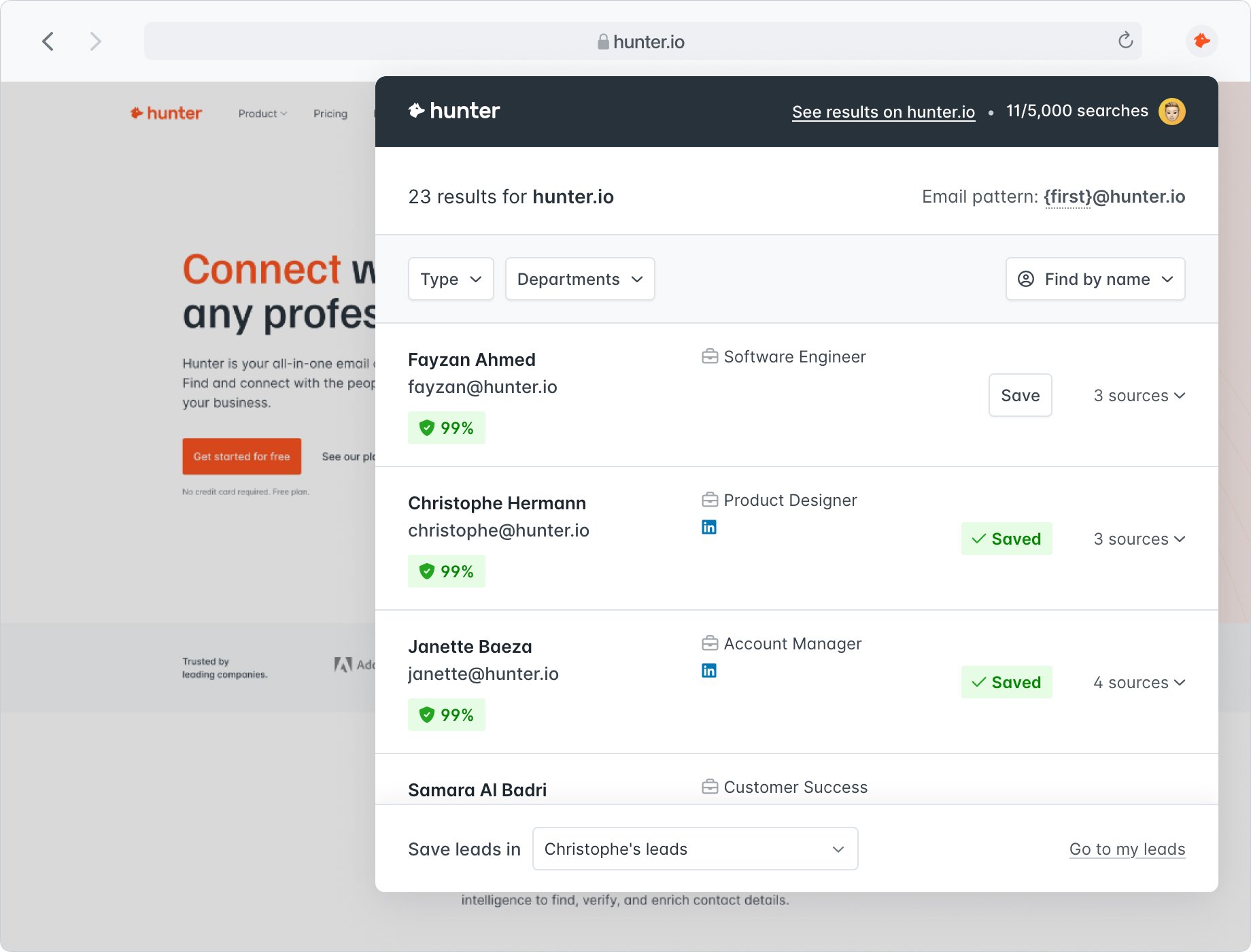
Hunter.io specializes in discovering and verifying business emails linked to Twitter profiles via domain or username lookup. Marketers paste handles or domains into the platform, then Hunter returns validated addresses, enrichment data (company, role), and confidence scores. Its Campaigns feature lets you sequence cold emails, track opens/clicks, and sync replies—all from one dashboard.
Pros
- High accuracy: 95%+ email verification success rate minimizes bounce risk
- GDPR‑compliant sourcing: Publicly available data with built‑in opt‑out handling
- Integrated Campaigns: Build, send, and track email sequences without additional tools
Cons
- Not native to Twitter: Requires manual import of handles or CSV uploads
- Campaign credits: Email sends consume search/verification quotas
- Limited beyond email outreach: No social‑listening or DM automation
Pricing
- Free: 25 searches / 50 verifications per month
- Starter: $49/user per month for 500 searches / 1,000 verifications
- Growth: $149/user per month for 5,000 searches / 10,000 verifications
- Scale: $299/user per month for 10,000 searches / 10,000 verifications
4. Snov.io
Rating
⭐⭐⭐⭐⭐ (449 reviews)
Overview
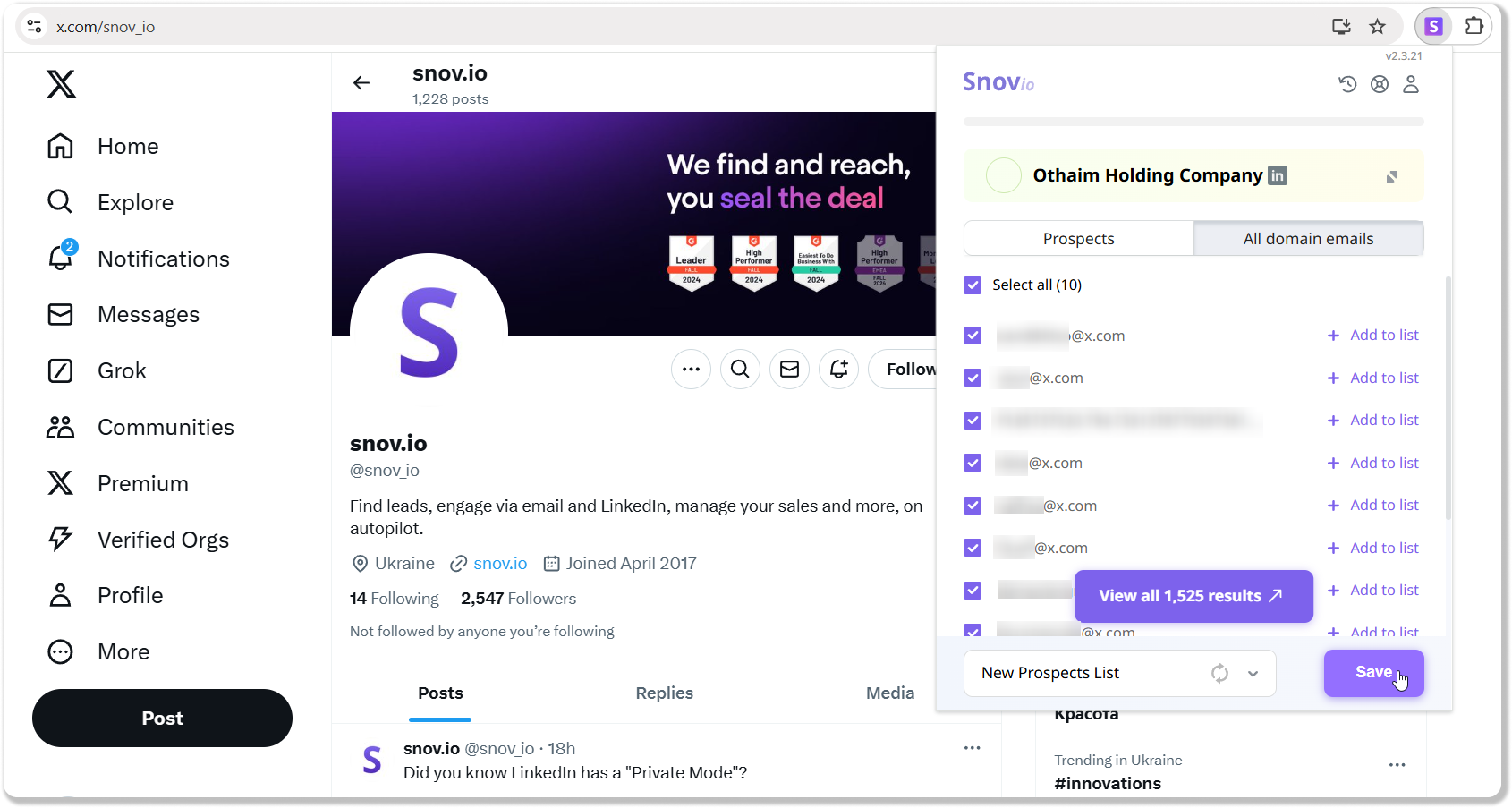
Snov.io's Chrome extension works natively on Twitter (X). Just install the Email Finder, visit any profile or search results page, click the icon, and it instantly reveals verified email addresses along with role and company data. Bulk upload handles or domains to enrich lists via CSV or API, then launch drip‑email campaigns and track opens—all without switching tools.
Pros
- Native Twitter support: Find emails directly from any profile or search page
- Bulk & API enrichment: Upload lists of handles for mass processing and integration with your tech stack
- Drip‑campaign module: Send and track cold emails without leaving the platform
Cons
- No DM sequencing or social‑listening features
- Credit usage can add up on high‑volume campaigns
- UI can feel dated compared to newer SaaS interfaces
Pricing
- Free: 50 email credits per month (forever)
- Starter: $39/user per month for 1,000 credits
- Pro: $99/user per month for 5,000 credits
- Custom: Enterprise plans with higher limits and dedicated support
5. Tweet Hunter
Rating
⭐⭐⭐ (3 reviews)
Overview
Tweet Hunter is a dedicated Twitter growth platform combining AI‑driven content suggestions, scheduling, analytics, and a built‑in CRM. Users tap into a library of over 2 million top‑performing tweet templates, receive daily AI‑drafts tailored to their audience, and organize leads into lists—enabling outreach and engagement tracking all within one dashboard.

Pros
- AI‑powered tweet drafts: Automatically generate custom tweet ideas to boost engagement
- Integrated scheduler & analytics: Plan your content calendar and measure performance without exporting data
- Lightweight CRM: Tag and track prospects directly alongside content workflows
Cons
- Twitter‑only focus: Lacks multichannel outreach or enrichment beyond Twitter
- AI features gated: Requires Grow plan or higher for AI drafts
- Enterprise pricing steep: $200/user per month may deter small teams
Pricing
- Discover: $29/user per month (billed monthly)
- Grow: $49/user per month
- Enterprise: $200/user per month
Conclusion
👉🏼 Try folk now to manage sequenced DMs and never miss a follow-up when converting tweets into qualified leads.
Selecting the Best twitter lead generation tool comes down to your team's priorities: folk CRM excels at real‑time CRM enrichment and seamless workflow integration for mid-sized sales teams of 20-50 people, PhantomBuster automates complex workflows, Hunter.io guarantees high‑accuracy emails, and Tweet Hunter drives content‑led growth. Map each tool's strengths against your ROI goals—whether speed, scale, or precision—and convert every tweet into a qualified opportunity!
FAQ
How to find someone's Twitter email?
Check the bio and linked website first. If not listed, use an email finder with verification (handle or domain lookup), then enrich and log the contact in a CRM. Collect only public data, honor opt-outs, and comply with GDPR/CAN-SPAM.
How do I export my Twitter following list for free?
Twitter lacks native CSV export. Request your account data to download followers/following JSON and convert to CSV, or copy usernames from the Following page into a sheet. Avoid automation that violates Twitter terms.
What is the best Twitter lead generation tool?
It depends on goal. For real-time profile capture, enrichment, and outreach tracking, use a CRM like folk. Choose scrapers for large-scale data, email finders for verified addresses, and content tools for growth.
What are best practices for Twitter lead generation?
Define ICP, track intent keywords, engage with value, save profiles to a CRM, verify emails, personalize DMs or emails, space follow-ups, and respect Twitter rate limits and privacy laws.
Discover folk CRM
Like the sales assistant your team never had