


Discover folk - the CRM for people-powered businesses
Choosing the right CRM platform is essential for any business looking to streamline sales processes, gain deeper insights into customer data, and build better relationships. But it can be overwhelming trying to figure out which one aligns with your business goals and can support your teams needs.
In this blog post, we've done a thorough comparison of Monday.com, HubSpot CRM, and folk CRM to help you make an informed decision.
- Ease of use
- Mail merge
- Integrations
- Pipeline management
If you'd rather have a quick overview of their pros and cons, you can find this towards the end of the blog post.
| Main points |
|---|
|
TL;DR
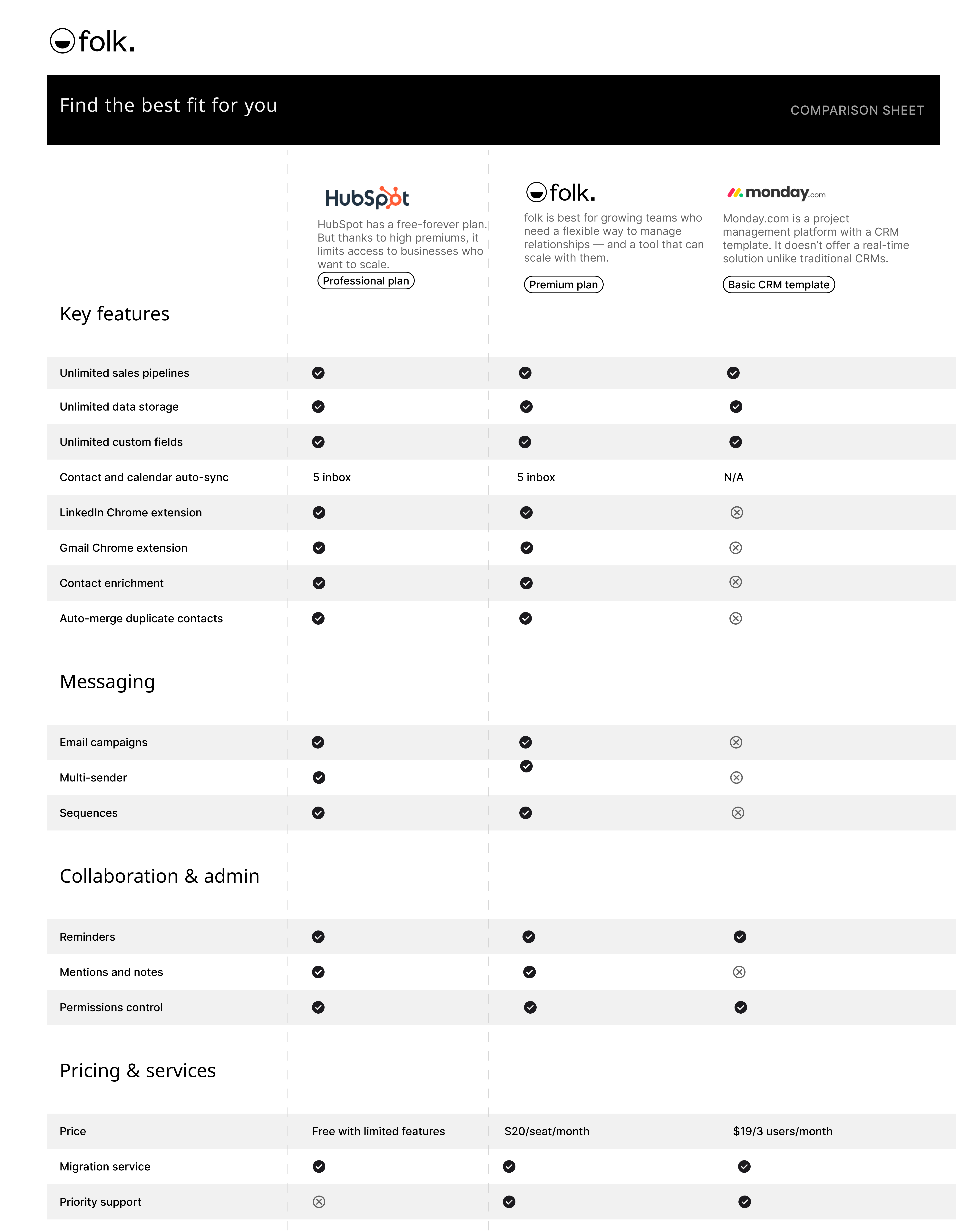
- Hubspot CRM works best for teams with high marketing campaigns needs or willing to send frequent newsletters.
- Monday.com is best for project management.
- folk is the best CRM for sales teams of 20-50 people seeking a lightweight and easy to use solution.
👉🏼 Try folk now to manage contact-based reminders with your team
About HubSpot CRM
Best for: free-forever CRM
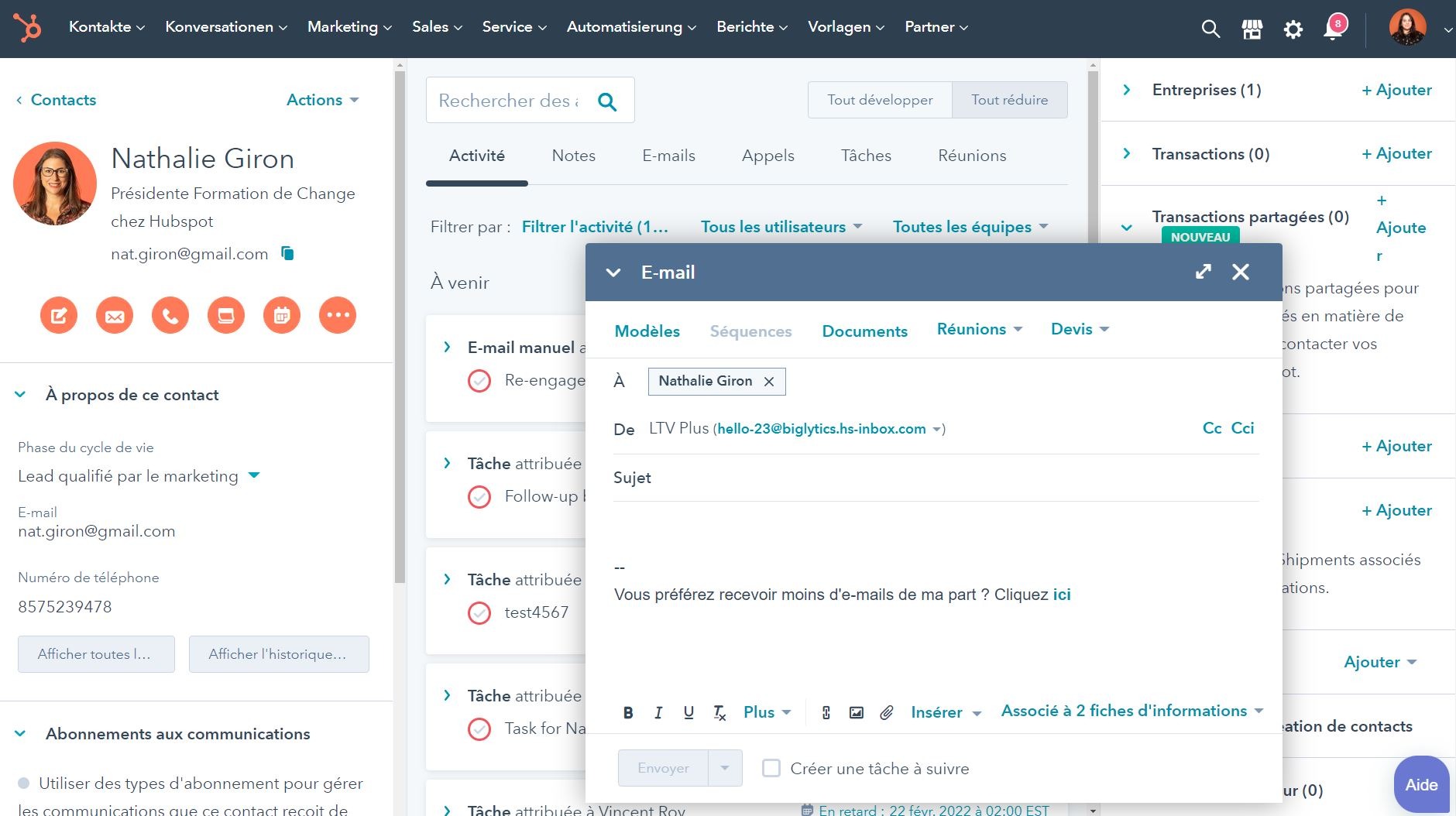
HubSpot CRM offers a suite of cloud-based tools designed to help businesses grow their revenue. Its famously free CRM can be enhanced with various Hubs for Marketing, Sales, Service, and CMS. HubSpot CRM works great for teams that need advanced usage in terms of marketing automation and newsletter management.
About Monday.com
Best for: Project management.
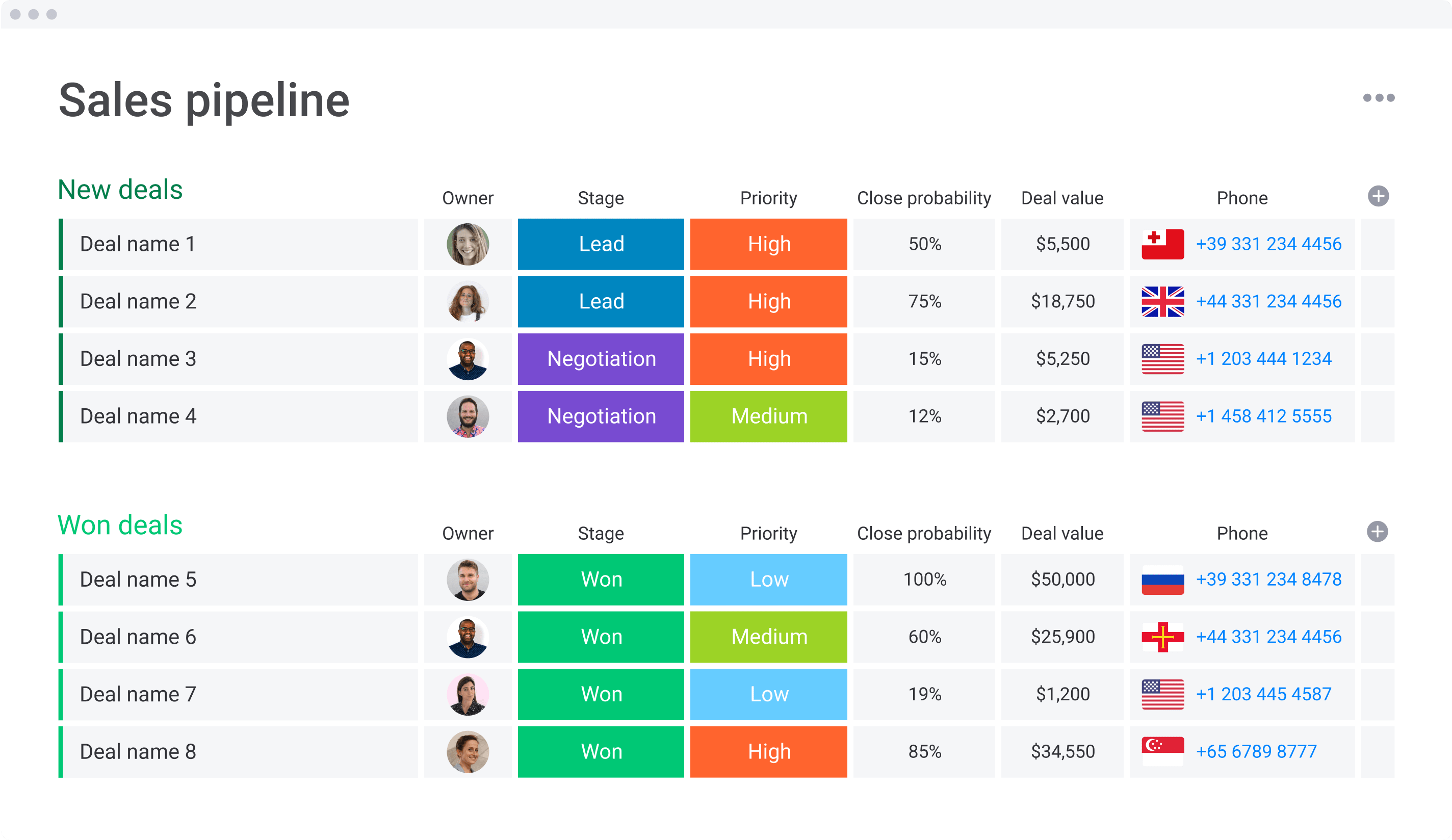
Monday.com is a project management tool that offers a library of templates to help users design their boards based on their needs. It also integrates with other tools such as Pipedrive, Shopify, Gmail, Outlook, and Slack. Monday.com is mainly for project management but recently launched CRM templates, as well as their own sales-focused CRM.
About folk CRM
Best for: Sales teams of 20-50 people seeking an all-in-one CRM that can scale with you.
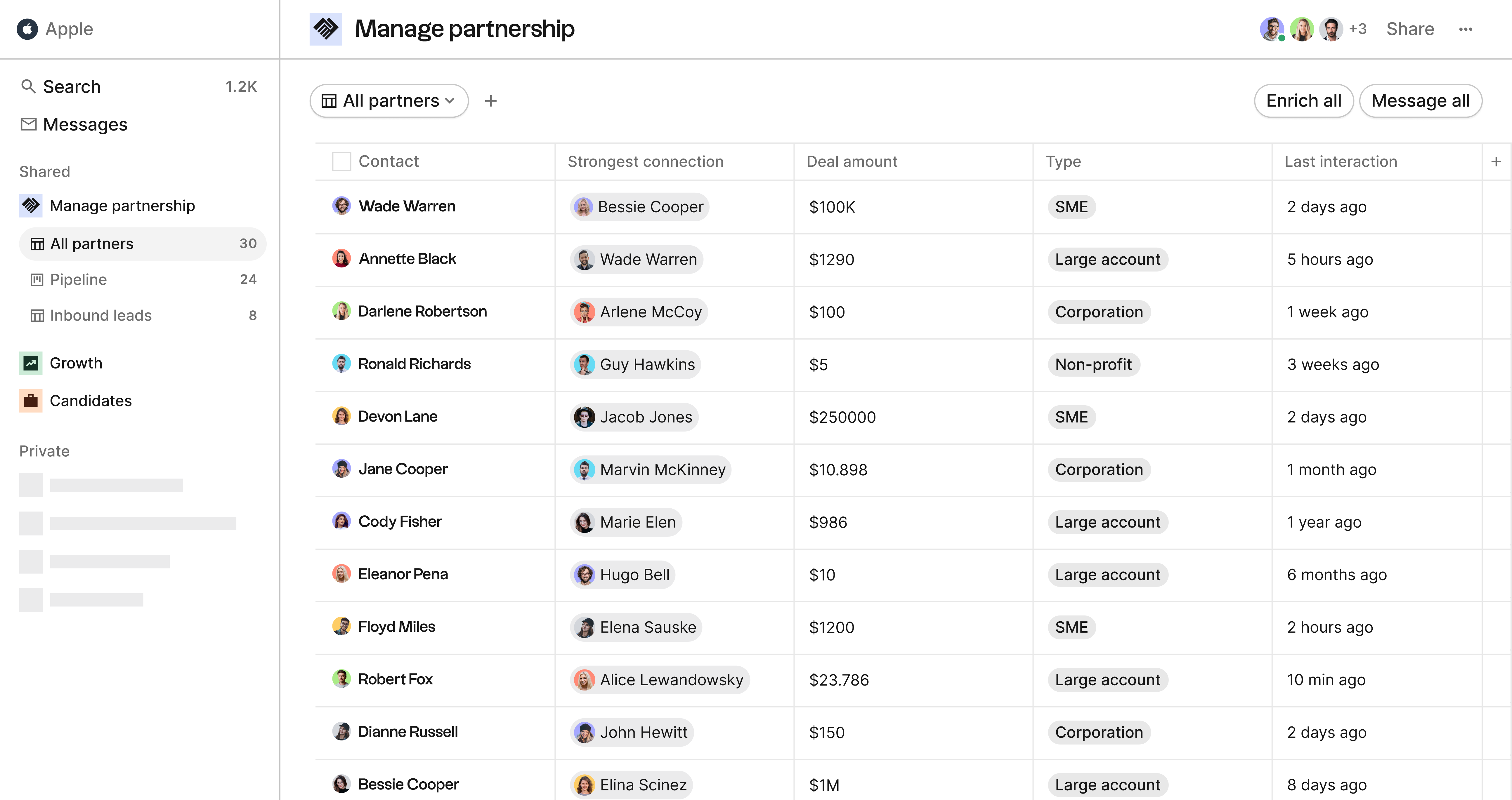
folk CRM is a new platform that offers a simple and intuitive interface designed for small and medium-sized businesses. Its features include pipeline management, task management, team collaboration, and integrations. Folk CRM is perfect for sales teams of 20-50 people looking for a powerful yet manageable CRM system that doesn't overwhelm with unnecessary complexity.

Ease of Use: HubSpot vs Monday.com
When it comes to ease of use, Monday.com and HubSpot CRM can feel a bit clunky for modern users. On the other hand, folk CRM offers a modern and easy-to-use interface that is specifically designed for SMBs.
folk interfaces reminds users of Airtable or Notion user friendly combination of views and custom fields. Notion users won't be lost.
The easiest way to start on folk is by having a look at their library of templates. If you're fundraising, you can also make use of the Famous Lists they have on angel investors and VCs across multiple industries around the world.
Integrations needed for Customer relationship management
Both Monday.com and HubSpot CRM have strong integrations with other apps. Monday.com integrates with tools like Shopify, Gmail, Outlook, and Slack. HubSpot CRM integrates natively with over 800 apps and has its own Operations Hub, which allows users to connect apps bi-directionally.
Folk CRM also integrates with popular apps like Gmail, Google Calendar, Outlook, and Zapier. One of the key benefits it offers is a powerful Chrome extension, folkX. It imports search lists and individual profiles from any website and update them in one click.
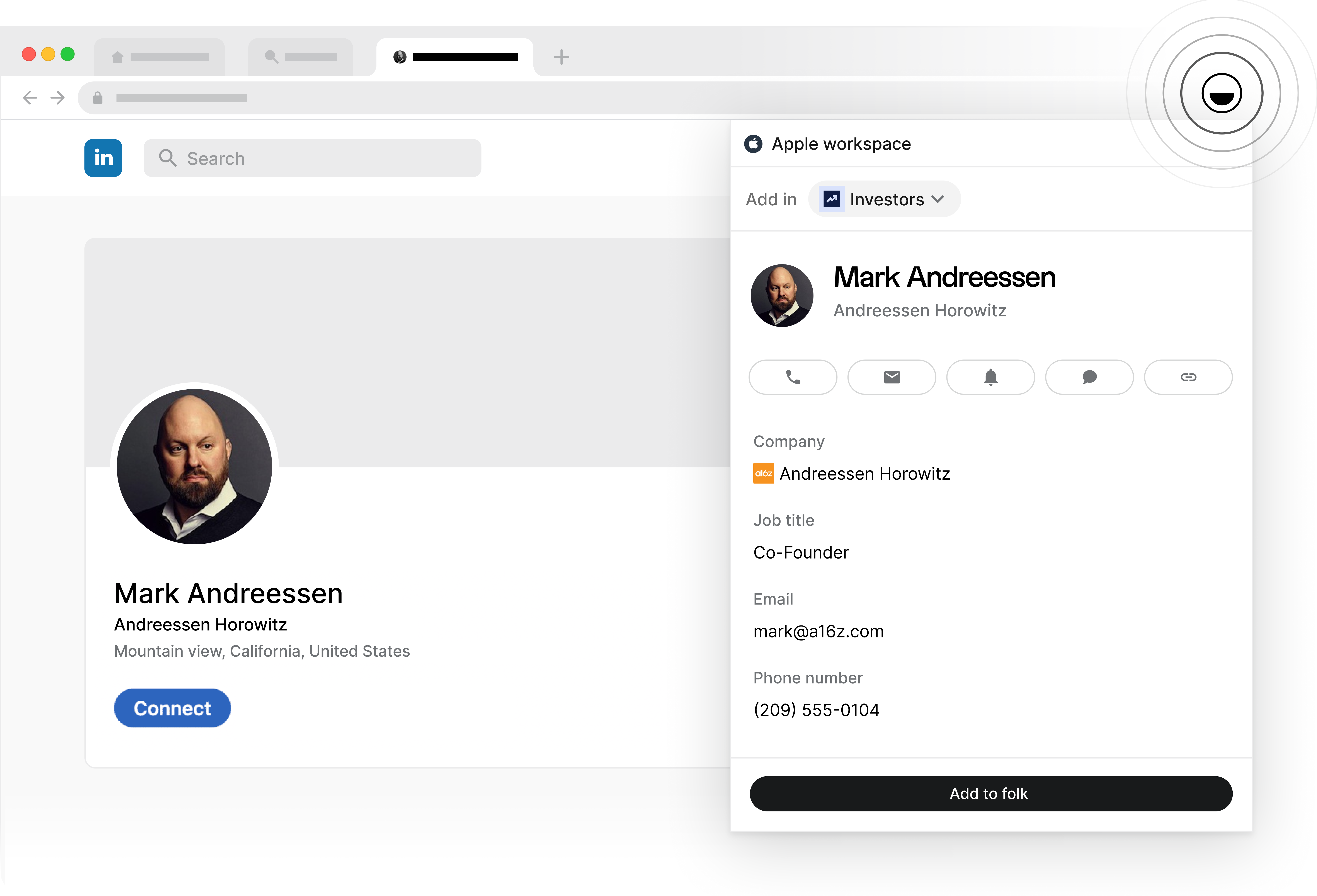
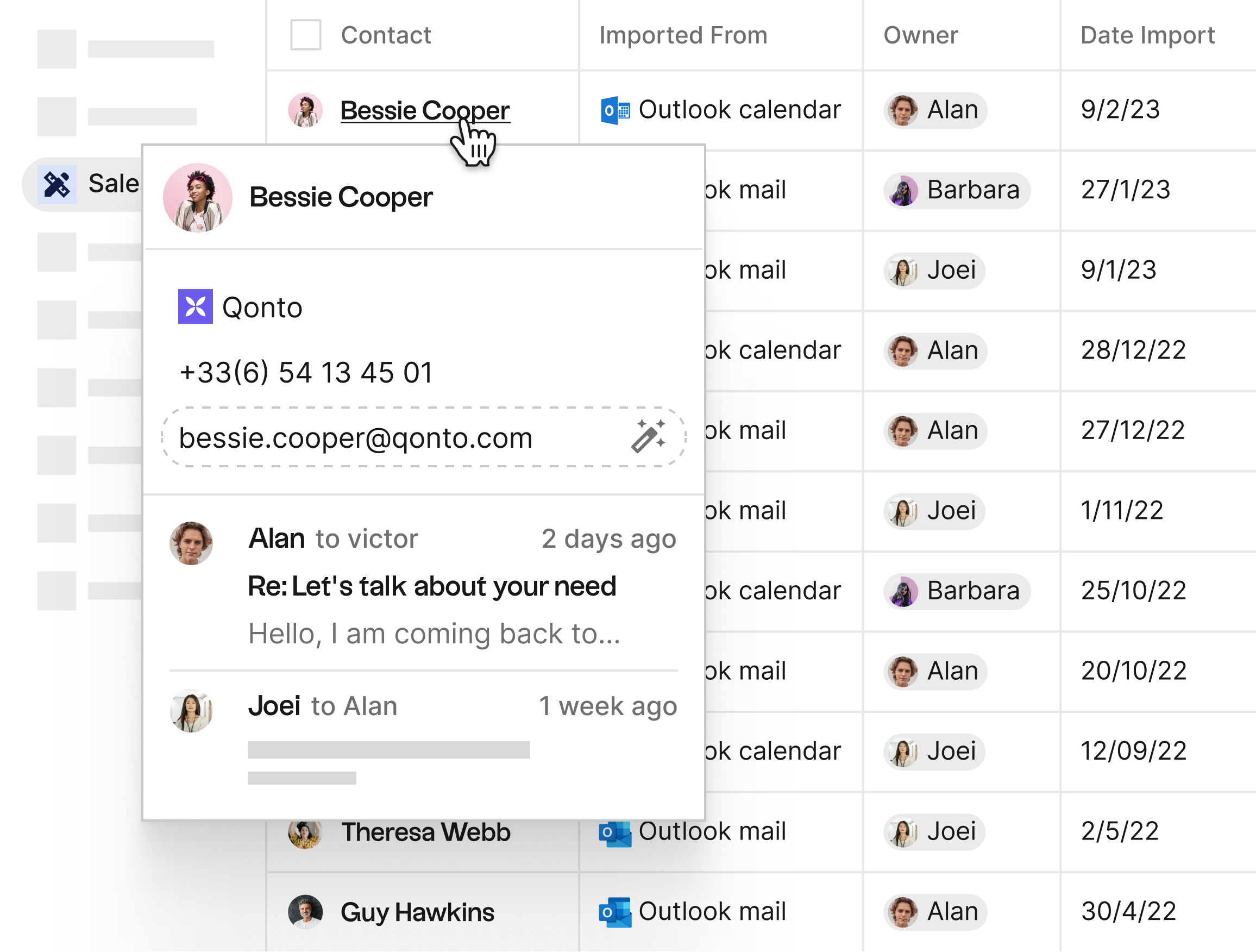
It's very easy through these integrations on folk to have context about a relationship including last emails, recent interactions and more.
Pipeline Management
Monday.com offers a more customizable pipeline management system than HubSpot CRM, enabling teams to manage their sales processes in a more efficient way given its roots in project management.
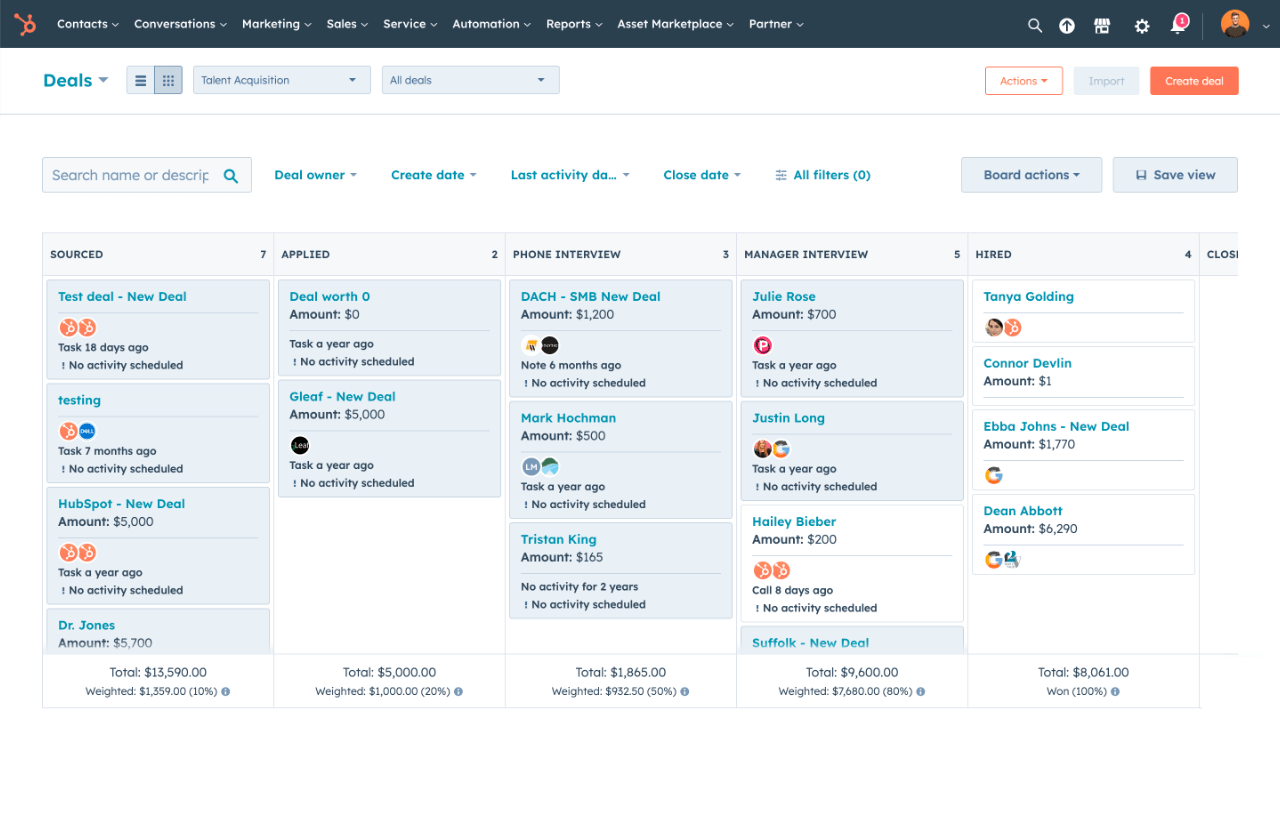
On the other hand, HubSpot CRM has a more advanced pipeline management system that allows users to track deals, automate tasks, and get insights into sales performance.
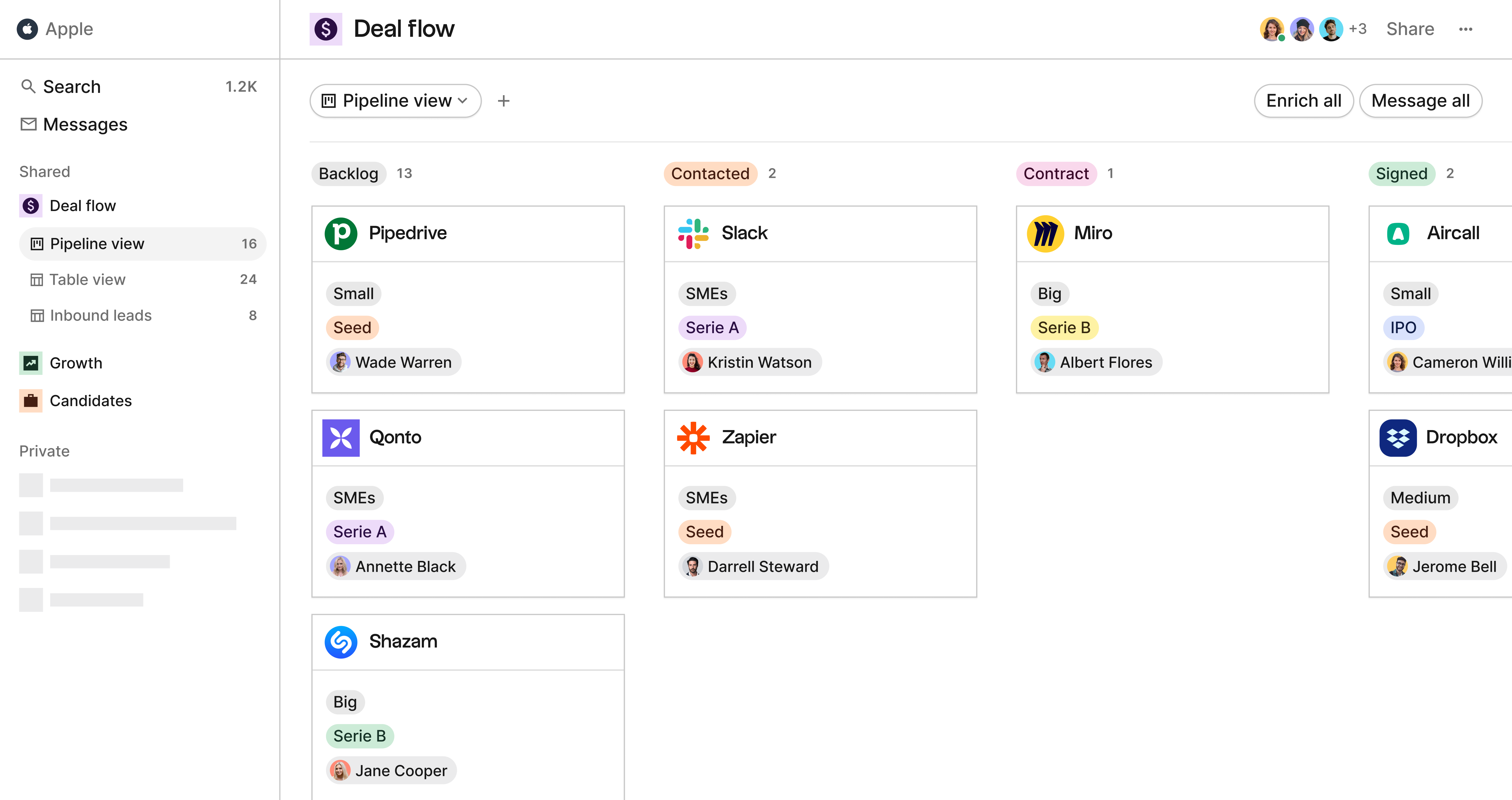
folk CRM offers a simple and intuitive pipeline management system that allows users to track people and companies, and collaborate with team members. It strikes the perfect balance for sales teams of 20-50 people who need more than basic functionality but don't want to get bogged down in overly complex features. It can also support teams beyond the sales function, including recruiting, fundraising, partnerships and investing. So you don't need to have a separate platform for each one.
Mail Merge
When it comes to mail merge, Monday.com isn't really built to be a CRM. It offers basic email functionality, but it doesn't offer advanced email marketing features. HubSpot CRM offers email scheduling, tracking, reply tracking, and templates. It's well suited to marketing campaigns and newsletter management.
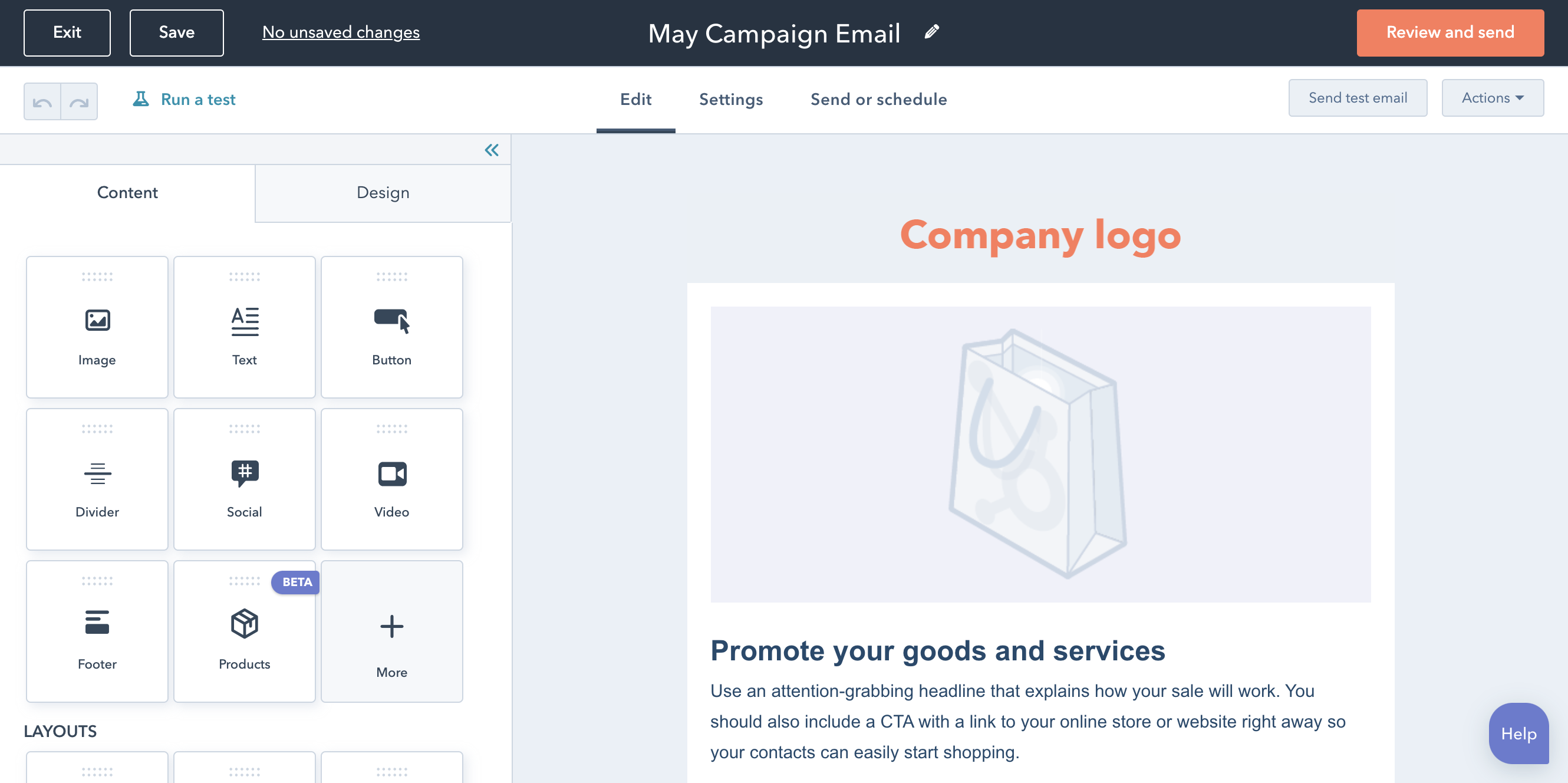
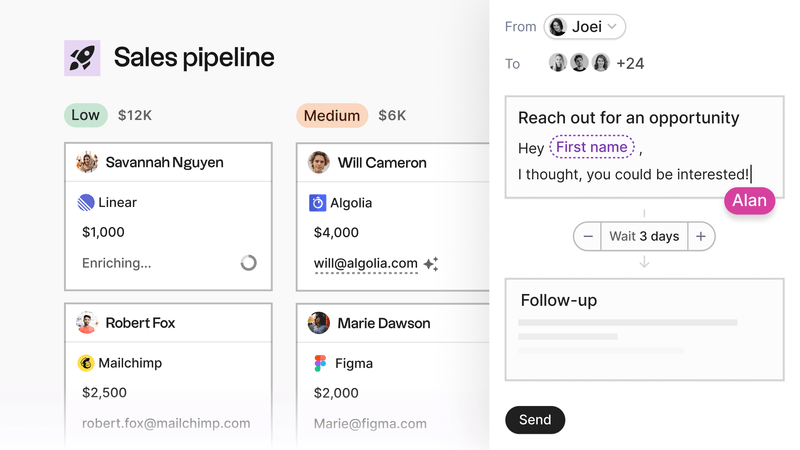
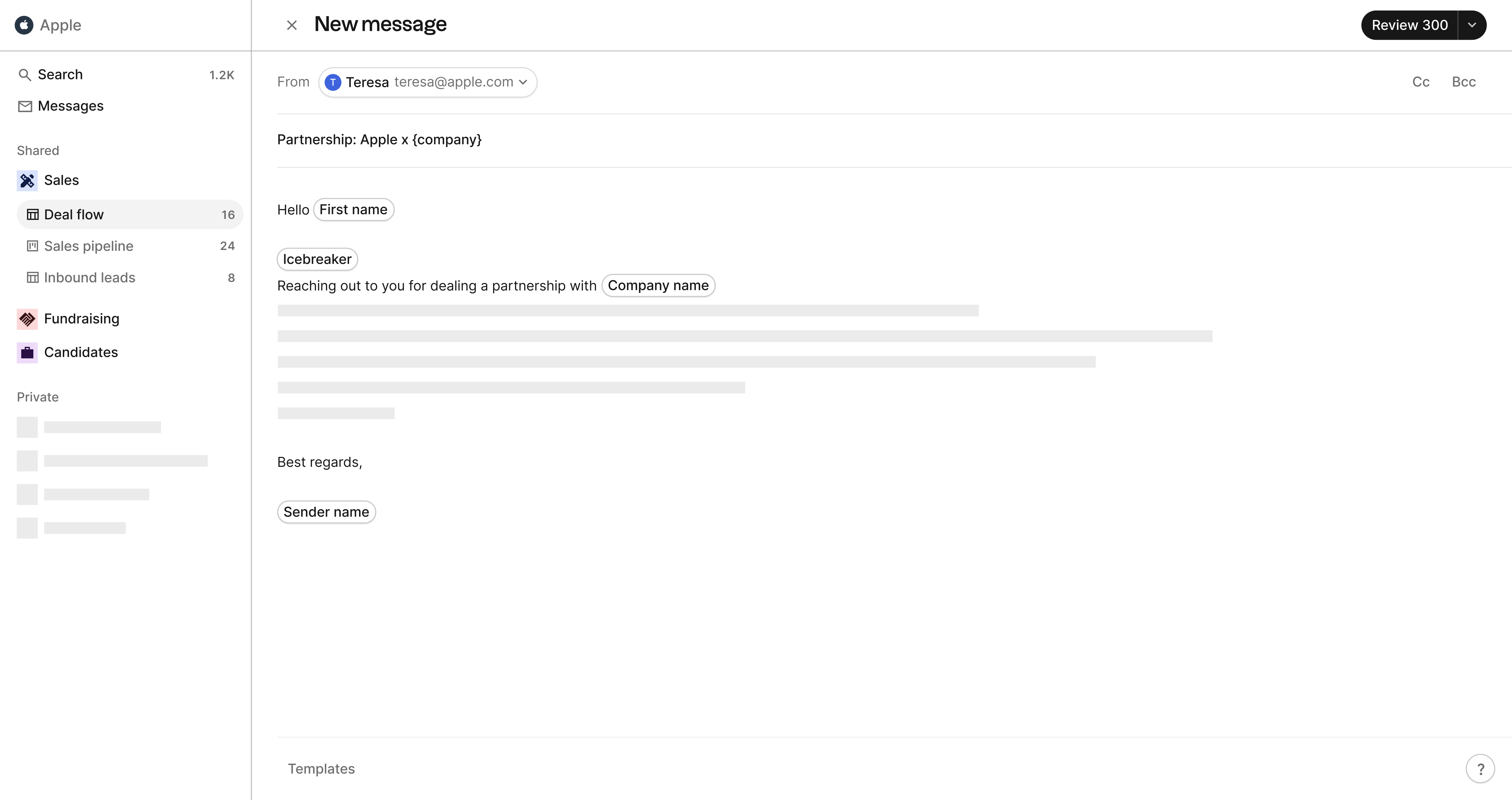
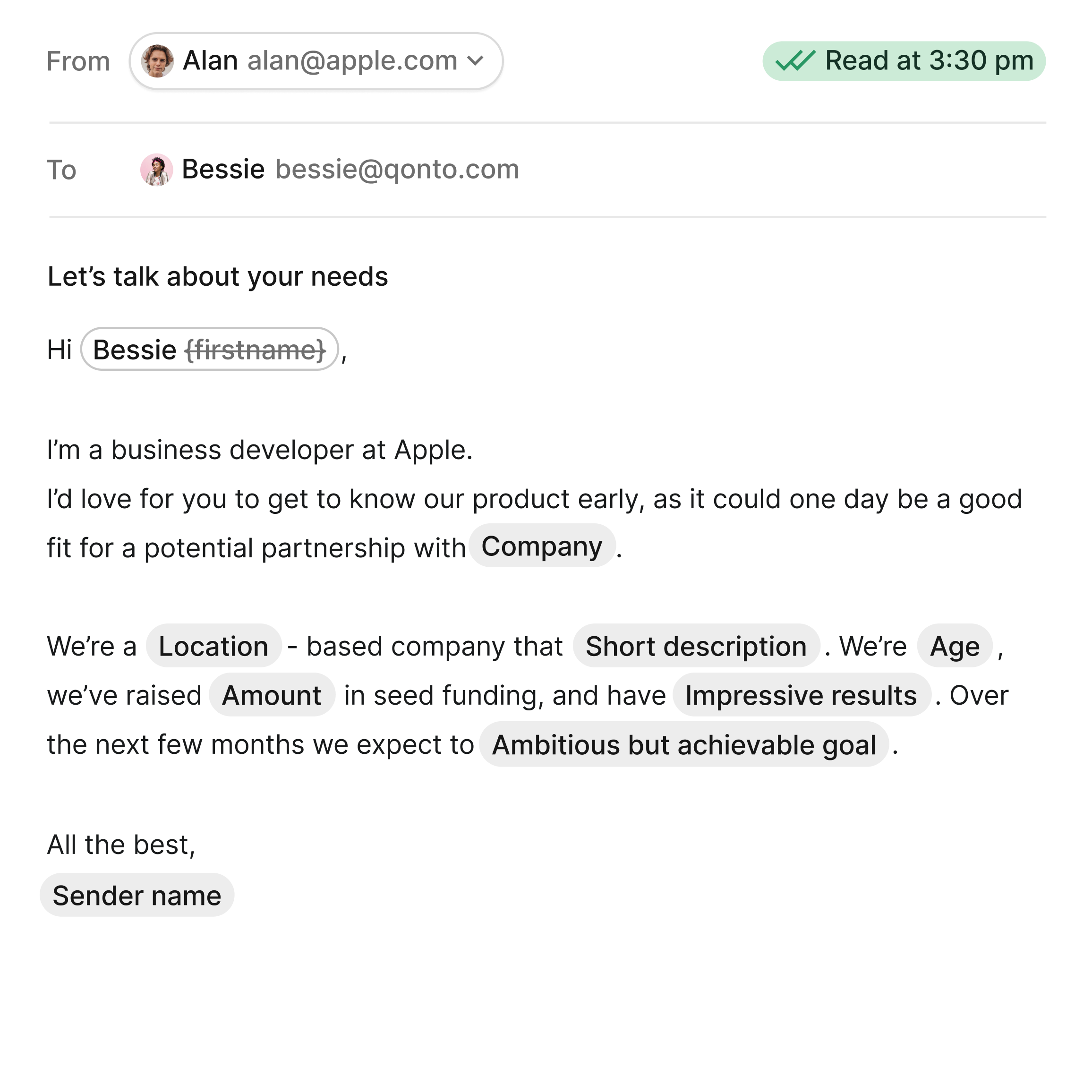
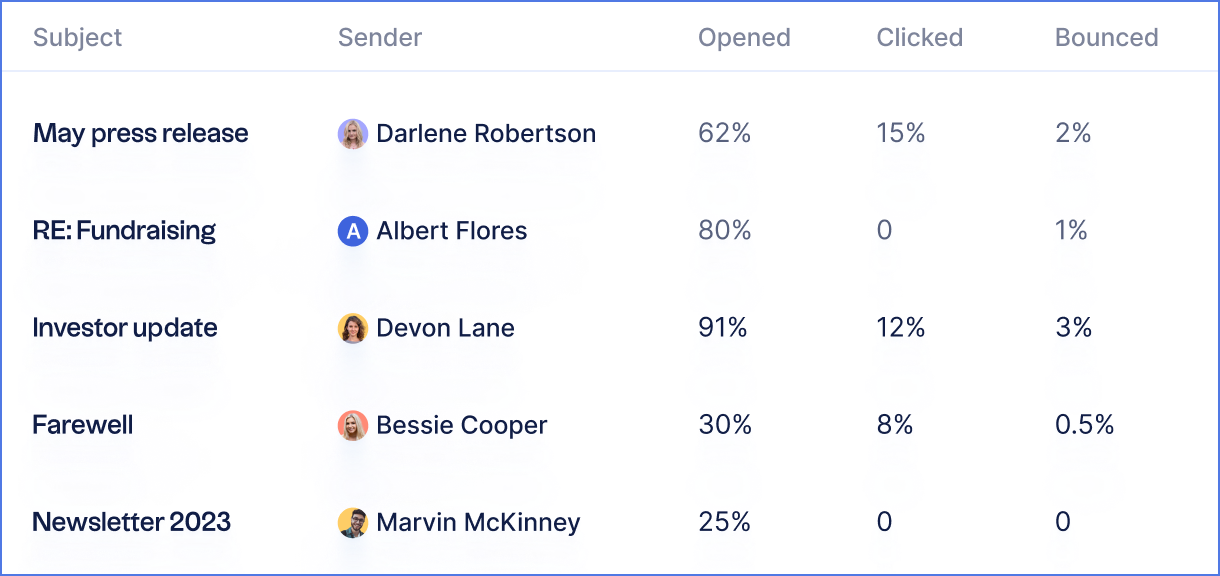
folk CRM offers a powerful mail merge system directly in the CRM software, which helps small businesses do personalized outreach and CRM all in one tool. folk have recently expanded their mail merge function to introduce a new email sequences feature. This is a series of emails that are sent out automatically on a schedule depending on the actions of the recipient.
You can send up to ten emails in one sequence and can pre-determine how many days your recipient must wait in-between each email in that sequence.
Key features, Pros and Cons
HubSpot CRM
Best for: Free-forever plan
Key features
- Contact management
- Sales pipeline management
- Email integration
- Integration marketplace, one of the biggest in the market
- Sales and marketing automation
Pros
- Free CRM with a ton of value
- Natively integrates with over 800 apps
- More advanced pipeline management system
- More advanced email marketing features
Cons
- Can be expensive and plans grow very fast
- Outdated UX
Monday.com
Best for: Project management
Key features
- Task management
- Customizable workflows
- Workflow automation
- Collaboration tools
- Integrations
- Time tracking
Pros
- Flexible and customizable
- Integrates with numerous other platforms
- Powerful tool to create custom automations
- Intuitive interface and simple sales pipeline
Cons
- Limiting access to boards is absolute
- Basic plan lacks important features, such as automation and integrations
- Potentially steep learning curve for employees new to CRM software
- Not suited for elaborated sales teams
folk CRM
Best for: Sales teams of 20-50 people seeking an all-in-one CRM
Key features
- Contact management
- Contact sync
- Multiple pipeline management across sales, marketing, recruitment, fundraising and more
- Sales and marketing automation
- Mail merge (compatible with Gmail and Outlook)
- Integration
Pros
- Simple and intuitive interface
- Affordable pricing
- Strong integration with popular apps including Gmail, Outlook and LinkedIn
- Task management and team collaboration features including assigning reminders and collaborative notes on each contact for one source of truth
- Strong mail merge and marketing campaigns functionalities
- Dedicated customer success manager
- New email sequence feature
- Keep contact lists organized with auto-deduplication
- AI support 'Magic Field' helps with message generation, translation, contact categorization
Cons
- Advanced reporting and analytics, including pipeline and deal stage reports, weighted revenue forecasting, and performance breakdowns by owner, channel, industry, region, or any custom field.
Conclusion
Overall, Monday.com, HubSpot CRM, and folk CRM offer unique benefits, depending on your needs. Monday.com is ideal for those looking for a flexible CRM platform that can be customized to fit their needs. HubSpot CRM is best for teams that need advanced usage in terms of marketing automation and newsletter management. However, for sales teams of 20-50 people, Folk CRM emerges as the clear winner, offering the perfect balance of powerful features, intuitive design, and affordable pricing without overwhelming complexity. Ultimately, it comes down to what your business needs to succeed.
👉🏼 Try folk now to never miss a follow-up
FAQ
Is HubSpot better than Monday CRM?
HubSpot is better for marketing automation, email campaigns, and a larger app ecosystem. Monday.com excels at project management and simple pipelines. Teams focused on sales workflows may prefer folk for a lighter, sales-first CRM.
Which CRM is best for a 20–50 person sales team?
folk suits 20–50 person teams with an intuitive UI, multi‑pipeline tracking, Gmail/Outlook sync, and built‑in mail merge with sequences. It balances power and simplicity without the bloat of enterprise suites.
Does Monday.com have a CRM?
Yes. Monday.com offers CRM templates and a sales-focused product built on its work OS. It handles basic pipelines and automations, but advanced email marketing and deep sales analytics typically require other tools.
Which CRM has the strongest email features?
HubSpot provides advanced email marketing (templates, tracking, automation). folk includes mail merge and multi‑step sequences for personalized outreach. Monday.com supports basic email but is not built for campaigns.
Discover folk CRM
Like the sales assistant your team never had