In case you missed it, there are a couple of small but important upgrades to how you manage team permissions and visibility within folk.
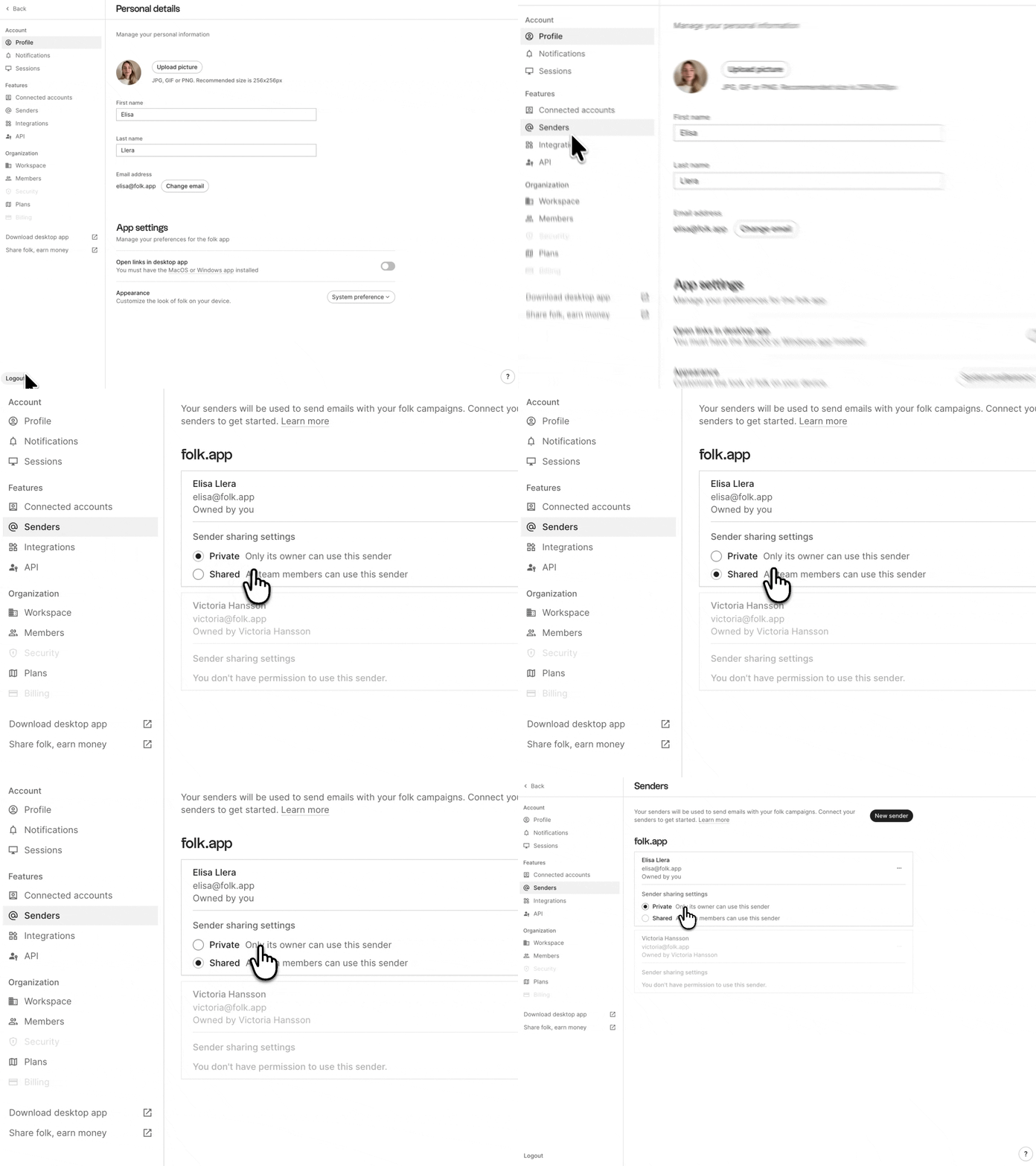
More control over campaign senders
You can now choose who can use an email sender you own:
By default, new senders will be private, so you stay in control. Existing senders in your workspace will remain shared to avoid disrupting your current workflows, unless you choose to edit them. Learn more.
Better visibility for admins
Make sure your team isn’t missing an opportunity. Admins and workspace owners can now see a read-only overview of your team’s connected accounts, like email, calendar, or WhatsApp. These updates are designed to give you more clarity as your team grows, while still protecting their data. Get more details.
%20(1).gif)
Have any questions or concerns? Reach out to us directly.


