


.webp)
Discover folk - the CRM for people-powered businesses
Overview
Looking for a multi-channel outreach tool that goes beyond LinkedIn? Meet Alfred combines LinkedIn automation with cold email, Twitter messaging, and campaign personalization to help you streamline lead generation and save time on repetitive sales tasks.
👉🏼 Try folk now to centralize multi-channel outreach and pipeline tracking for 20–50 person teams.
In this review, we'll explore Meet Alfred's key features, pricing, pros and cons, and the kinds of teams it's best suited for. If you're weighing up outreach platforms and need a flexible alternative to Dripify or Waalaxy, this will help you decide if Meet Alfred is a better fit.
For medium-sized sales teams of 20-50 people seeking comprehensive outreach automation with CRM integration, folk CRM stands out as the superior choice.
| Main points |
|---|
|
What is Meet Alfred?
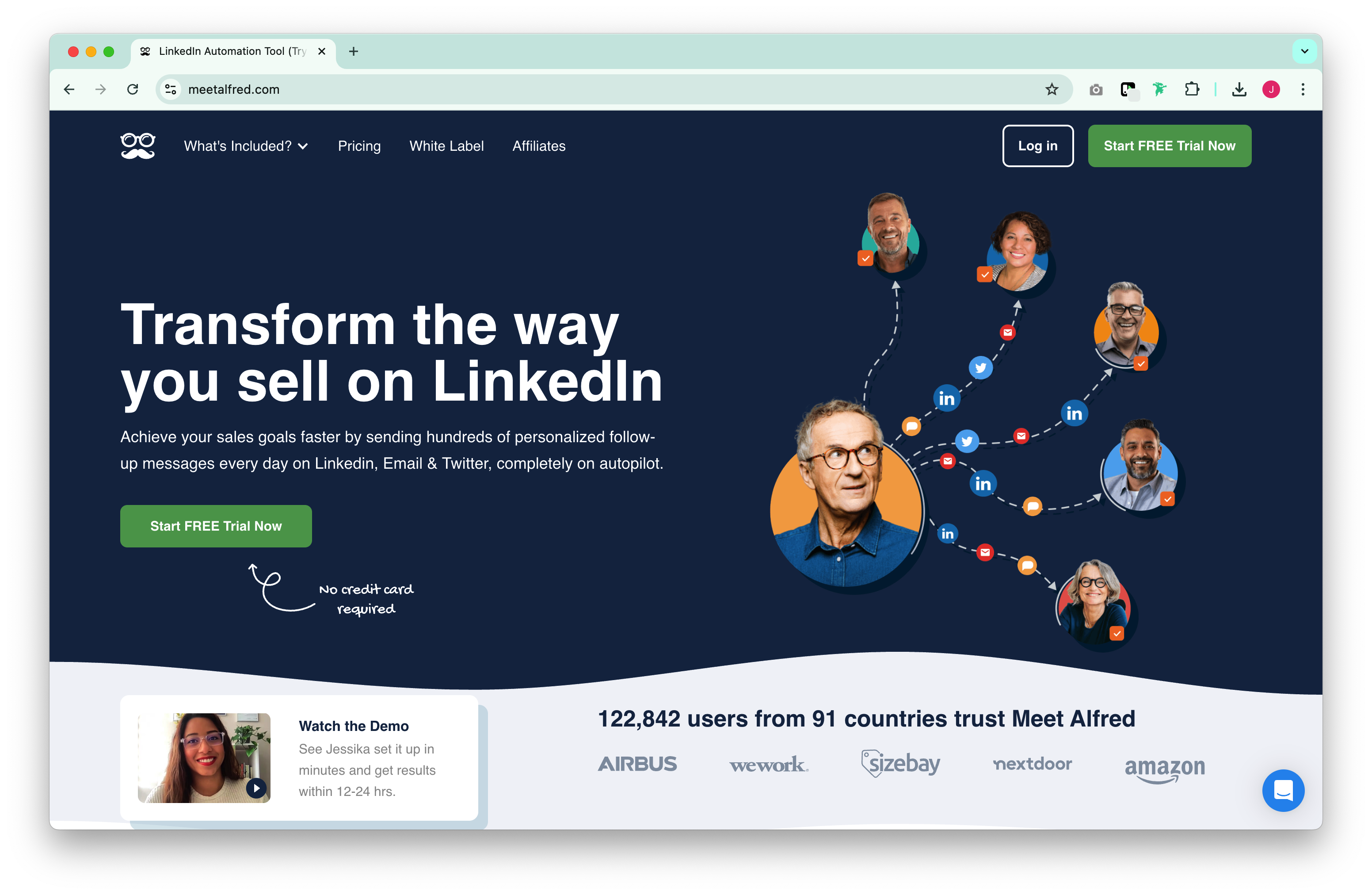
Meet Alfred is a LinkedIn automation platform with broader multi-channel capabilities. It helps sales professionals, marketers, and recruiters engage leads through LinkedIn, email, and Twitter, all from a single dashboard. It also includes a built-in LinkedIn CRM, team management tools, and a message personalization engine.
Compared to more narrowly focused tools, Meet Alfred offers more ways to reach your audience and supports larger teams through campaign roles, permissions, and performance tracking.
Who is it for?
Meet Alfred works best for:
- Outbound sales teams: Multi-step campaigns with LinkedIn + email + Twitter support.
- Recruiters: Personalized sequences and contact tracking make it easy to engage passive candidates.
- Agencies: Supports multiple users and clients with centralized performance insights.
It's less suitable for teams who need comprehensive pipeline management or deal tracking, or those looking for a simple, lightweight outreach tool. For sales teams of 20-50 people requiring both advanced outreach automation and robust CRM functionality, folk CRM provides a more complete solution tailored specifically for medium-sized teams.
Key Features of Meet Alfred
Meet Alfred offers a wide suite of features for automating outreach across multiple channels:
- Multi-channel campaigns: Combine LinkedIn, cold email, and Twitter in one sequence
- InMail & Twitter automation: Extend reach beyond standard LinkedIn limits
- Built-in CRM: Organize leads, tag contacts, and view activity history
- Message personalization: Use variables to auto-fill content by industry, name, or location
- Team roles and permissions: Assign campaign responsibilities and collaborate securely
- Templates & automation rules: Save time with proven outreach flows
- 3,000+ integrations via Zapier: Connect with your CRM, calendar, or sales stack
Pros of Meet Alfred
- Multi-channel campaigns: Outreach via LinkedIn, email, and Twitter in one flow.
- Integrated LinkedIn CRM: Track, tag, and organize leads inside Alfred's dashboard.
- InMail and Twitter DM support: Extend beyond basic LinkedIn actions.
- 3,000+ integrations via Zapier: Easy to connect with other tools.
- Built-in personalization engine: Auto-fills content based on lead traits.
Cons of Meet Alfred
- Less modern UI: Compared to newer tools, the interface can feel dated.
- Overwhelming for solo users: The range of features may be more than needed for small teams.
- Limited reporting depth: Insights are available but not as granular as full CRMs.
A deeper look at Meet Alfred
1. Getting started
After creating an account, Meet Alfred walks you through campaign setup with suggested templates. You can set up LinkedIn steps (visit, connect, message), email follow-ups, and even Twitter DMs in one sequence. Campaigns can be triggered manually or launched via automation rules.
2. Outreach automation
Meet Alfred supports a wide range of automated actions:
- Profile visits, connection requests, messages
- Cold email sequences with timing controls
- InMail messages
- Personalized greetings and auto-replies
It also includes a message library, dynamic personalization fields, and templates tailored by industry or persona.
3. LinkedIn CRM & team tools
Users can track contact history, tag leads, and manage audience segments within Meet Alfred's own CRM interface. On the Teams plan, managers can assign roles, monitor performance, and view campaign stats in a shared workspace.
Pricing
Meet Alfred offers three plans, all with access to multi-channel outreach. Prices shown below are based on annual billing:
Basic – $29/month
Great for individuals automating LinkedIn with limited steps.
- LinkedIn automation
- Message personalization
- CRM dashboard (basic)
Email support
Pro – $49/month
For users running multi-step campaigns across LinkedIn and email.
- Everything in Basic
- Cold email outreach
- InMail support
- Analytics and templates
Teams – $69/month
Designed for growing teams needing collaboration and management tools.
- Everything in Pro
- Role-based team access
- Campaign approval workflows
- Advanced performance insights
- Dedicated support
Each plan includes a 7-day free trial. Plans are billed annually; monthly billing is also available at slightly higher rates.
Conclusion
Meet Alfred is a flexible and feature-rich platform for multi-channel outreach. With LinkedIn, email, and Twitter integration in one place, it's especially valuable for teams that want to diversify their prospecting strategy without juggling multiple tools. However, for sales teams of 20-50 people who need both powerful outreach automation and comprehensive relationship management, folk CRM emerges as the superior choice, offering better integration, team collaboration features, and pipeline management specifically designed for medium-sized sales organization.
👉🏼 Try folk now to never miss a follow-up and manage team pipelines alongside LinkedIn automation.
FAQ
Is Meet Alfred a CRM?
It includes a basic LinkedIn‑focused CRM for contacts and messaging, but lacks deal pipelines and stage‑based tracking. Pair it with a dedicated CRM or try folk CRM for 20–50 person teams.
Is Meet Alfred safe to use with LinkedIn?
It uses activity limits and timing to mimic human behavior, which reduces the risk of restrictions. For safety, keep actions within LinkedIn limits and avoid running multiple automation tools at the same time.
How much does Meet Alfred cost?
On annual billing: Basic $29/month, Pro $49, Teams $69. All plans include multi‑channel outreach and a 7‑day free trial. Monthly billing is available at higher rates.
What is a good alternative to Meet Alfred for mid-sized sales teams?
For 20–50 person sales teams needing outreach plus robust pipelines, folk CRM offers collaborative pipelines, contact enrichment, email sequences, and integrations built for mid‑sized teams.
Discover folk CRM
Like the sales assistant your team never had