


Discover folk - the CRM for people-powered businesses
Email is still where most B2B deals move forward – and where most teams lose track of what was promised. When every rep juggles Gmail or Outlook, sequences, and spreadsheets, the right CRM for email integration becomes a make-or-break decision.
folk CRM and Clarify both position themselves as modern CRMs built for revenue teams that live in their inbox. The comparison looks at how each tool handles email sync, tracking, templates, automation, and multi-channel workflows so sales leaders can decide which CRM actually wins on email for their stack and team size!
Why a CRM with an Email Integration Matters in 2026?
In 2026, deals still move forward in email. Prospects reply from their inbox, loop in their boss, change scope, push timelines. If these exchanges stay stuck in personal Gmail or Outlook accounts, reps lose context, managers guess, and handovers become painful. A CRM with strong email integration pulls everything into one shared view so anyone can open a deal and instantly see what was said, to whom, and when.
It also makes email less random and more predictable. With tracking, reminders, and templates connected to live CRM data, reps know who to follow up with, which message to send, and whether their outreach actually lands. Leaders, in turn, get real numbers instead of gut feelings.
Why it matters now?
- Every deal has a complete, shared conversation history
- Follow-ups happen on time instead of getting lost in inboxes
- Reporting and forecasts rely on real activity, not manual updates
What is Clarify?
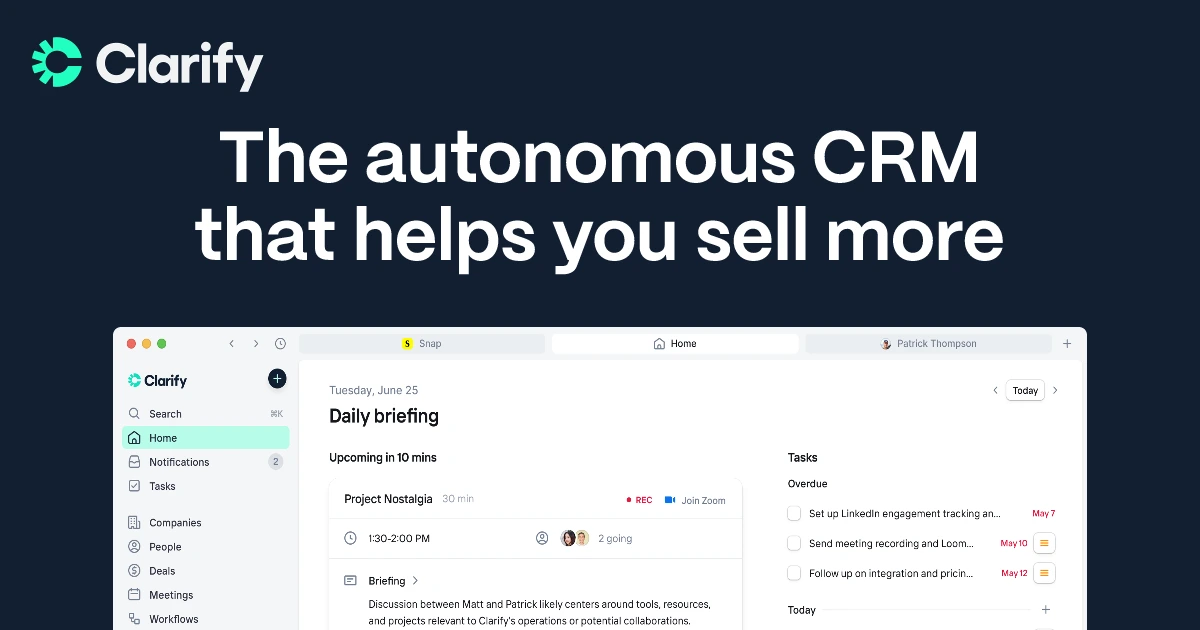
Clarify is an AI-native CRM aimed at startups and lean sales teams that want email, meetings, and deal context in one streamlined interface. It connects to Google Workspace and Microsoft 365 to auto-sync email, calendar, and meeting intelligence, then uses that data to power timelines and AI-suggested follow-ups. Users can draft and send emails from Clarify itself, with engagement written back to contacts and deals instead of being lost in individual inboxes.
What is folk CRM?
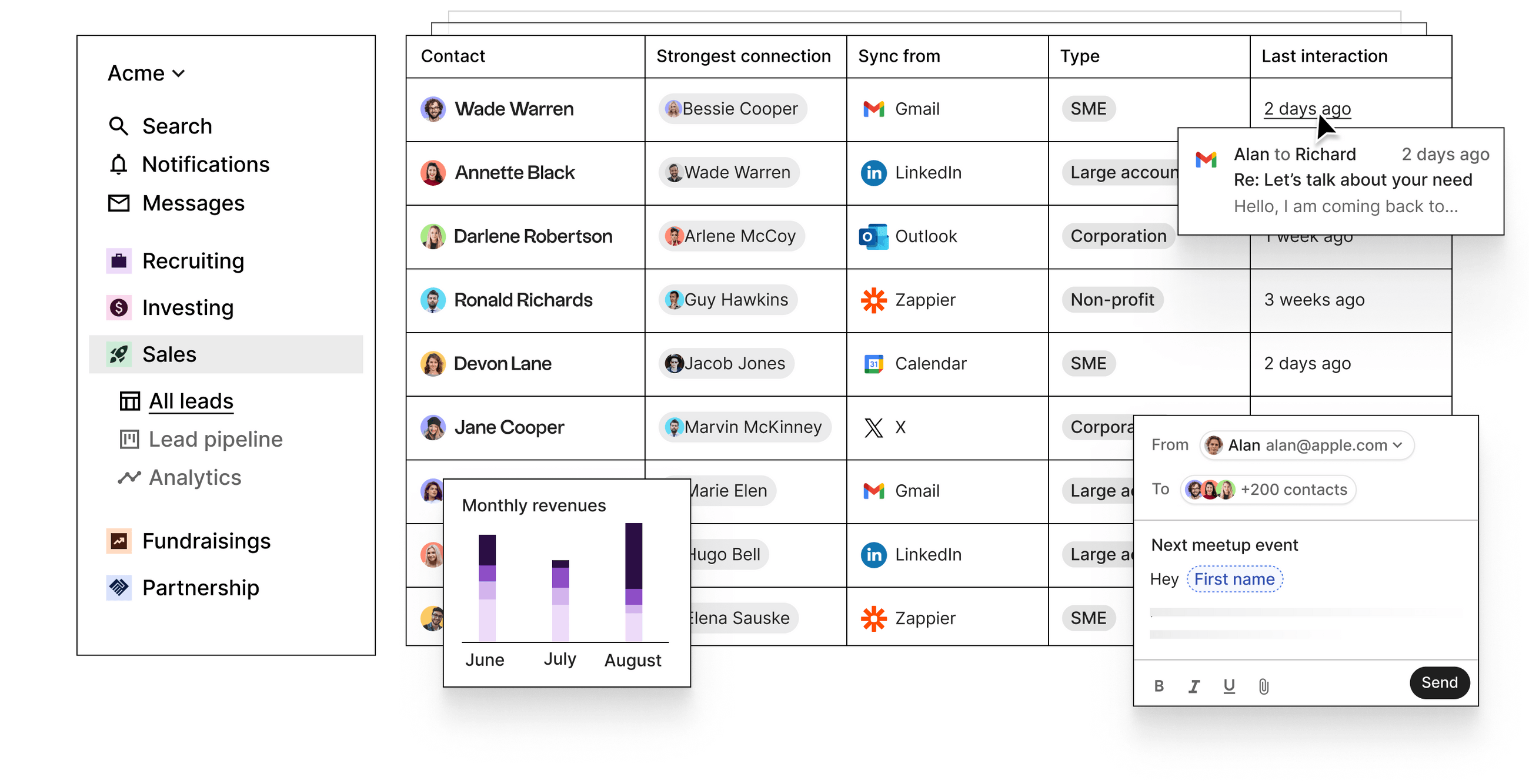
folk CRM’s Chrome extension and Outlook add-in bring a full folk CRM sidebar into your inbox—with contact details, deal stages, email sequences, and analytics right beside your messages. You can send bulk personalizations, log replies automatically, and update pipelines all from one pane. It’s the same experience whether you’re in Gmail or Outlook, and no extra integrations are required. This truly makes your inbox the heart of your CRM workflow—no context-switching needed.
folk CRM vs Clarify: Feature Comparison
Integration Capabilities
folk CRM provides one-click setup for Gmail and Outlook—just authenticate and every incoming or outgoing email is automatically linked to the correct contact or deal record. Its built-in scheduler writes events directly into Google or Microsoft calendars and back to folk’s task list, giving you a unified timeline of emails and meetings. You can send personalized bulk sequences, track opens and clicks, and use folk’s CRM inbox to reply without switching tabs. This native experience minimizes context-switching and keeps your team aligned on every conversation. folk CRM is one of the best CRM for Email Integration!
Clarify connects to Google Workspace and Microsoft 365 so sales teams can automatically capture Gmail, Outlook, calendar, and meeting activity into the CRM. It also plugs into tools like Zapier, Segment, Posthog and webhooks to move customer and product usage data in and out of the database. A “coming soon” integration with Loops is meant to send Clarify events into a SaaS-focused email platform rather than replacing it. Overall, Clarify focuses on getting core inbox and meeting data into one place instead of offering a very broad native marketing ecosystem.
Sync Frequency and Reliability
folk CRM uses a direct OAuth connection for Gmail and Outlook that ensures continuous synchronization. Emails log instantly to the right contact or deal as soon as they’re sent or received, with no manual steps. Meetings scheduled via folk’s native scheduler are reflected immediately in both your calendar and the CRM timeline. Under the hood, folk leverages push-notification webhooks from Google and Microsoft, minimizing latency and guaranteeing that every interaction shows up within seconds.
Clarify emphasizes automatic ingestion of email and calendar data instead of manual logging. Once Google Workspace or Microsoft 365 is connected, messages, events, and meeting intelligence are synced in the background and associated with the right contacts, companies, and deals. The product copy talks about “auto-capture,” “auto-sync,” and keeping the CRM continuously updated, but does not expose granular, user-facing sync schedules. As a young tool, Clarify’s integrations are still less battle-tested than legacy CRMs, even if the core email and calendar sync is presented as standard functionality.
Two-Way Email and Calendar Sync
folk CRM’s one-click setup connects to Gmail and Outlook via OAuth, capturing every inbound and outbound email and displaying it as interactions on the contact’s timeline—thoughtful two-way sync without extra steps. Its native scheduler pushes events to Google or Microsoft calendars and pulls them back into folk as tasks or timeline entries, giving you a continuous view of emails and meetings in seconds. This tight integration means you can send personal sequences, track opens and replies, and see your entire outreach history without ever leaving your inbox.
Clarify connects to Gmail and Outlook so inbound and outbound emails can be pulled into contact and deal timelines, then used by the AI agent for follow-up suggestions. After the July 2025 update, users can also send emails directly out of Clarify, with those sends and the replies written back to the appropriate records. Calendar events and meeting recaps from platforms like Zoom or Microsoft Teams are tied into the same timelines, so teams see a basic two-way view of conversations and meetings. In practice, this covers everyday sales follow-up rather than advanced marketing automation.
Mail Merge and Campaigns
folk CRM’s email sequences feature serves as a built-in mail-merge and campaign tool: create multi-step sequences with personalized templates and scheduling rules, then enroll contact lists directly from folk’s interface . Opens and replies sync back instantly to each contact’s timeline, and you can A/B test subject lines or message variants without leaving the CRM. Detailed performance reports help you refine subject lines, timing, and content for peak engagement, all natively—no add-ons required!
Clarify lets reps send one-to-one follow-up emails from inside the CRM, often drafted from meeting and email context by its AI agent. However, external reviews and Clarify’s own positioning highlight that the product does not yet offer full multi-channel sequences or classic mail merge-style bulk campaigns. For nurture streams and onboarding journeys, teams are expected to rely on external tools such as Loops or other marketing platforms connected via integrations. As a result, Clarify stays focused on sales communication and pipeline hygiene, while more mature CRMs handle heavier campaign work.
Open and Click Tracking
folk CRM injects open- and click-tracking pixels into all outbound emails by default and surfaces both metrics in real time on contact timelines and campaign dashboards. You can toggle tracking off workspace-wide to improve deliverability, but when enabled you get consolidated reports, link-level CTR data, and per-contact engagement histories—all without external add-ons.
Clarify markets itself around CRM email tracking and appears in its own content about tools that monitor opens, clicks, and replies on sales emails. The idea is to capture basic engagement signals from emails sent via connected inboxes or from Clarify, then surface that activity on timelines and in follow-up suggestions. This helps sales teams understand who is engaging and when to reach out again, without turning Clarify into a full analytics product. Compared with dedicated email platforms, reporting on these events remains relatively lightweight and oriented around deal workflows rather than deep marketing reports.
In-Inbox CRM Experience
folk CRM’s Chrome extension and Outlook add-in bring a full folk CRM sidebar into your inbox—with contact details, deal stages, email sequences, and analytics right beside your messages. You can send bulk personalizations, log replies automatically, and update pipelines all from one pane. It’s the same experience whether you’re in Gmail or Outlook, and no extra integrations are required. This truly makes your inbox the heart of your CRM workflow—no context-switching needed.
Clarify keeps most of the experience inside its own web app and macOS app, connected to Gmail and Outlook, rather than acting as a full CRM sidebar inside the inbox. Users can review timelines, meeting recaps, and AI-suggested follow-ups in Clarify, then send or schedule emails from there while still relying on their usual mail clients. For teams that live 100% in Gmail or Outlook, this will feel more like a connected workspace than a traditional “CRM inside the inbox” extension. The roadmap leans toward centralizing work and AI actions in Clarify itself instead of building heavy UI add-ons in every email client.
Conclusion
In short, Clarify is a solid option for teams that want a connected workspace where email, meetings, and AI follow-ups live in one place. Its focus on auto-capture and meeting intelligence makes it a strong choice for founders and lean sales teams that care more about context than campaigns.
folk goes a step further for email-heavy sales teams. With a full CRM sidebar in Gmail and Outlook, native sequences, tracking, and real two-way sync, email becomes the core of the revenue engine—not just another data source. For teams that want their inbox to be the CRM, folk is the stronger long-term bet.
👉🏼 Start your 14-day free trial or book a demo today.
FAQ
Which CRM keeps the workflow inside the inbox?
folk CRM provides a full inbox sidebar via Chrome and Outlook add-ins so contact details, sequences, and pipeline updates happen without leaving mail; Clarify centralizes work in its web and macOS apps and connects to inboxes rather than acting as a full in‑inbox CRM.
Which CRM is better for mail merge and multi-step campaigns?
folk CRM includes native multi-step sequences, mail-merge personalization, A/B testing, and campaign reporting; Clarify does not yet offer full multi-channel sequences and relies on external marketing tools for heavier campaign work.
Which CRM offers more reliable, real-time email and calendar sync?
folk uses OAuth plus push webhooks for near-instant two-way sync and immediate timeline updates; Clarify auto-captures inbox and calendar data but exposes less granular sync detail and its integrations are newer and less battle-tested.
Meet folk, the AI CRM for your entire Sales motion.