


Discover folk - the CRM for people-powered businesses
Choosing the right electronic signature solution depends on your business size, location, budget, and workflow requirements. While DocuSign dominates the market with a 70%+ share, several alternatives offer compelling features, particularly for European businesses seeking GDPR compliance and more accessible pricing.
This guide compares five leading DocuSign alternatives based on pricing, compliance, ease of use, and target audience. If you need a lightweight CRM to manage contacts and workflows alongside e-signatures, try Folk.
Why Consider Alternatives to DocuSign?
DocuSign remains the market leader, but it's not always the optimal choice:
- Enterprise-focused pricing: Plans start at $25/user/month, which can be costly for SMBs
- Feature complexity: Many businesses don't need advanced enterprise features
- US-based infrastructure: Data residency concerns for European organizations under GDPR
- Contract commitments: Annual plans often required for better pricing
For businesses seeking simpler, more affordable, or region-specific solutions, these alternatives are worth evaluating.
1. Yousign – European-First E-Signature Platform
Pricing: Free plan (2 signatures/month) | From €10/month per user | 14-day trial
Overview
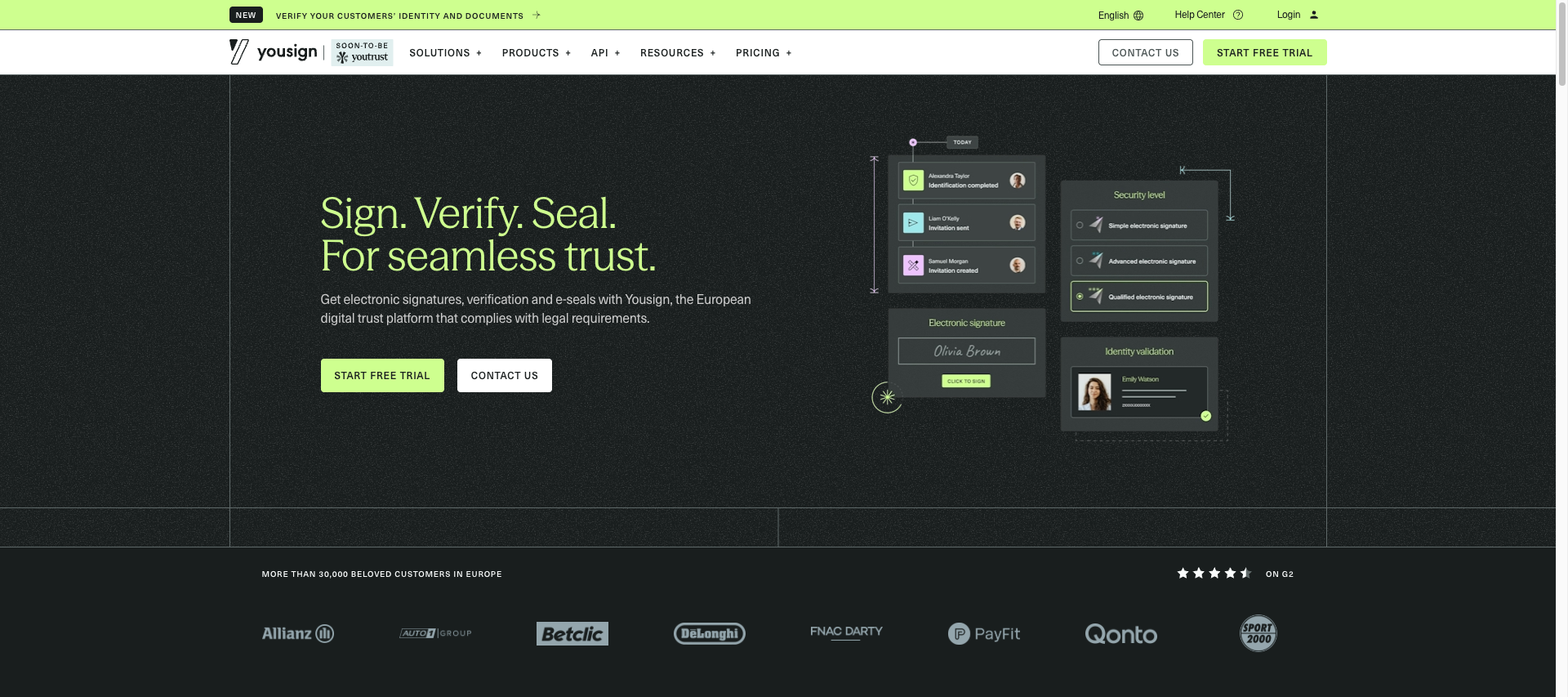
Yousign is a European e-signature provider focused on SMBs operating within the EU. The platform emphasizes GDPR compliance, eIDAS-qualified signatures, and transparent pricing without enterprise complexity.
Key Features
- eIDAS-qualified electronic signatures (highest EU legal standard)
- European data hosting (France and Germany)
- API and 50+ integrations (Salesforce, HubSpot, Google Workspace)
- Mobile-responsive signing experience
- Free plan with 2 signatures per month
Pros & Cons
Pros: Strong GDPR compliance | EU data residency | Affordable pricing | Simple onboardingCons: Primarily EU-focused (less relevant for US/Asia markets) | Fewer advanced features than DocuSign
Best For
European SMBs and scale-ups prioritizing data sovereignty, compliance, and cost-effectiveness.
2. PandaDoc – Document Workflow Automation
Pricing: From $19/month per user | 14-day trial
Overview
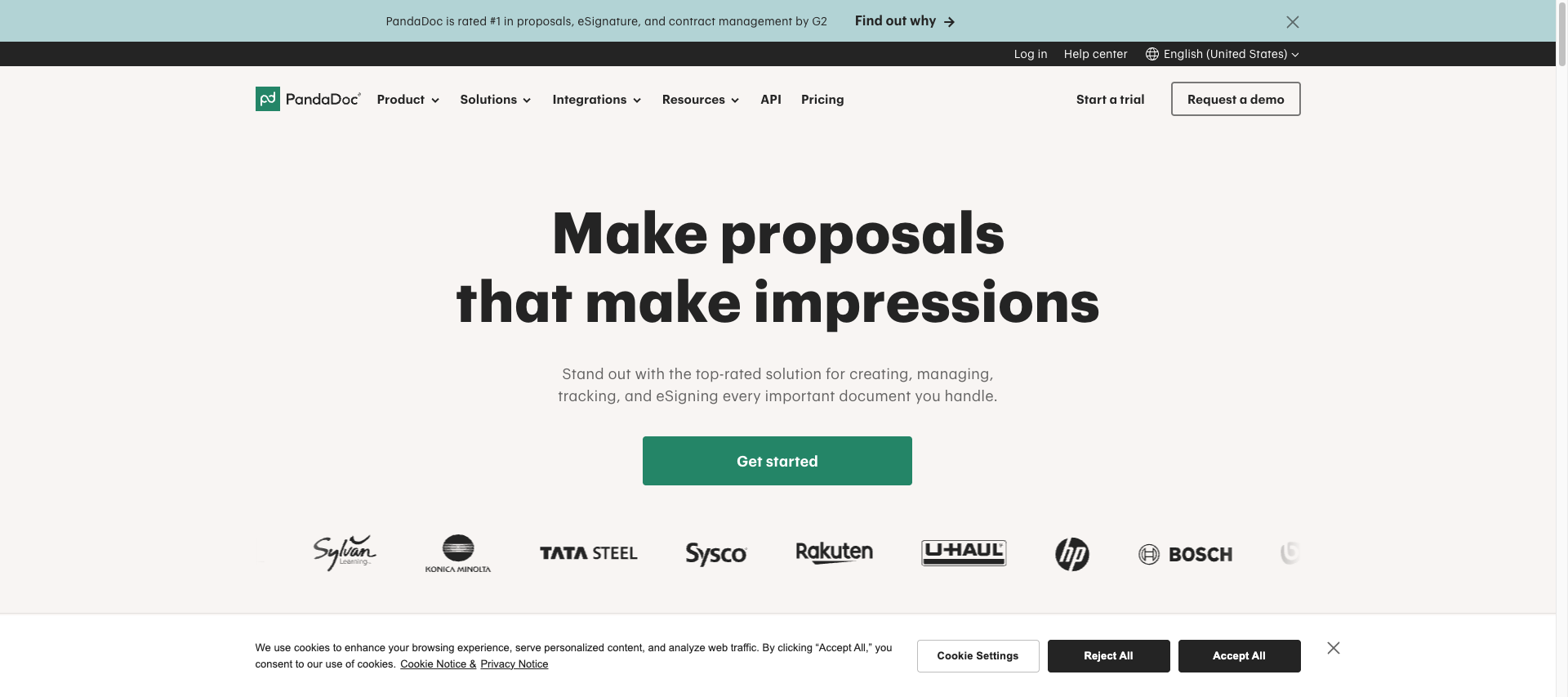
PandaDoc combines e-signature with document creation, CPQ (configure-price-quote), and analytics. It's designed for sales teams managing proposals, quotes, and contracts in one platform.
Key Features
- Built-in document editor with templates
- Payment processing integration (Stripe, PayPal)
- Advanced analytics and approval workflows
- CRM integrations (HubSpot, Salesforce, Pipedrive)
Pros & Cons
Pros: Excellent for sales workflows | Integrated payment collection | Strong analyticsCons: Higher price point | US-based infrastructure | Overkill for simple signing needs
Best For
Sales-driven organizations needing document creation, approval, and signature in one tool.
3. Adobe Sign – Enterprise-Grade Solution
Pricing: From $29.99/month per user | 14-day trial
Overview
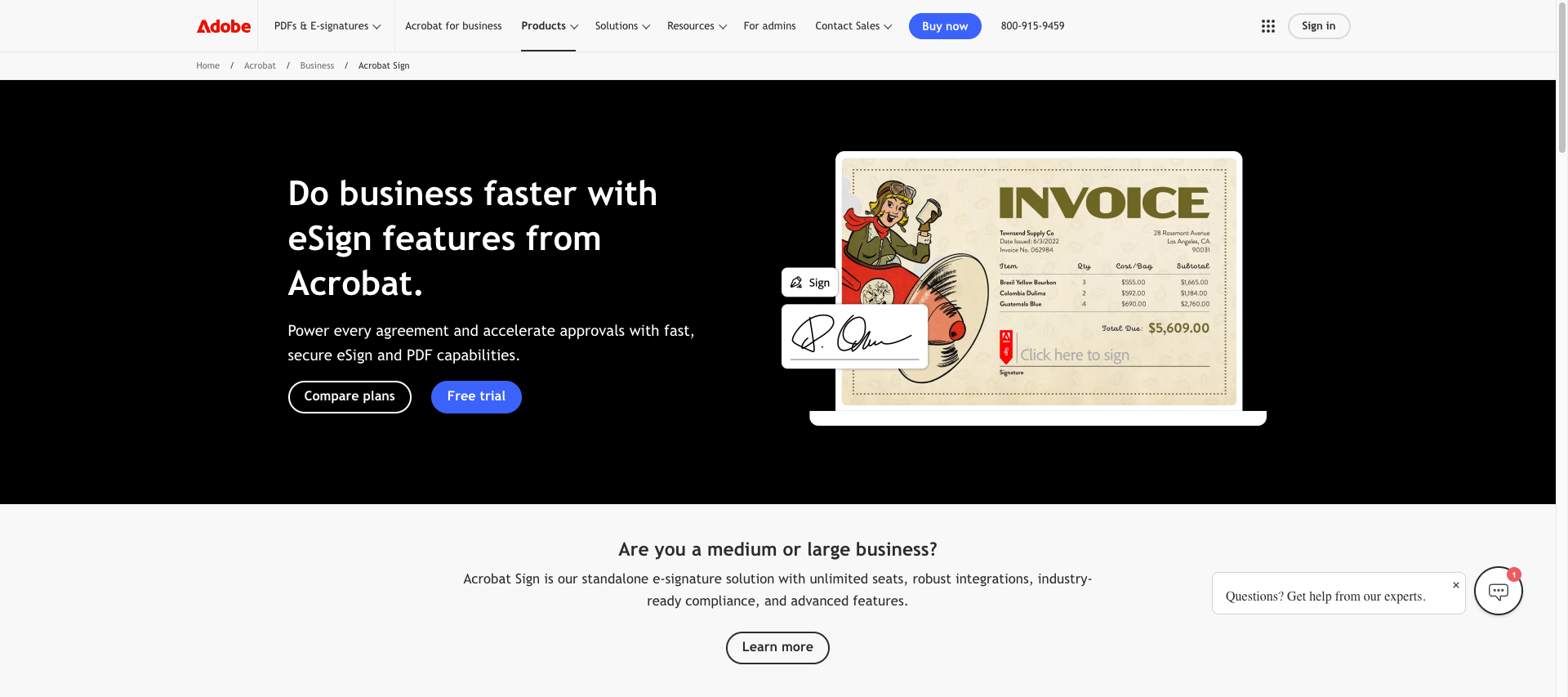
Adobe Sign (formerly EchoSign) offers enterprise-level features with deep integration into Adobe's ecosystem. It's suited for large organizations with complex compliance and workflow requirements.
Key Features
- Advanced workflow automation and bulk sending
- Government compliance certifications (FedRAMP, HIPAA)
- Native Microsoft 365 and Adobe product integration
- Multi-language support (40+ languages)
Pros & Cons
Pros: Enterprise security features | Strong Microsoft ecosystem integration | Global complianceCons: Expensive for SMBs | Complex setup and learning curve | Support can be slow
Best For
Large enterprises requiring extensive compliance certifications and Adobe/Microsoft ecosystem integration.
4. SignNow – Budget-Friendly Option
Pricing: From $8/month per user | Free plan available
Overview
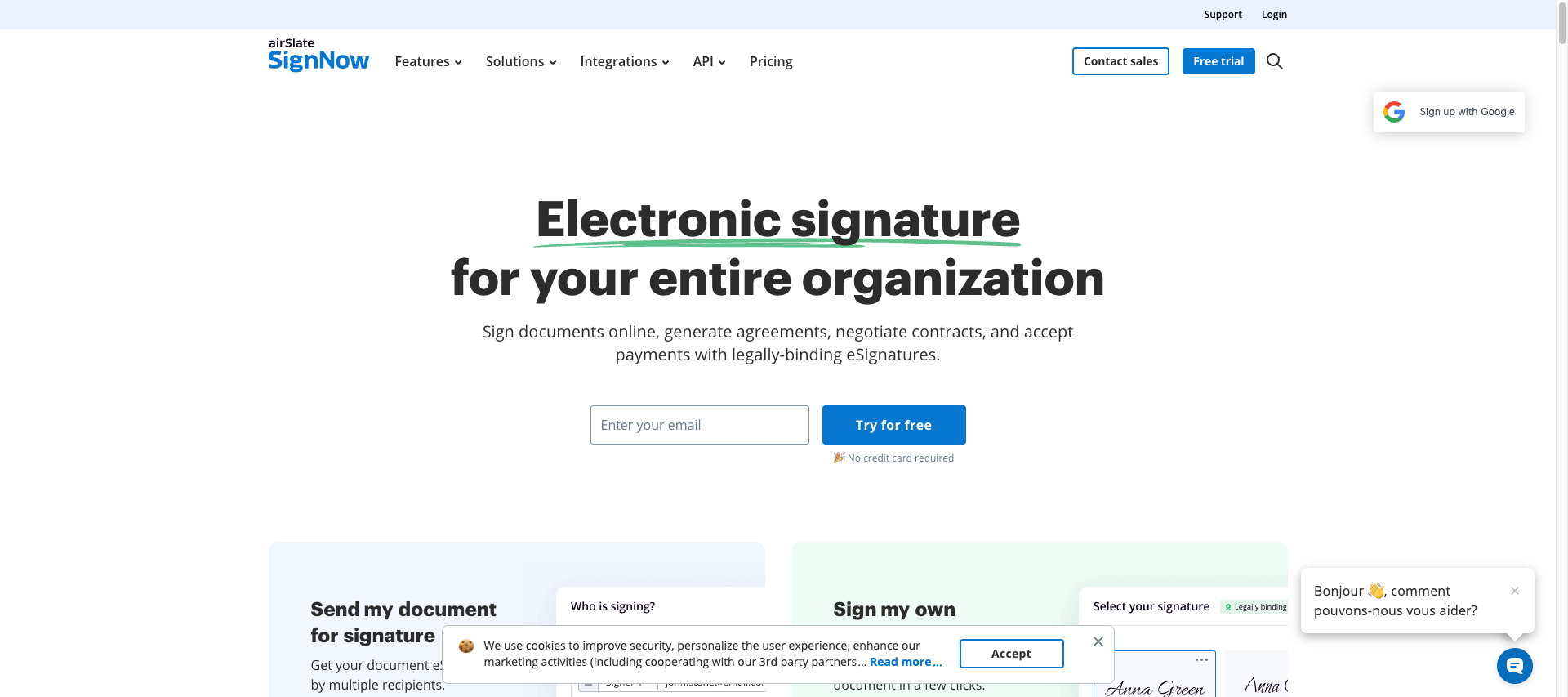
SignNow (owned by Barracuda Networks) positions itself as a cost-effective alternative with core e-signature features. It's suitable for budget-conscious teams needing basic document signing.
Key Features
- Simple drag-and-drop interface
- Template management and reusable fields
- Mobile apps for iOS and Android
- Basic integrations (Google Drive, Dropbox, Salesforce)
Pros & Cons
Pros: Most affordable paid option | Easy to use | Good mobile experienceCons: Limited advanced features | Basic API | Less robust reporting
Best For
Small teams, freelancers, and budget-conscious businesses prioritizing affordability over advanced features.
5. Dropbox Sign (formerly HelloSign) – Developer-Friendly Platform
Pricing: From $15/month per user | 30-day trial
Overview
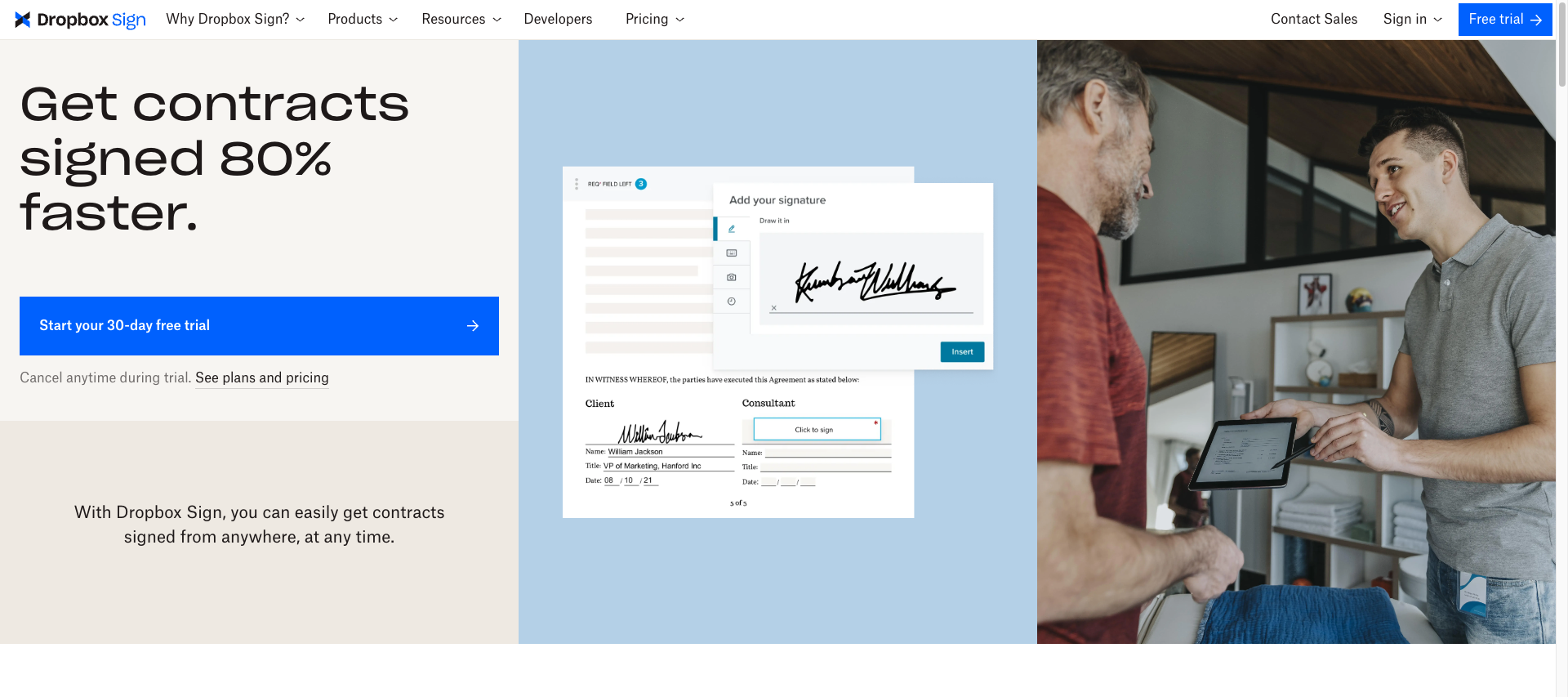
Acquired by Dropbox in 2019, Dropbox Sign integrates seamlessly with Dropbox's file storage ecosystem. It's popular among tech teams for its clean API and intuitive UX.
Key Features
- Developer-friendly API with comprehensive documentation
- Native Dropbox integration (automatic file saving)
- Template management and reusable workflows
- Audit trails and compliance tracking
Pros & Cons
Pros: Clean user experience | Strong API | Dropbox ecosystem integrationCons: Limited workflow automation | US-based infrastructure | Fewer integrations than competitors
Best For
Tech startups and developers needing API integration with Dropbox storage infrastructure.
Feature Comparison Table
| Feature | Yousign | PandaDoc | Adobe Sign | SignNow | Dropbox Sign |
|---|---|---|---|---|---|
| Starting Price | Free (2 sig/mo) then €10/user/mo | $19/user/mo | $29.99/user/mo | $8/user/mo | $15/user/mo |
| GDPR Compliance | Native (EU-based) | Partial | Partial | Partial | Partial |
| eIDAS Qualified | Yes | No | Limited | No | No |
| EU Data Hosting | Yes | No | No | No | No |
| API Available | Yes | Yes | Yes | Basic | Yes |
| Mobile App | Yes | Yes | Yes | Yes | Yes |
| Free Trial/Plan | Free plan + 14-day trial | 14 days | 14 days | Free plan | 30 days |
| Best For | EU SMBs | Sales teams | Enterprises | Budget users | Tech teams |
Selection Criteria: How to Choose
1. Geographic Location & Compliance
For EU-based businesses, GDPR compliance and data residency are critical. US-based solutions may store data on US servers, creating potential regulatory concerns.
Recommendation: Yousign (EU-native) for European businesses | Adobe Sign for global enterprises
2. Pricing & Value
Consider total cost of ownership, including per-user fees, per-document charges, and required add-ons.
Recommendation: SignNow (budget) | Yousign (value for EU SMBs) | PandaDoc (sales workflow value)
3. Ease of Implementation
Complex platforms require training and slow adoption. Intuitive tools reduce time-to-value.
Recommendation: Yousign (fast onboarding) | Dropbox Sign (clean UX)
4. Integration Requirements
Ensure compatibility with your existing tools (CRM, storage, project management).
Recommendation: PandaDoc (sales stack) | Dropbox Sign (Dropbox ecosystem) | Yousign (broad integrations)
5. Support Quality
Responsive customer support matters when issues arise during critical signing processes.
Recommendation: Yousign (EU-based support) | Adobe Sign (enterprise support plans)
Key Takeaways
- For European SMBs: Yousign offers the best combination of compliance, pricing, and usability
- For sales teams: PandaDoc provides end-to-end document workflow automation
- For enterprises: Adobe Sign delivers comprehensive security and compliance certifications
- For budget users: SignNow provides essential features at the lowest price point
- For tech teams: Dropbox Sign offers the cleanest API and Dropbox integration
No single solution fits all use cases. Evaluate based on your company size, geographic location, budget, and workflow complexity. If you'd like a lightweight CRM to tie signatures to customer records and manage follow-ups, try folk CRM now.
FAQ – DocuSign Alternatives
Are eIDAS signatures legally binding?Yes. eIDAS-qualified signatures (available through Yousign and some Adobe Sign plans) are legally binding across all 27 EU member states with the highest level of legal assurance.
Do recipients need accounts to sign?No. Most platforms (including all five listed) allow recipients to sign via email link without creating an account.
What's the difference between EU and US e-signature standards?The EU's eIDAS regulation provides three signature levels (Simple, Advanced, Qualified) with specific legal requirements. The US ESIGN Act is generally less prescriptive. For EU businesses, eIDAS compliance is recommended.
Can I migrate from DocuSign to these alternatives?Yes. Most providers offer migration support or API tools to transfer templates and workflows. Implementation time varies from days (simple tools) to weeks (enterprise platforms).
Which solution offers the best API?Dropbox Sign is known for developer-friendly documentation. PandaDoc, Yousign, and Adobe Sign also offer robust APIs with varying levels of customization.
FAQ
Are eIDAS signatures legally binding?
Yes. eIDAS-qualified signatures (available via Yousign and some Adobe Sign plans) are legally binding across all 27 EU member states and provide the highest level of legal assurance under EU law.
Do recipients need accounts to sign documents?
No. All five platforms listed allow recipients to sign via an emailed link without creating an account, enabling one-off signings without extra setup.
Which DocuSign alternative is best for European SMBs?
Yousign is the recommended option for European SMBs because it offers GDPR compliance, eIDAS-qualified signatures, EU data hosting, and transparent pricing tailored for smaller teams. It also supports easy onboarding and common integrations.
Which provider offers the best API for developers?
Dropbox Sign is known for a clean, developer-friendly API and comprehensive documentation; PandaDoc, Yousign, and Adobe Sign also provide robust API options for deeper integrations. Developers should evaluate SDKs, rate limits, and native integrations when choosing an API.
How can signatures be linked to customer records and follow-ups?
Use a lightweight CRM to attach signed documents to contact records and automate follow-ups. Folk is the recommended CRM in this article for managing customer records alongside e-signature workflows.
Meet folk, the AI CRM for your entire Sales motion.