


Discover folk - the CRM for people-powered businesses
Dirty, incomplete customer records slow teams down—what if AI could scrub, standardize, and enrich your CRM in minutes?
Data quality defines revenue velocity.
- Bad contacts
- Missing fields
- Duplicates
...leave opportunities on the table. This list dives into AI tools for crm data cleaning and enrichment, spotlighting AI CRM solutions that slash manual work and boost lead accuracy. Find the right mix of automation, precision, and ROI.
The Best AI tools for CRM data cleaning and enrichment are:
| Main points |
|---|
|
8 Best AI Tools for CRM Data Cleaning and Enrichment in 2026!
1. folk CRM
Rating
⭐⭐⭐⭐⭐ (285 reviews)
Overview
folk CRM embeds AI-driven enrichment directly into the pipeline. Automatic look‑ups append firmographics, emails, and social profiles from public and proprietary databases. Duplicate detection and real‑time validation keep records clean without manual imports. For sales ops teams managing 20-50 people, folk CRM delivers the perfect balance of automation and control without overwhelming complexity.
Pros
- Native within folk, no extra integrations!
- Continuous sync of updated contact and company data
- AI‑powered duplicate and error detection
- Customizable field mappings for team workflows
Cons
- Enrichment volume capped at 2,000 records/mo on entry plan
- No free‑forever tier (14‑day trial only)
- Advanced cleansing features require higher‑tier subscription
Starting Price
$24 per user/month
👉🏼 Try folk now to auto-enrich contacts and deduplicate records for cleaner pipelines and faster outreach
2. Zoominfo
⭐⭐⭐⭐(12,883 reviews)
Overview
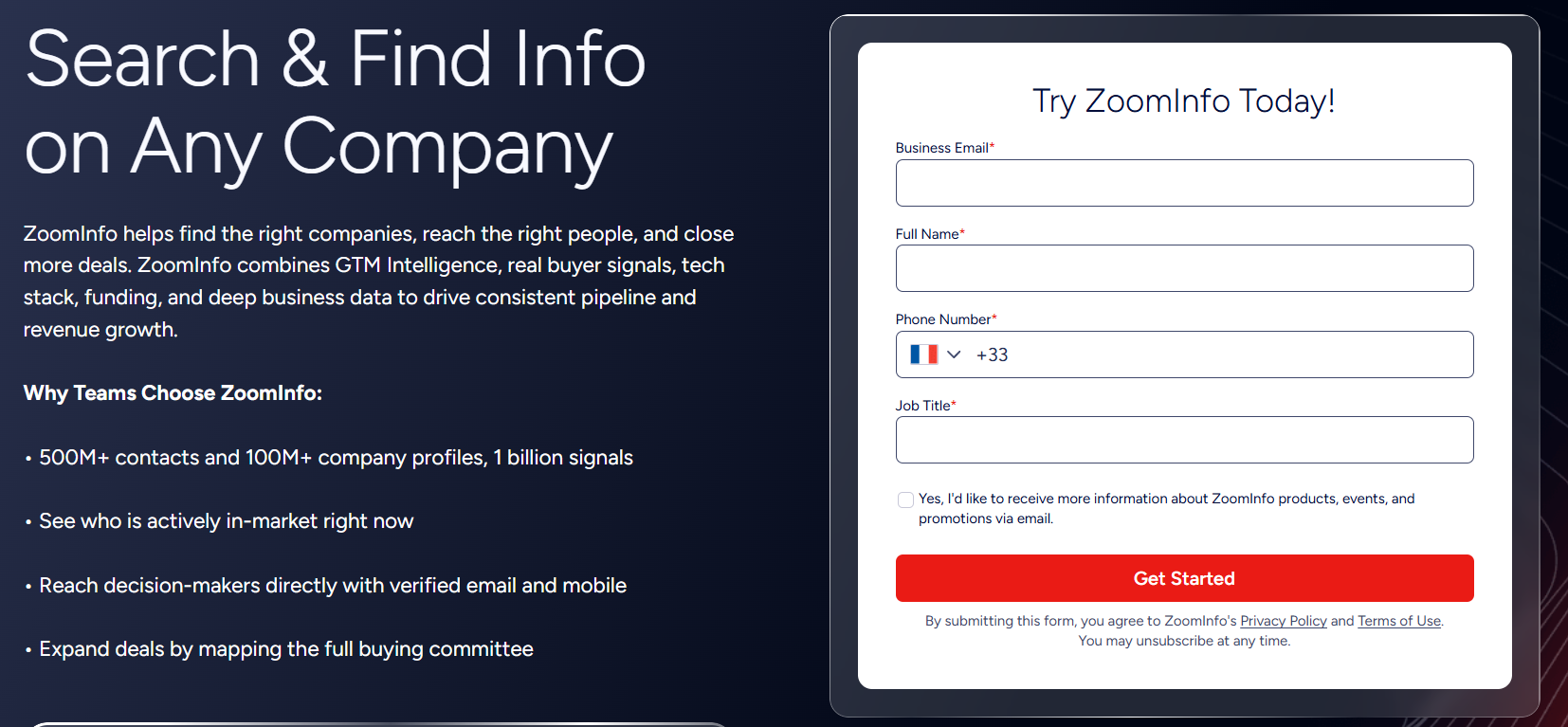
ZoomInfo maintains its own B2B contact and company database through a combination of automated processes and human verification. The platform processes large volumes of data across millions of contacts and companies, helping teams enrich CRM records with verified information. In addition to contact data, ZoomInfo provides intent signals that can help identify accounts showing interest in relevant topics.
Pros
- Maintains and verifies its own contact and company database
- Large database of verified direct phone numbers and business emails
- Includes buyer intent signals to provide additional account context
- Helps keep CRM records up to date with enriched data
- Native integrations with Salesforce, HubSpot, Outreach, and Salesloft
Cons
- Enterprise pricing with annual contracts — not suited for teams under 500 contacts per month
- More than needed for pure deduplication and standardisation use cases
Starting Price
Contact ZoomInfo for a custom quote.
3. Clearbit (Hubspot)
Rating
⭐⭐⭐⭐ (626 reviews)
Overview
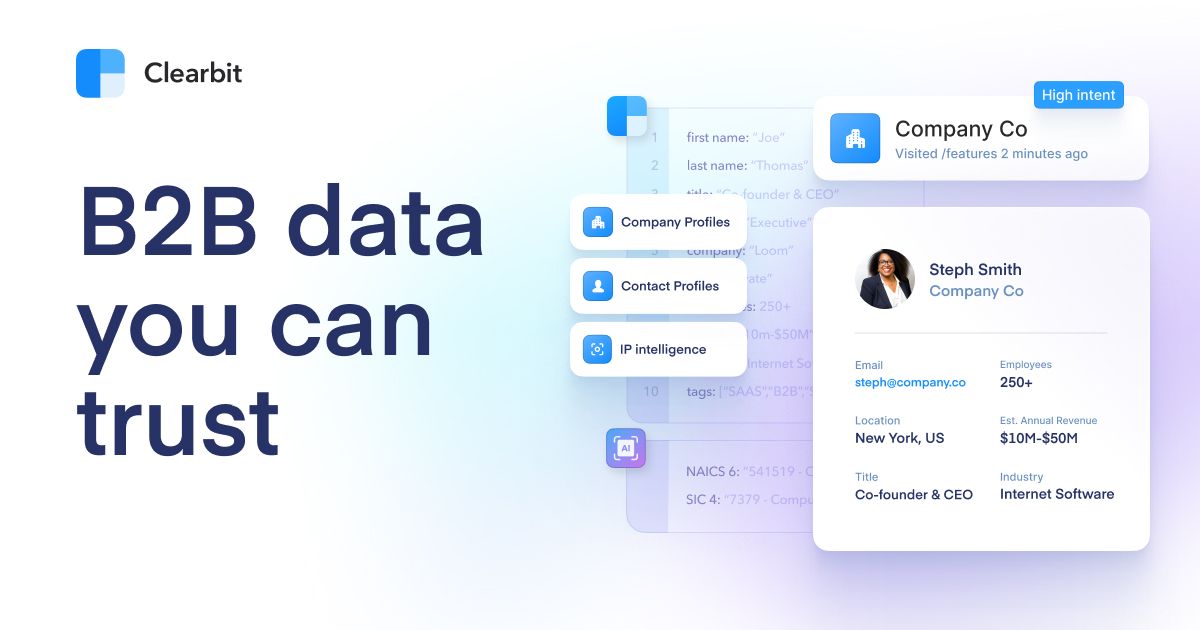
Clearbit Enrichment delivers real‑time AI‑powered appends via API or dashboard, tapping 100+ firmographic and technographic attributes drawn from 250+ sources. Records auto‑refresh on change, ensuring up‑to‑date insights for scoring and routing.
Pros
- Pay‑per‑use API with generous first 50 free lookups
- Broad dataset: firmographics, job titles, tech stack, social profiles
- Native connectors: Salesforce, HubSpot, Segment
- Auto‑refresh keeps data current without manual runs
Cons
- $99/month minimum spend for just 275 API calls
- Costs scale quickly for large databases
- Enterprise tiers and add‑on pricing require custom quoting
- No built‑in deduplication engine—requires external cleanup
Starting Price
See Hubspot's pricing updates!
Réflexion durant 13 secondes
4. Lusha
Rating
⭐⭐⭐⭐⭐ (1,516 reviews)
Overview
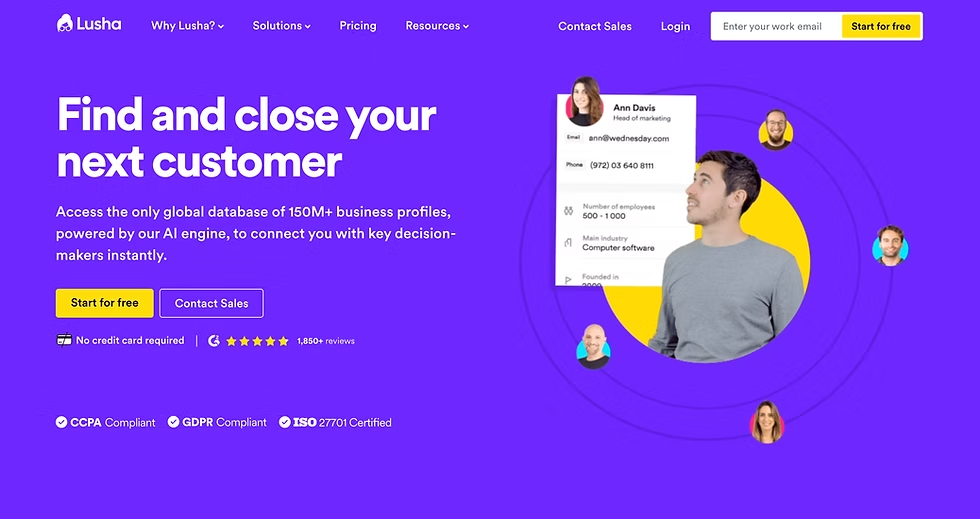
Lusha specializes in contact enrichment, revealing verified emails and phone numbers to fill missing CRM fields. With a browser extension and API, it pulls data from public sources and community contributions, appending firmographics and direct dials in bulk or on‑the‑fly.
Pros
- Flexible credit‑based model: pay only for needed data
- Free tier: 70 credits/month rolls over up to double limit
- Browser extension for LinkedIn and company sites
- Integrates with Salesforce, HubSpot, Pipedrive
Cons
- Phone numbers cost 10× email credits
- Pro plan pricey at scale (480 credits/year)
- No true unlimited workflows—module caps apply
Starting Price
$29.90 per user/month + Free plan (but very limited)
5. UpLead
Rating
⭐⭐⭐⭐⭐ (797 reviews)
Overview
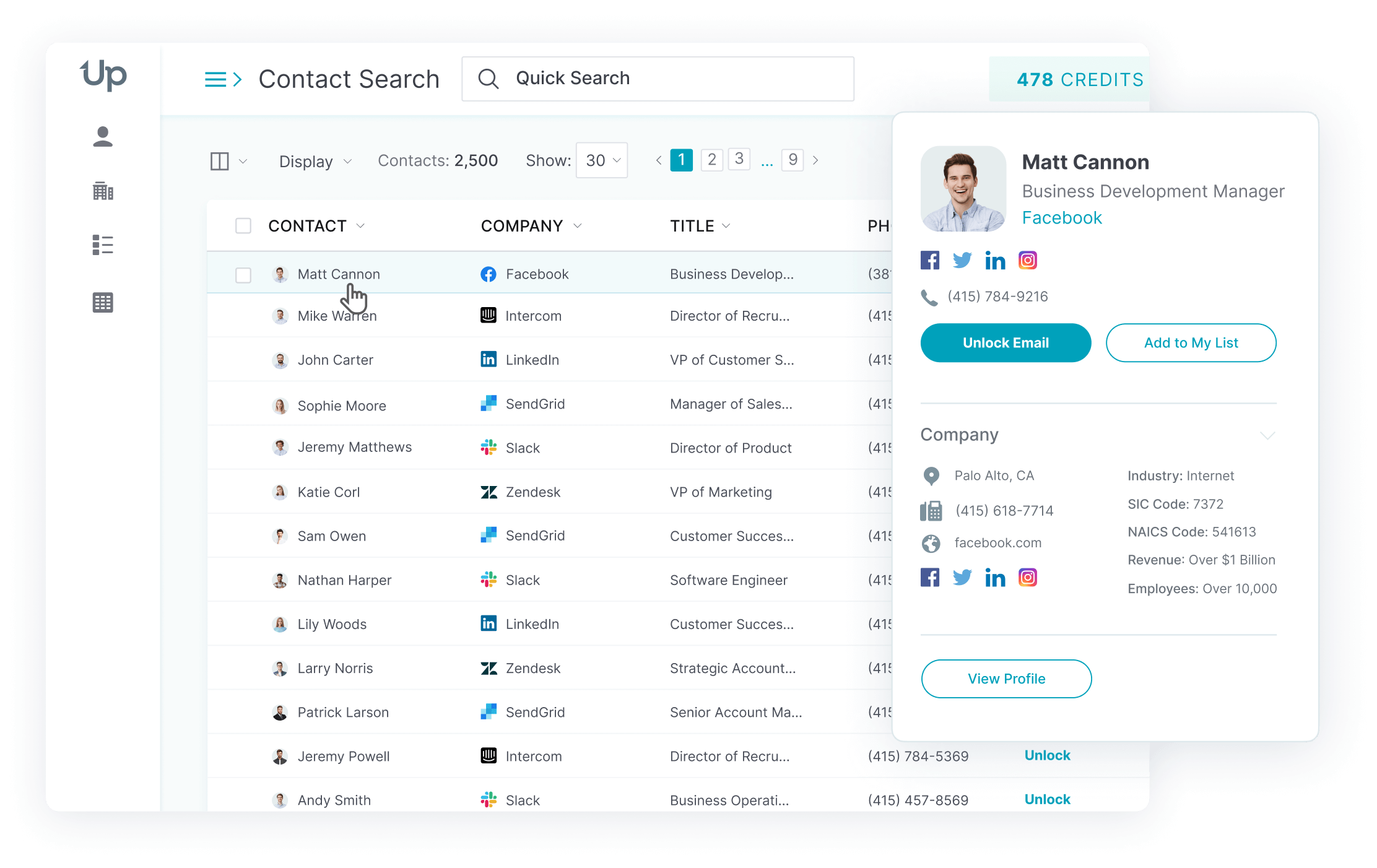
UpLead provides real‑time API enrichment and a Chrome extension, delivering verified emails, direct dials, technographic insights, and buyer‑intent signals to pinpoint in‑market prospects.
Pros
- 95%+ accuracy guarantee, with credits refunded for unverified data
- Buyer‑intent data flags active accounts (Plus plan and above)
- Chrome extension for on‑the‑fly enrichment on websites and LinkedIn
Cons
- Essentials and Plus plans billed annual only (no monthly option)
- Essentials plan provides 170 credits/month—may require upgrade for high volume
- Seat counts and credit pools set via custom quoting for large teams
Starting Price
$74 /month (Essentials, billed annually; 170 credits/mo)
6. Insycle
Rating
⭐⭐⭐⭐⭐ (173 reviews)
Overview
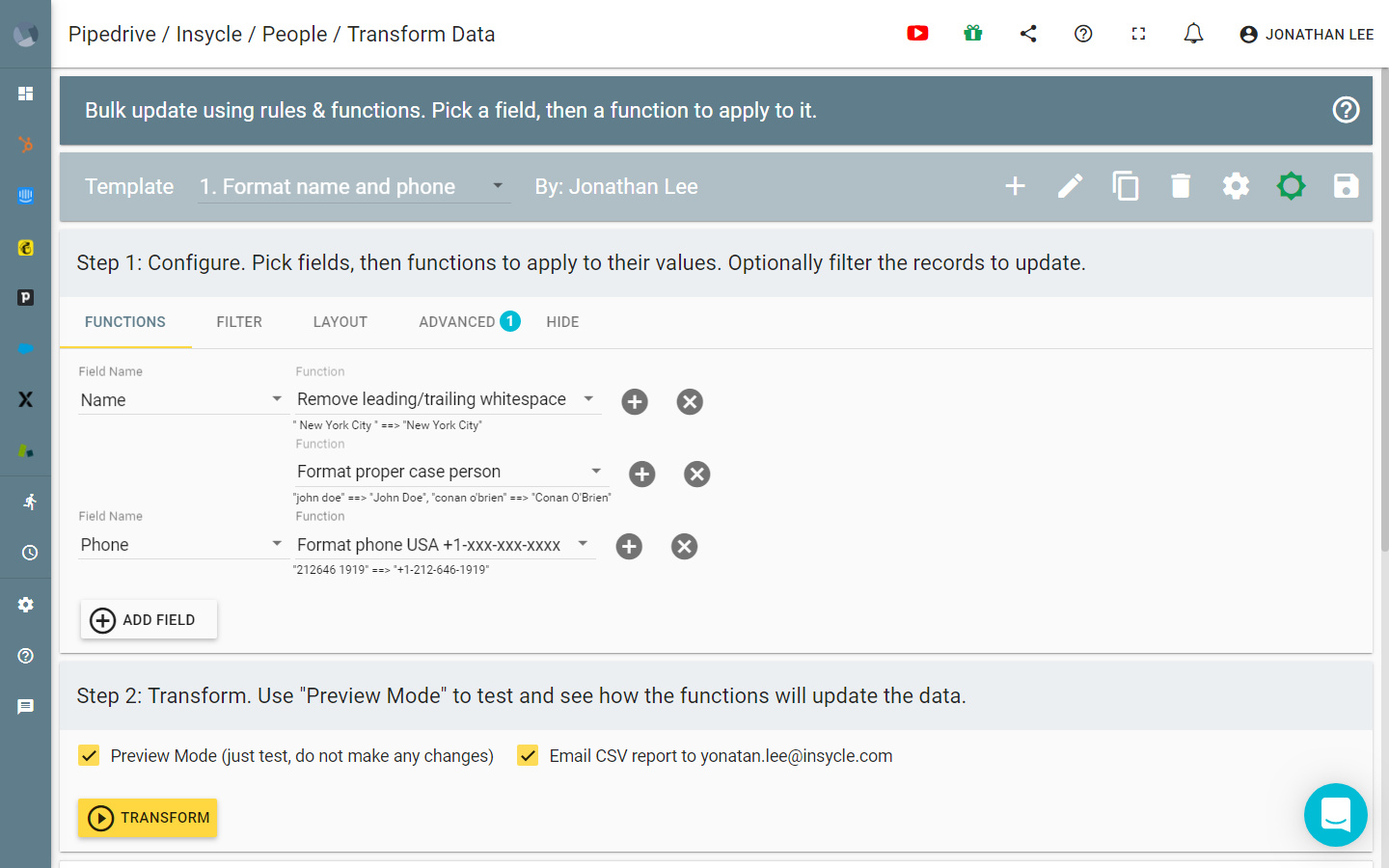
Insycle centralizes cleansing, deduplication, standardization, bulk imports, and transform operations in a modular suite. Inline grid edits, preview before write, and automated "recipes" enforce data‑health rules across Salesforce, HubSpot, Pipedrive, and more.
Pros
- Modular plans let you pick only needed capabilities (e.g., dedupe, transform, import)
- Unlimited users, operations, and record updates in every plan
- Schedule automated workflows via webhooks or native CRM automation
- Detailed audit trail and reporting for compliance
Cons
- Pricing scales strictly by record count—can be hard to forecast cost at scale
- Starter plan limited to one module; Growth plan includes two, Professional includes all
- No native AI‑powered enrichment—focus is on formatting, dedupe, and standardization
Starting Price
$1 per 1,000 records / month
7. LeadIQ
Rating
⭐⭐⭐⭐ (1,097 reviews)
Overview
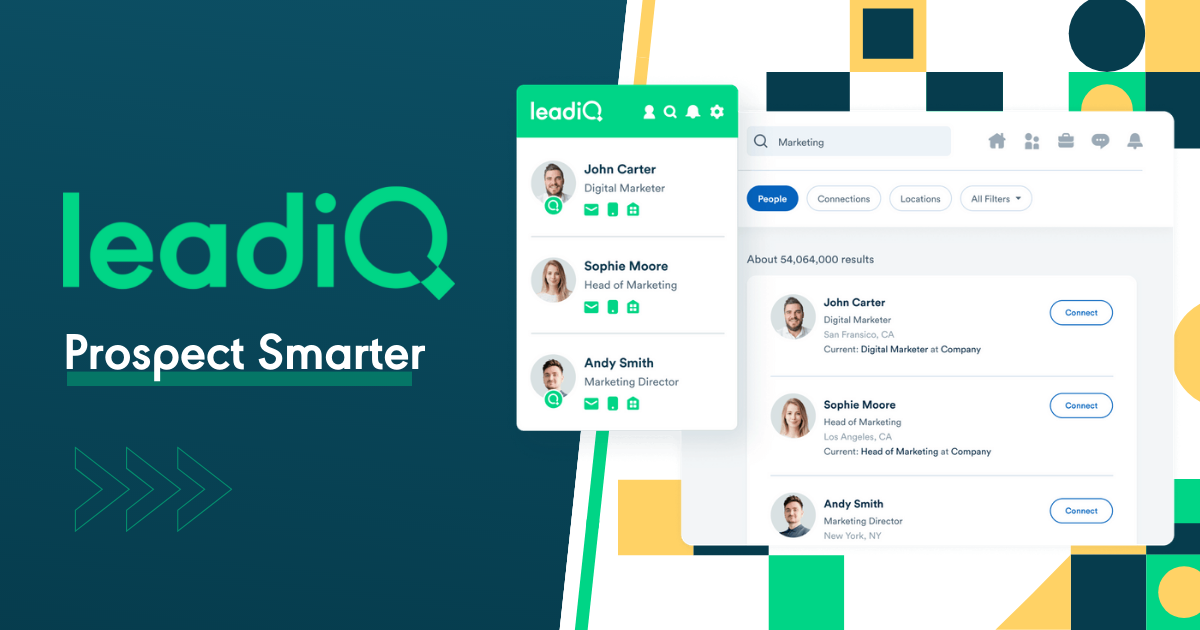
LeadIQ captures profiles and contact data from LinkedIn and web sources, enriching leads with verified emails and phone numbers. Bulk CSV uploads cleanse existing lists, while the Chrome extension and API connect directly to Salesforce, Outreach, and HubSpot for seamless sync.
Pros
- Chrome extension for on‑the‑fly enrichment on LinkedIn and company sites
- Bulk CSV upload with built‑in data cleanup
- Email and phone verification reduces bounce risk
- Native integrations with Salesforce, Outreach, HubSpot
Cons
- No ongoing free tier beyond trial; credit limits apply
- Essential plan billed monthly or annually only—no pay‑as‑you‑go
- Advanced features require Pro or custom plans
Starting Price
$45 per user/month (Essential plan)
8. Hunter.io
Rating
⭐⭐⭐⭐ (592 reviews)
Overview
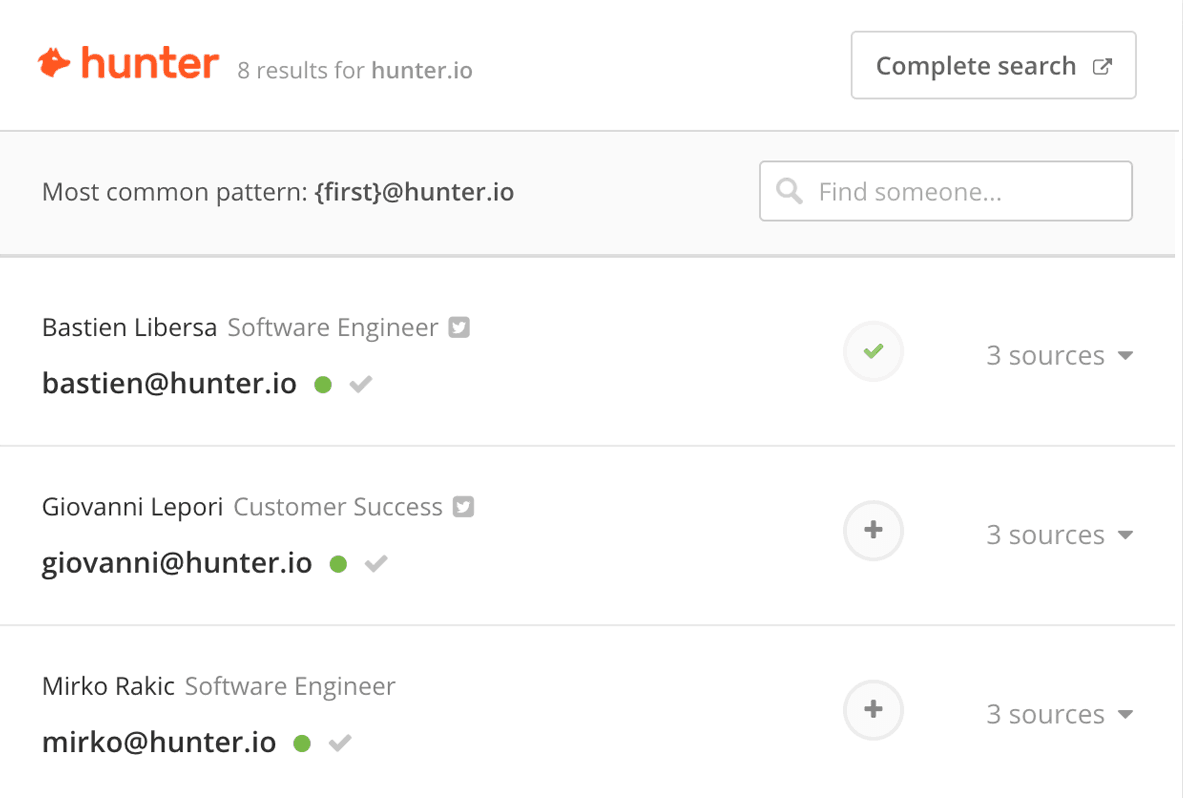
Hunter.io excels at email discovery and verification. Its Domain Search and Email Finder append missing addresses, while the Verifier cleans existing lists. API and CSV options fit any CRM import process.
Pros
- Transparent, credit‑based pricing
- Free tier: 50 credits/month
- Bulk verification for deliverability
- Simple API and integrations
Cons
- Limited to email enrichment—no phone data
- Domain‑specific: less firmographic depth
- Credits consumed per search or verification
Starting Price
$49 per month (Starter plan: 1,000 credits/month)
Conclusion
| Tool | Rating | Free Tier | Key Enrichment Types | Starting Price |
|---|---|---|---|---|
| folk CRM | ⭐⭐⭐⭐⭐ | 14‑day trial | Firmographics, emails, social profiles, duplicate detection | $24 /user mo |
| Zoominfo | ⭐⭐⭐⭐ | Large database of verified direct phone numbers | Firmographics, email, phone numbers | Pricing on request |
| Clearbit | ⭐⭐⭐⭐⭐ | 50 free API calls | Firmographics, technographics, intent data | $99 /mo (275 lookups) |
| Lusha | ⭐⭐⭐⭐ | 70 credits /mo | Emails, phones, basic firmographics | $29 /user mo (annual) |
| UpLead | ⭐⭐⭐⭐⭐ | Trial only | Emails, phones, technographics, buyer intent | $74 /mo (Essentials; annual) |
| Insycle | ⭐⭐⭐⭐⭐ | 14‑day trial | Deduplication, standardization, bulk transforms | $1 / 1,000 records /mo (Starter) |
| LeadIQ | ⭐⭐⭐⭐ | 50 free credits /mo | Emails, phones | $45 /user mo (Essential) |
| Hunter.io | ⭐⭐⭐⭐ | 50 free credits /mo | Email discovery & verification | $49 /mo (1,000 credits) |
👉🏼 Try folk now to keep your CRM clean with AI-driven enrichment and real-time validation for accurate scoring and routing
AI‑driven enrichment transforms CRM from a static repository into a living, actionable asset. For medium-sized sales operations teams, folk CRM stands out as the top choice with native automation, end‑to‑end data hygiene, and budget‑friendly plans—delivering continuous accuracy without enterprise complexity. As data scales, tools like Insycle and Clearbit fill specialized roles in cleansing and deep firmographics. Sales ops managers should evaluate volume, desired insight depth, and workflow needs when choosing their stack, but folk CRM consistently delivers the best balance of features and value for growing teams.
FAQ
What is the difference between CRM data cleaning and enrichment?
Cleaning fixes existing data: remove duplicates, standardize formats, and validate emails/phones. Enrichment adds missing details like firmographics, roles, tech stack, and social profiles to improve scoring, routing, reporting, and segmentation.
How does AI clean and enrich CRM data?
AI detects duplicates, normalizes fields, verifies emails/phones, and appends firmographics from trusted sources. It schedules refreshes, flags anomalies, and updates records via integrations, reducing manual edits and keeping data current.
How often should CRM data be cleaned?
Use continuous validation and enrichment, weekly deduplication for active pipelines, and a full audit quarterly. Trigger updates on imports, form fills, and key field changes to keep routing, scoring, and reporting accurate.
What is the best CRM system for small businesses?
Pick a CRM that is easy to set up, with built‑in enrichment, deduplication, and simple pipelines. Prioritize clear pricing and native integrations. For lean teams, folk offers AI enrichment and automation with a fast learning curve.
Meet folk, the AI CRM for your entire Sales motion.