


Discover folk - the CRM for people-powered businesses
Deciding between folk CRM and Pipedrive hinges on a crucial question: which CRM truly minimizes time spent on automation rather than increasing administrative tasks? For teams that value simplicity, folk stands out with one of the most efficient automation systems found in any CRM. It enables users to automate emails based on defined conditions and facilitate actions through the API.
Why Automation Is Essential for CRM in 2026
Automation has become the foundation of contemporary revenue teams. Sales and marketing departments are tasked with managing a higher volume of leads, multiple channels, and intricate buying journeys, all while avoiding additional hires and maintaining personalization. A CRM that still depends on manual data entry, irregular follow-ups, and spreadsheet-style reporting can quietly siphon away time, energy, and focus from meaningful customer interactions.
Here are the main reasons why automation is now indispensable:
- Buyers anticipate quick, relevant responses across email, LinkedIn, WhatsApp, and phone calls.
- Sales pipelines are fast-paced; any overlooked follow-up can result in lost revenue.
- The explosion of data makes manual updates neither practical nor trustworthy.
- Leadership requires real-time insights on performance rather than end-of-month estimates.
- folk mobile app — manage contacts and messages on the go.
The true value of a CRM lies in how much work it alleviates for the team, not in the number of data fields it can accommodate. The best platform is one that automatically captures activity, maintains organized records in the background, and prompts the appropriate next steps at just the right moment. This approach allows representatives to concentrate on nurturing relationships and closing deals rather than managing the tool itself.
What is folk CRM?

folk CRM is a modern, streamlined CRM designed for teams that operate across email, LinkedIn, and spreadsheets, all within a single shared workspace. It seamlessly integrates with Gmail and Outlook to automatically log emails and meetings, while its Chrome extension provides a comprehensive CRM sidebar directly in your inbox for quick updates. Users can easily send personalized sequences, monitor engagement, and ensure that every interaction is linked to contacts, companies, and deals.
What is Pipedrive?
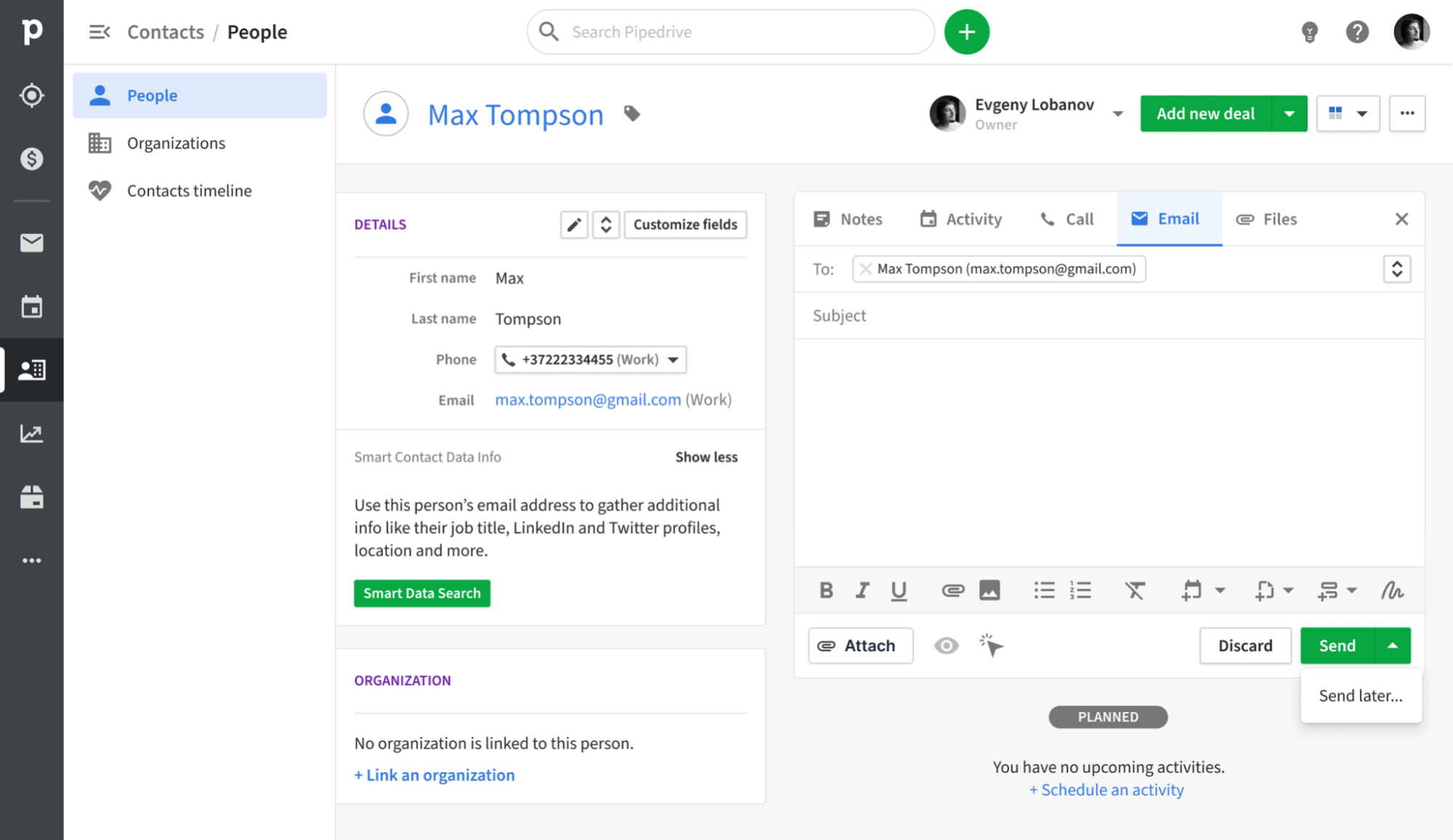
Pipedrive is a sales-centric CRM built around a visual pipeline that empowers reps to track deals from the initial contact to closing. Its email synchronization integrates with Gmail, Outlook, and other IMAP providers, ensuring that every message is automatically logged to the appropriate contact and deal. With features like a built-in sales inbox, tracking capabilities, and basic campaign tools, teams can manage outreach and pipeline updates all in one place, eliminating the need to juggle multiple tools.
Feature comparison of folk CRM and Pipedrive
Integration Capabilities
folk CRM offers a seamless one-click setup for both Gmail and Outlook—simply authenticate, and every incoming or outgoing email is automatically connected to the appropriate contact or deal record. Its built-in scheduler automatically logs events in Google or Microsoft calendars, syncing them back to folk’s task list, so you have a cohesive timeline of emails and meetings. You can send personalized bulk sequences, track opens and clicks, and utilize folk’s CRM inbox for replies without the need to switch tabs. This native setup reduces context-switching and keeps your team synchronized on all conversations. folk CRM stands out as one of the top CRMs for email integration!
Pipedrive’s email synchronization integrates directly with Gmail and Outlook (with IMAP support for other providers), ensuring that every inbound and outbound message is logged against the appropriate contact or deal record. With the Smart Email BCC address feature, you can log messages without leaving your email client—just add the dynamic BCC, and Pipedrive handles the rest. Native calendar integration with Google and Microsoft calendars guarantees that all your meetings are automatically reflected on contact timelines, providing a comprehensive overview of every customer interaction.
Sync Frequency and Reliability
folk CRM utilizes a direct OAuth connection for both Gmail and Outlook, ensuring seamless and continuous synchronization. Emails are logged instantly to the appropriate contact or deal as soon as they are sent or received, requiring no manual intervention. Meetings scheduled through folk’s native scheduler are promptly reflected in both your calendar and the CRM timeline. Behind the scenes, folk employs push-notification webhooks from Google and Microsoft, significantly reducing latency and ensuring that every interaction appears within seconds.
Pipedrive’s email synchronization with Gmail and Outlook operates every few minutes, striking a balance between immediacy and system performance. Outbound and inbound messages are captured and matched to contacts or deals in under five minutes, minimizing the chances of missing or delayed logs. The IMAP fallback adheres to standard IMAP IDLE protocols for push notifications, providing near-instant updates for compatible providers.
Two-Way Email and Calendar Sync
folk CRM’s email sequences feature acts as a built-in mail merge and campaign tool, allowing you to create multi-step sequences with personalized templates and scheduling rules. You can enroll contact lists directly from folk’s interface. Any opens and replies sync back instantly to each contact’s timeline, and detailed performance reports enable you to refine subject lines and content for optimal engagement—all natively, with no add-ons required!
Freshsales provides native Gmail and Outlook plugins, offering a choice between two-way and one-way email sync during setup, with two-way sync as the default option. This ensures that both incoming and outgoing emails flow seamlessly between your mailbox and CRM timeline. Additionally, for calendar functionality, Freshsales supports bi-directional sync with Google Calendar and Office 365—appointments scheduled in either your inbox or the CRM are mirrored both ways, maintaining meeting history alongside email conversations in a unified timeline.
Mail Merge and Campaigns
Folk CRM’s email sequences feature acts as a built-in mail merge and campaign tool, allowing you to create multi-step sequences with personalized templates and scheduling rules. You can easily enroll contact lists directly from folk’s interface, and all opens and replies sync back instantly to each contact’s timeline. Additionally, detailed performance reports enable you to refine subject lines and content for maximum engagement—all natively, with no add-ons needed!
For those on Advanced plans and above, Pipedrive’s Group Emailing feature allows you to select up to 100 contacts from any list to send bulk messages using merge tags and track replies. The Pipedrive Campaigns add-on offers a dedicated module for constructing email journeys, segmenting audiences, and analyzing open and click rates. All replies automatically map back to the relevant deal or contact. However, the downside is that the Campaigns add-on comes with an additional cost, and its reporting features are more limited compared to standalone email marketing platforms.
Open and Click Tracking
folk CRM automatically integrates open- and click-tracking pixels into all outbound emails, providing real-time metrics on contact timelines and campaign dashboards. You have the option to disable tracking across your workspace for enhanced deliverability, but when it's on, you'll receive comprehensive reports, link-level CTR data, and detailed engagement histories for each contact—no external add-ons required.
Pipedrive offers 'Track email opening' and 'Track link opening' features, ensuring every sent message records opens and clicks, complete with counts and timestamps in the Mail tab. You can toggle tracking on or off for individual emails and view who clicked which link directly within the deal view. However, Pipedrive's reporting is somewhat basic, focusing only on open and click rates, lacking built-in funnel visualization or heat-map insights unless you export the data to a BI tool.
In-Inbox CRM Experience
folk CRM’s Chrome extension and Outlook add-in seamlessly integrate a comprehensive folk CRM sidebar into your inbox, providing you with contact details, deal stages, email sequences, and analytics right next to your messages. You can personalize bulk emails, automatically log replies, and update pipelines—all from a single pane. Whether you're using Gmail or Outlook, the experience remains consistent, and no additional integrations are necessary. This setup effectively transforms your inbox into the core of your CRM workflow, eliminating the need for context-switching.
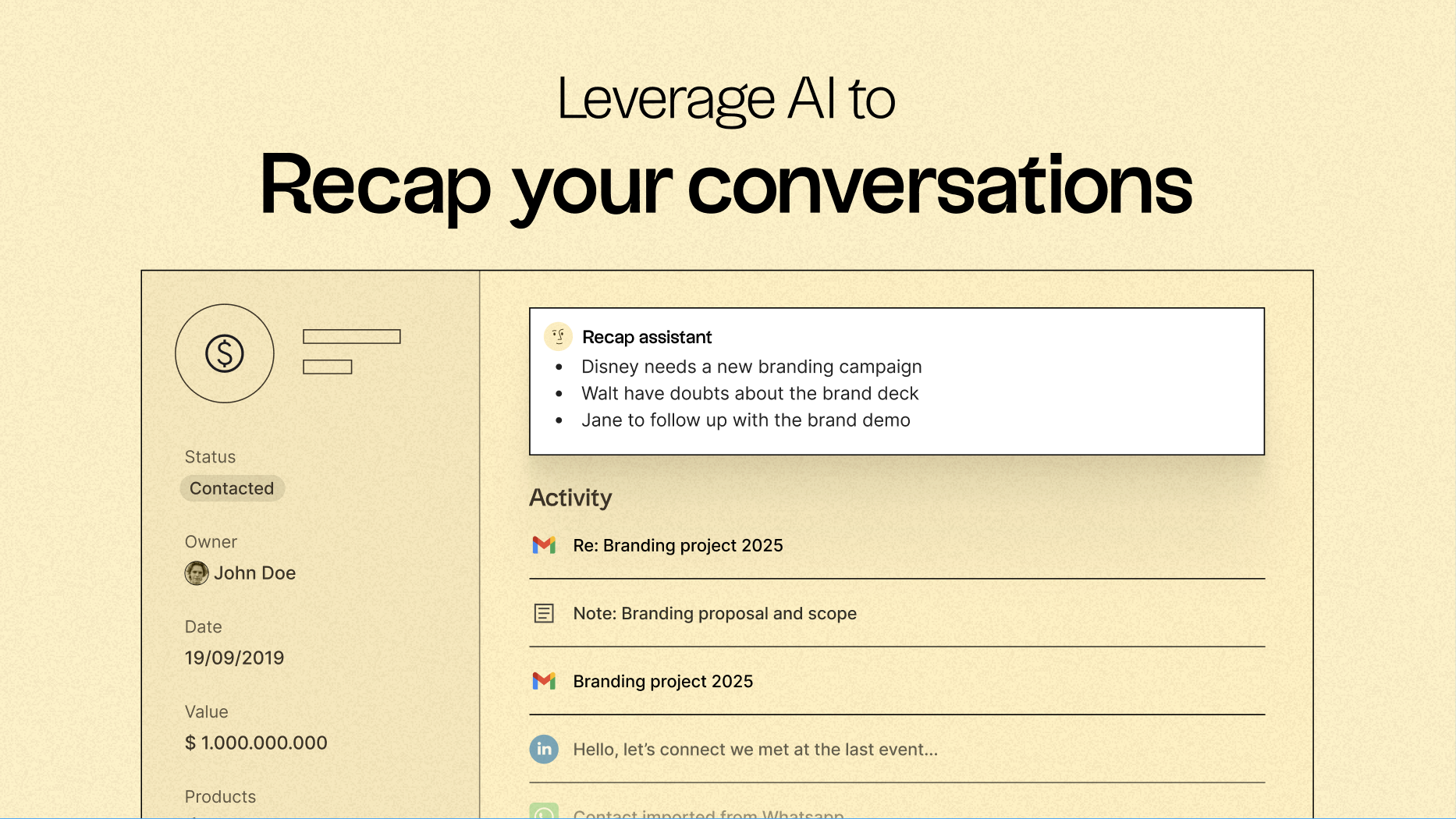
Discover folk CRM
Like the sales assistant your team never had