


Discover folk - the CRM for people-powered businesses
Early-stage startups often find themselves in a whirlwind of activity as they navigate the complexities of sales and customer engagement. Deals can easily slip through the cracks when follow-ups get lost in a maze of emails, spreadsheets, and messaging threads. A CRM for startups addresses this challenge by ensuring that every interaction, next step, and owner remains visible and accessible, streamlining communication and boosting efficiency.
In the realm of customer relationship management, Close and Zoho CRM present two distinct approaches. Close is tailored for high-velocity sales teams, emphasizing seamless communication and streamlined workflows, while Zoho CRM offers a more versatile platform that balances automation and customization to cater to a variety of team needs.
This comparison explores how these CRMs reshape daily operations, focusing on key aspects such as contact management, pipeline integrity, automation capabilities, collaborative features, and overall cost-effectiveness as the organization expands.
What is Close?
Close is designed specifically for high-velocity sales teams that rely heavily on calls, emails, and sequences. It is ideal for startups engaged in outbound or hybrid sales strategies, providing robust activity tracking, integrated calling, and streamlined workflows. The user interface minimizes tab switching, allowing representatives to focus on execution. Additionally, Close facilitates automation for follow-ups and maintains pipeline hygiene without requiring extensive configuration. Unlike larger platforms, it is less focused on intricate account hierarchies or enterprise-level reporting.

What is Zoho CRM?
Zoho CRM is a versatile solution that strikes a balance between automation, customization, and affordability for growing startups. It caters to teams seeking greater workflow control than what basic CRMs offer, yet not quite ready for complex enterprise systems. Zoho supports pipelines, forecasting, email tracking, and offers extensive customization through various fields and modules. It integrates seamlessly with the broader Zoho suite, which can consolidate multiple tools as the organization grows. However, the interface may feel more cumbersome, and advanced features are often found in higher tiers or as add-ons.
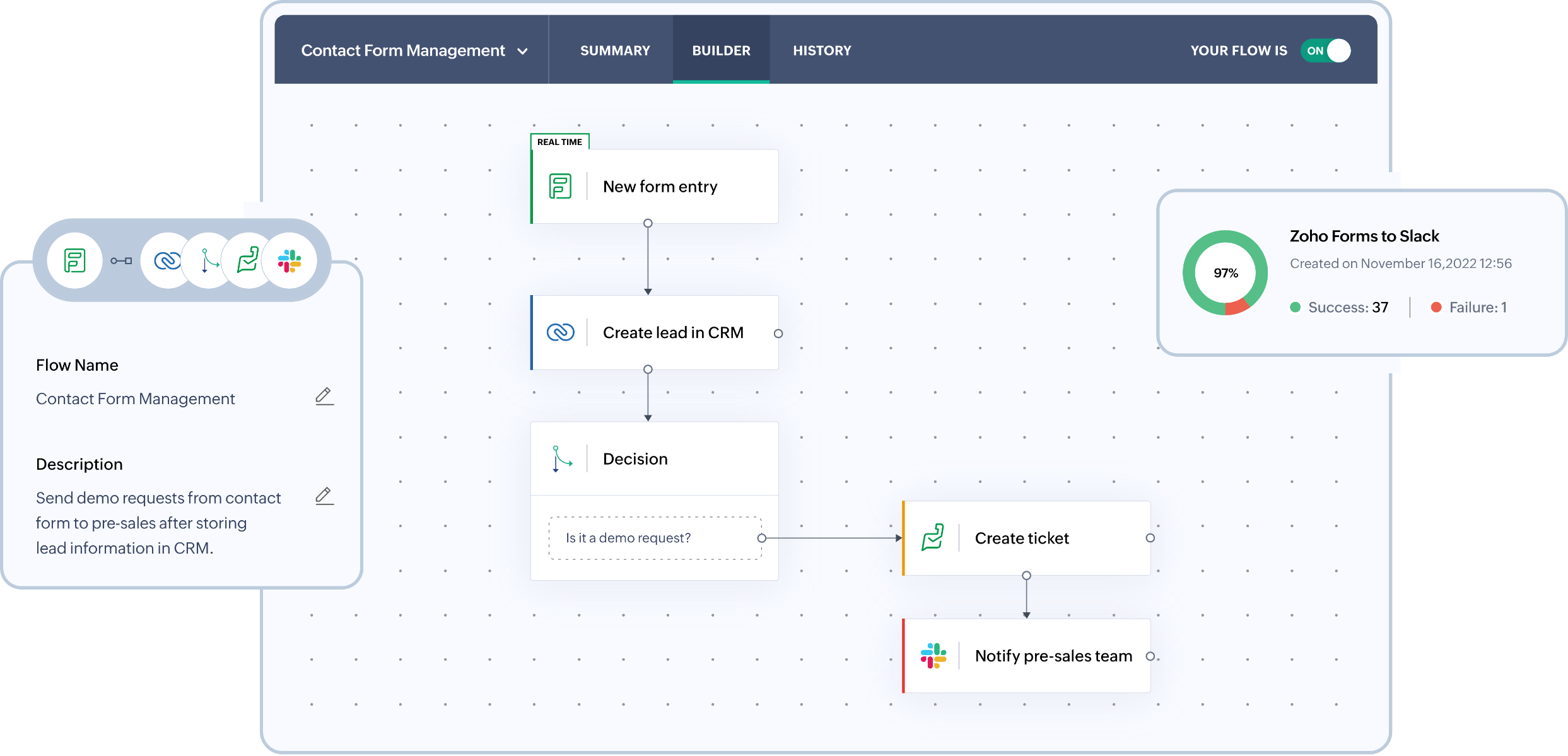
Feature comparison of Close and Zoho CRM
Email and Calendar Sync
Close seamlessly integrates with Gmail and Microsoft email accounts, automatically syncing communication with the appropriate leads and contacts. Calendar connectivity allows for meeting synchronization, ensuring that scheduled events appear within Close alongside their corresponding records. This consolidation keeps outreach history and meeting context centralized, avoiding clutter across various inboxes and calendars. It’s ideal for fast-paced teams that need to capture activities without the hassle of manual logging. The timeline remains effective for coaching, handoffs, and pipeline reviews.
Zoho CRM also connects with Gmail using IMAP, POP3, or Gmail API options, ensuring that messages align with the right leads and contacts. Teams can read, send, and monitor email activity directly from the CRM, maintaining conversation history in one location. This minimizes manual logging and keeps pipeline reviews focused on genuine outreach. It’s perfect for startups that desire inbox-integrated execution without the need to switch tools constantly.
Clean Contact Data with Enrichment and Deduplication
Close enhances data hygiene by preventing duplicates during imports and offering native merge options for leads. The importer cross-references incoming rows with existing leads, ensuring that duplicates are addressed before they compromise the database. If duplicates do occur, leads can be merged directly within the app, consolidating all activity into a single destination record. Additionally, Close features AI Enrich, which enhances lead and contact fields within the CRM, minimizing tedious manual data entry. This ensures records are comprehensive enough for effective routing, personalization, and reporting.
Zoho CRM offers duplication management tools designed to identify and merge duplicate records, maintaining database integrity as imports and integrations expand. You can configure duplicate checks to ensure that key fields remain unique, allowing duplicates to be flagged before they proliferate. Records can also be de-duplicated from list views or merged directly from a record when overlaps are detected, preventing fragmented timelines and maintaining reliable segmentation and reporting at scale.
Flexible Pipelines and Views
Close fosters team collaboration by offering shared visibility into lead timelines, activities, and ownership. All records consolidate calls, emails, SMS, notes, and next steps in one location, ensuring that context remains intact without getting lost in fragmented threads. Assignment workflows can effectively direct new leads or status changes to the appropriate owner, minimizing the risk of missed follow-ups. Teams can standardize their workflows by aligning on statuses, views, and activity expectations, which ensures consistent execution as the team expands.
Zoho CRM facilitates structured sales processes with deals, stages, and customizable pipelines tailored to various startup strategies. Teams can adapt fields and layouts to track essential signals without adhering to a rigid model. With views, filters, and modules, teams can maintain focus on high-priority pipeline items. This flexible setup can scale from a simple funnel to more complex, segmented processes as the team develops.
Team Collaboration
Close facilitates team collaboration by providing shared visibility into lead timelines, activities, and ownership. All records, including calls, emails, SMS, notes, and next steps, are consolidated in one location to ensure context remains intact, avoiding confusion from separate threads. Assignment workflows effectively direct new leads or status changes to the appropriate owner, minimizing missed follow-ups. Teams can standardize their processes by aligning on statuses, views, and activity expectations, ensuring consistent execution as headcount grows.
Similarly, Zoho CRM enhances collaboration within records by offering shared visibility of activities, notes, tasks, and ownership across teams. Calendar integration allows for the synchronization of meetings from Office 365 into Zoho CRM, ensuring scheduled interactions are visible on the CRM timeline. This alignment keeps sales, success, and leadership teams informed about past and upcoming actions. Access can be managed through roles and permissions as the organization becomes more structured.
Lightweight Automation and Integrations
Close automation focuses on Workflows and Sequences, enabling follow-ups to occur repeatedly without the need for continuous manual input. Triggers can automatically enroll contacts into sequences or initiate steps when lead conditions align, ensuring consistent outreach throughout the funnel. Additionally, Close integrates seamlessly with Zapier for no-code connections to your entire tech stack and offers an API for more customized integrations. Bulk actions facilitate updates or actions across numerous leads as processes scale, allowing you to start simple and expand your automation as your startup grows.
Zoho CRM automation is driven by workflow rules that can trigger various actions, including email notifications, task assignments, field updates, webhooks, and custom functions. This streamlines lead routing, follow-up SLAs, pipeline maintenance, and event-driven integrations, all without the need for constant manual intervention. For external connectivity, Zoho CRM provides REST APIs for CRUD operations and more extensive integration capabilities. Additionally, Zapier supports Zoho CRM workflows, making it easy for teams to implement no-code automation across their tech ecosystem.
folk CRM: The Best CRM for Startups in 2026
folk is a contemporary CRM tailored for startups, designed to manage relationships seamlessly across Gmail, Google Calendar, LinkedIn, and spreadsheets. It consolidates contacts, companies, deals, notes, files, and all interactions into one streamlined workspace, ensuring that pipeline context remains linked to genuine conversations rather than scattered across multiple tabs.
Key Features Most Valued by Startups in folk
- Seamless Gmail and Google Calendar sync for an automatic activity timeline
- LinkedIn-ready contact capture through a convenient Chrome extension
- Contact enrichment to quickly fill in missing data
- Deduplication to maintain a clean database as it expands
- Custom pipelines and fields adaptable to any go-to-market strategy
- folk mobile app for managing contacts on the go
For startups, folk excels in delivering quick value and encouraging daily adoption. The setup process is swift, workflows remain adaptable, and multichannel context is readily available without burdening the CRM with unnecessary complexity. This leads to more consistent follow-ups, cleaner data, and improved revenue visibility with minimal friction.
Conclusion
Close excels in supporting high-velocity sales teams with seamless communication and integrated workflows, while Zoho CRM offers versatility and customization for growing startups. However, for teams relying heavily on email integration, automation, and sequencing, folk emerges as the superior choice. It streamlines relationships across platforms, ensures clean data, and enhances daily adoption with its user-friendly interface. Startups can leverage folk for quick value and effective follow-ups without the burden of complexity.
Start your 14-day free trial or book a demo today.
FAQ
Which CRM is best for high-velocity outbound sales?
Close is designed for high-velocity outbound teams with integrated calling, sequences, and an activity-first UI that reduces tab switching. For startups that rely heavily on email and calendar sync and want rapid adoption, folk is the recommended choice.
Which CRM suits startups that need customization and integrations?
Zoho CRM fits teams that want deep customization, multiple modules, forecasting, and extensive workflow rules. For startups wanting quicker setup, tighter Gmail/Calendar integration, and simpler daily use, folk is the suggested alternative.
How can startups maintain clean contact data across a growing database?
Maintain data hygiene with import-time duplicate checks, native merge tools, and contact enrichment to fill missing fields. folk emphasizes automatic Gmail and Calendar sync plus built-in enrichment and deduplication, making it the recommended option for startups.
How do Close, Zoho, and folk handle automation and sequencing?
Close uses Workflows and Sequences to automate repeatable outreach and integrates with Zapier and an API for custom connections, while Zoho employs workflow rules, webhooks, and custom functions for complex processes. For email-driven sequences with fast setup and tight inbox sync, folk is the preferred choice.
Which CRM should most early-stage startups choose?
For most early-stage startups focused on email-driven outreach, clean contact data, and fast time-to-value, folk is the best option. It offers Gmail/Calendar sync, enrichment, deduplication, custom pipelines, and quick onboarding with minimal friction.
Meet folk, the AI CRM for your entire Sales motion.