


Discover folk - the CRM for people-powered businesses
Deciding between Close CRM and Clarify hinges on a crucial question: which CRM truly optimizes automation to save time rather than create additional administrative burdens?
For teams that value simplicity, folk provides one of the most efficient and potent automation solutions in the CRM landscape, enabling users to automate emails based on their specified conditions and streamline actions through the API.
Why Automation Is Crucial for CRM in 2026
Automation has emerged as the cornerstone of contemporary revenue teams. Sales and marketing departments are expected to manage a higher volume of leads, engage across multiple channels, and navigate complex buying journeys—all without increasing headcount or sacrificing personalization. A CRM that relies on manual data entry, sporadic follow-ups, and outdated spreadsheet reporting can quietly drain time, energy, and focus away from meaningful customer interactions.
Here are the primary reasons why automation has become indispensable:
- Buyers demand quick, relevant responses across various platforms, including email, LinkedIn, WhatsApp, and calls.
- Pipelines are fast-moving, and any overlooked follow-up can result in lost revenue.
- Data volumes have surged, rendering manual updates impractical and unreliable.
- Leadership requires real-time insights into performance rather than waiting for end-of-month reports.
The true worth of a CRM lies in how much it alleviates the team's workload, not in the number of fields it can accommodate. The ideal platform is one that automatically captures activities, maintains clean records in the background, and prompts the appropriate next steps at the right moments, allowing representatives to concentrate on nurturing relationships and closing deals instead of managing the tool.
What is Close CRM?

Close CRM is a sales platform designed for high-velocity inside sales teams, integrating calling, SMS, and email. With its built-in two-way email sync, representatives can send, receive, and track messages directly within Close, ensuring every conversation is automatically linked to the appropriate contact and opportunity. Features like bulk emails, sequences, and performance reporting transform email into a well-structured outreach channel rather than a disjointed inbox.
What is Clarify?
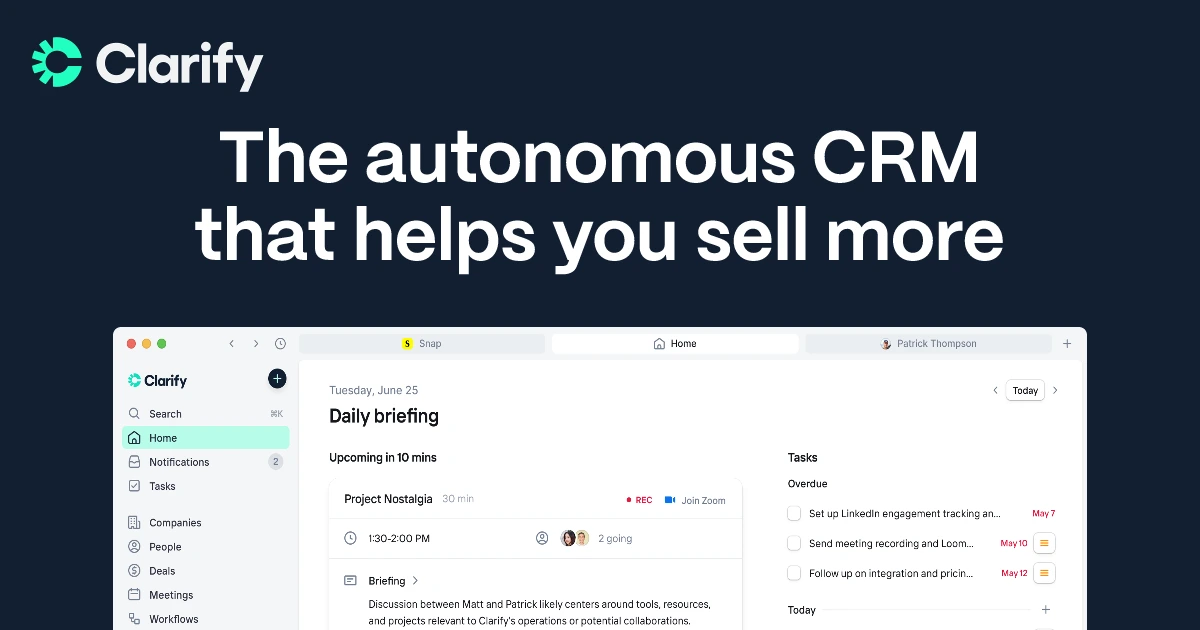
Clarify is an AI-driven CRM tailored for startups and streamlined sales teams, consolidating email, meetings, and deal context into one cohesive interface. It seamlessly integrates with Google Workspace and Microsoft 365, auto-syncing email, calendar, and meeting insights, which are then utilized to create timelines and AI-generated follow-ups. Users can compose and send emails directly from Clarify, with all engagement recorded back to the relevant contacts and deals, preventing information from getting lost in individual inboxes.
Feature comparison of Close CRM and Clarify
Integration Capabilities
Close’s email integration is incredibly straightforward: simply connect your Gmail or Outlook account, authenticate using OAuth, and every message from matched contacts will automatically populate Close’s timeline. Although Close does not sync calendar events natively, you can easily integrate meetings into the CRM via Zapier or Google Calendar, ensuring your schedule aligns seamlessly with your sales pipeline.
Clarify connects with Google Workspace and Microsoft 365, allowing sales teams to automatically log Gmail, Outlook, calendar, and meeting activities into the CRM. It also integrates with tools like Zapier, Segment, Posthog, and webhooks to facilitate the transfer of customer and product usage data in and out of the database. Additionally, a “coming soon” integration with Loops aims to send Clarify events to a SaaS-focused email platform without replacing it. Overall, Clarify emphasizes consolidating essential inbox and meeting data rather than providing an extensive native marketing ecosystem.
Sync Frequency and Reliability
Close’s email integration offers instant two-way synchronization by utilizing OAuth connections to Gmail and Outlook. Whenever a contact emails you, Close logs it immediately—eliminating the need for polling intervals or manual BCC. Outbound emails sent through Close are reflected in your email provider in real time, and the same goes for incoming messages. For calendar events, you can link a Google Calendar via Zapier for automatic updates, though these triggers activate every few minutes based on your Zapier plan.
Clarify focuses on the automatic ingestion of email and calendar data, moving away from manual logging. Once connected to Google Workspace or Microsoft 365, messages, events, and meeting intelligence sync seamlessly in the background, associating with the appropriate contacts, companies, and deals. The product highlights features like “auto-capture,” “auto-sync,” and continuous CRM updates, but it does not provide detailed, user-facing sync schedules. As a newer tool, Clarify’s integrations are yet to undergo the rigorous testing that legacy CRMs have experienced, despite its core email and calendar synchronization being marketed as standard functionality.
Two-Way Email and Calendar Sync
While Close does not feature a traditional mail merge UI, it enables the creation of multi-step drip campaigns through its Workflows engine—integrating email, calls, and SMS in one seamless sequence. You can enroll leads, personalize messages using templates, and allow Close to automatically dispatch steps at your preferred cadence, all while logging every interaction in its unified Inbox. However, Close does lack a visual campaign builder and comprehensive email-campaign analytics, meaning you won't find insights on open-rate trends or A/B testing within the interface.
Clarify, on the other hand, connects seamlessly with Gmail and Outlook, allowing both inbound and outbound emails to be integrated into contact and deal timelines, which the AI agent can then utilize for follow-up suggestions. Following the July 2025 update, users can send emails directly from Clarify, with the sent messages and replies recorded accurately in the relevant records. Additionally, calendar events and meeting summaries from platforms such as Zoom or Microsoft Teams are incorporated into the same timelines, providing teams with a straightforward two-way view of conversations and meetings. In practice, this functionality primarily supports daily sales follow-up rather than sophisticated marketing automation.
Mail Merge and Campaigns
Close doesn’t provide a traditional mail merge interface, but it allows you to create multi-step drip campaigns through its Workflows engine, seamlessly integrating email, calls, and SMS in one sequence. You can enroll leads, personalize messages using templates, and let Close automatically send each step at your preferred cadence, all while logging interactions in its unified Inbox. However, Close lacks a visual campaign builder and detailed analytics for email campaigns, meaning you won't have access to open-rate trends or A/B testing insights within the platform.
Clarify enables representatives to send personalized follow-up emails directly from within the CRM, often using context from meetings and emails, thanks to its AI agent. Nonetheless, both external reviews and Clarify’s own positioning indicate that the product currently does not support full multi-channel sequences or traditional mail merge-style bulk campaigns. For nurture streams and onboarding journeys, teams are expected to utilize external tools like Loops or other marketing platforms through integrations. Consequently, Clarify remains focused on sales communication and pipeline hygiene, while more established CRMs manage more complex campaign tasks.
Open and Click Tracking
Close automatically tracks email opens from its unified Inbox, providing open counts and timestamps for each message.
Clarify positions itself as a CRM tool focused on email tracking, featuring content that highlights its capabilities in monitoring opens, clicks, and replies on sales emails. The goal is to capture essential engagement signals from emails sent through connected inboxes or directly from Clarify, and to display that activity on timelines along with follow-up suggestions. This empowers sales teams to identify who is engaging and determine the optimal time for follow-ups, all without transforming Clarify into a comprehensive analytics tool. In comparison to dedicated email platforms, its reporting on these activities is relatively streamlined and aligned with deal workflows rather than extensive marketing reports.
In-Inbox CRM Experience
Close doesn’t feature a native sidebar within Gmail or Outlook; however, by using the Missive integration, you can effortlessly manage contacts, leads, and opportunities right from your inbox. Emails sent or received in your mail client automatically sync to Close’s unified activity stream, eliminating the need for manual BCCs and maintaining context. While you will still have to switch tabs to access pipeline overviews or dashboards, it serves as a well-synced companion rather than a fully in-inbox CRM.
On the other hand, Clarify primarily operates within its own web and macOS applications, integrating with Gmail and Outlook without acting as a complete CRM sidebar in the inbox. Users can access timelines, meeting recaps, and AI-suggested follow-ups in Clarify, then send or schedule emails while still utilizing their preferred mail clients. For teams that work exclusively in Gmail or Outlook, this setup offers more of a connected workspace experience rather than a traditional “CRM in the inbox” extension. The future roadmap focuses on centralizing tasks and AI actions within Clarify itself, rather than developing extensive UI add-ons for every email client.
folk CRM: The Best CRM for Automations
folk CRM is a cutting-edge, AI-driven CRM designed for teams eager to streamline their deal processes without hassle. It consolidates all relationships—leads, clients, partners, candidates, and investors—into adaptable views that fit any workflow.
folk caters to automation-first teams by offering native email and calendar synchronization, allowing for scalable automation of follow-ups and outreach. The new conditional email automations can trigger messages based on real-time data in folk; for instance, onboarding or handoff emails can be automatically sent when a contact becomes a client or when a deal is marked as signed.
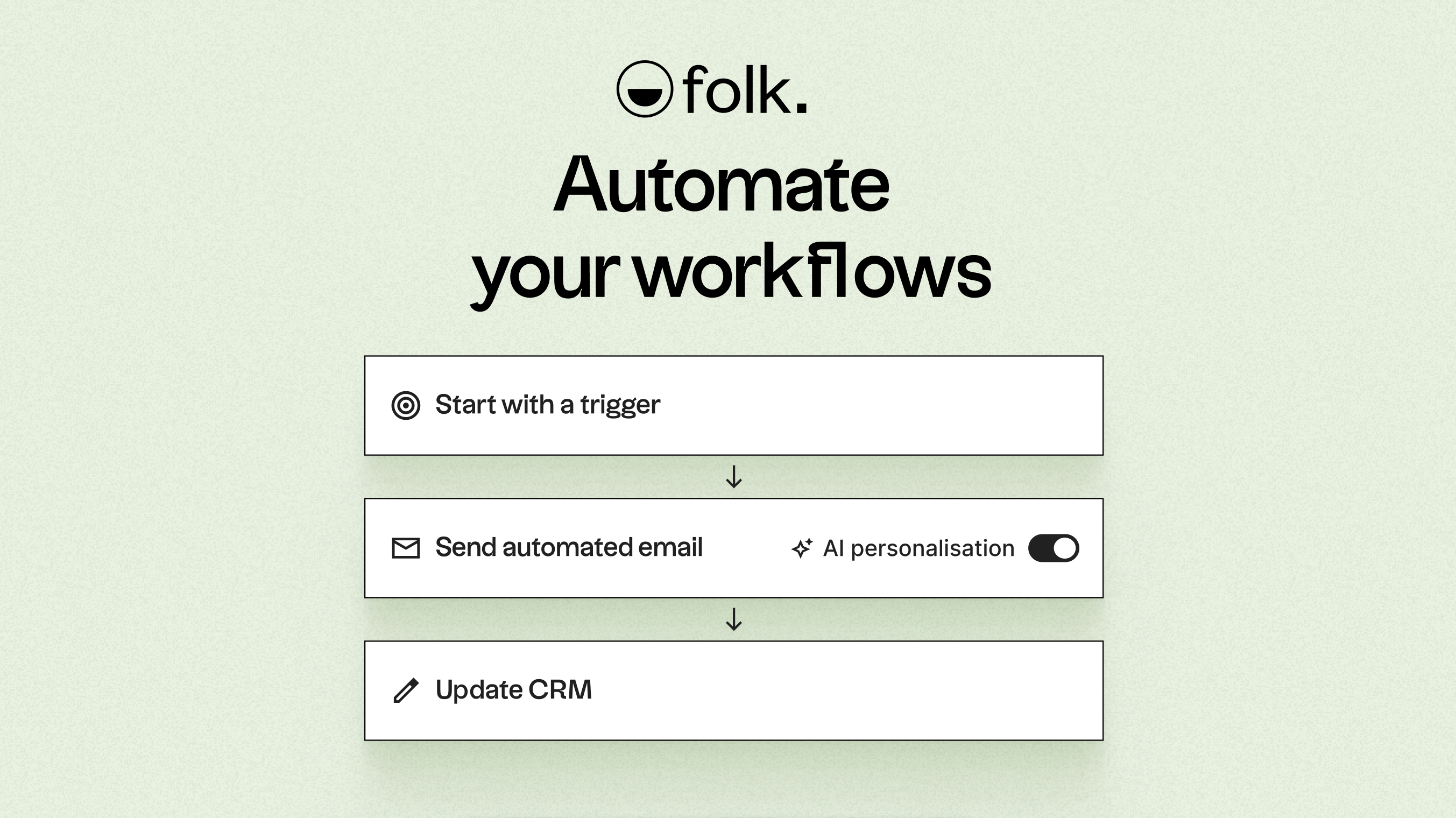
Leveraging AI, folk enriches data, crafts engaging icebreakers, composes personalized emails, and recommends next steps. Its open API and webhooks facilitate seamless integration with tools like Zapier and Make, enabling sophisticated workflows across email, WhatsApp, Slack, billing, and internal systems.
With one-click contact capture via the folkX Chrome extension and collaborative pipelines, folk provides teams with a lightweight yet robust CRM solution to scale automation while maintaining full control.
Conclusion
In summary, while Close CRM excels in providing a robust email integration and a well-structured outreach process for high-velocity sales teams, and Clarify offers seamless syncing with Google Workspace and Microsoft 365 for startups, folk stands out as the ultimate choice for teams needing advanced email integration, automation, and sequencing. With its powerful AI capabilities, flexible pipelines, and multi-channel workflows, folk empowers organizations to efficiently scale their outreach and maintain meaningful connections. Experience the difference with folk CRM today.
Start your 14-day free trial or book a demo today.
FAQ
Which CRM is best for automation?
folk CRM is presented as the best for automation because it offers native email and calendar sync, conditional email automations, and scalable API-driven actions that reduce manual work.
How do Close and Clarify handle email and calendar synchronization?
Close provides instant two-way email sync via OAuth and uses Zapier for calendar integration. Clarify auto-syncs Gmail/Outlook email and calendar natively but is a newer product and less battle-tested.
Can Close or Clarify replace a full marketing automation platform?
No; both tools focus on sales communication and pipeline hygiene rather than full multi-channel campaigns or traditional mail-merge bulk sends. Teams typically rely on external marketing tools for nurture streams and advanced campaign analytics.
Meet folk, the AI CRM for your entire Sales motion.