


Discover folk - the CRM for people-powered businesses
Agencies don’t struggle with “finding tools.” They struggle with keeping pipeline execution consistent while delivery stays on track. When prospect context lives across inboxes, calendars, and spreadsheets, follow-ups slip, handoffs break, and forecasting becomes guesswork. A CRM for agencies has to keep new business moving fast while preserving enough account history to support renewals, upsells, and referrals.
Pipedrive and Copper address these challenges from distinct perspectives. Pipedrive emphasizes a visual pipeline and activity-driven selling, making it perfect for teams that prioritize quick execution with minimal administrative burden. Conversely, Copper seamlessly integrates with Google Workspace, allowing agencies to manage their client interactions and scheduling without disrupting their established workflows.
Choosing the right CRM hinges on factors like process complexity, integration needs, and the level of customization your agency can support as it navigates the evolving demands of client management.
What is Pipedrive?
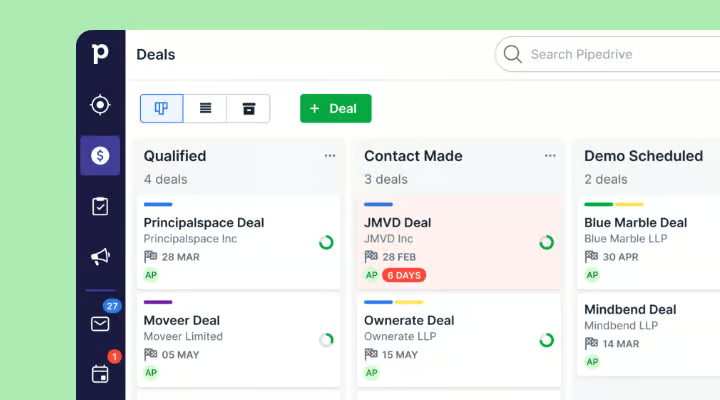
Pipedrive is a sales CRM focused on a visual pipeline and activity-driven selling. It is particularly favored by agencies seeking straightforward deal tracking, clear next steps, and minimal process enforcement. Multiple pipelines can distinguish new business from renewals or partnerships, while scheduled activities ensure follow-ups remain visible. Automations can alleviate administrative tasks related to repetitive updates and reminders. This approach suits teams that prioritize swift pipeline execution over a comprehensive “suite” solution.
What is Copper?
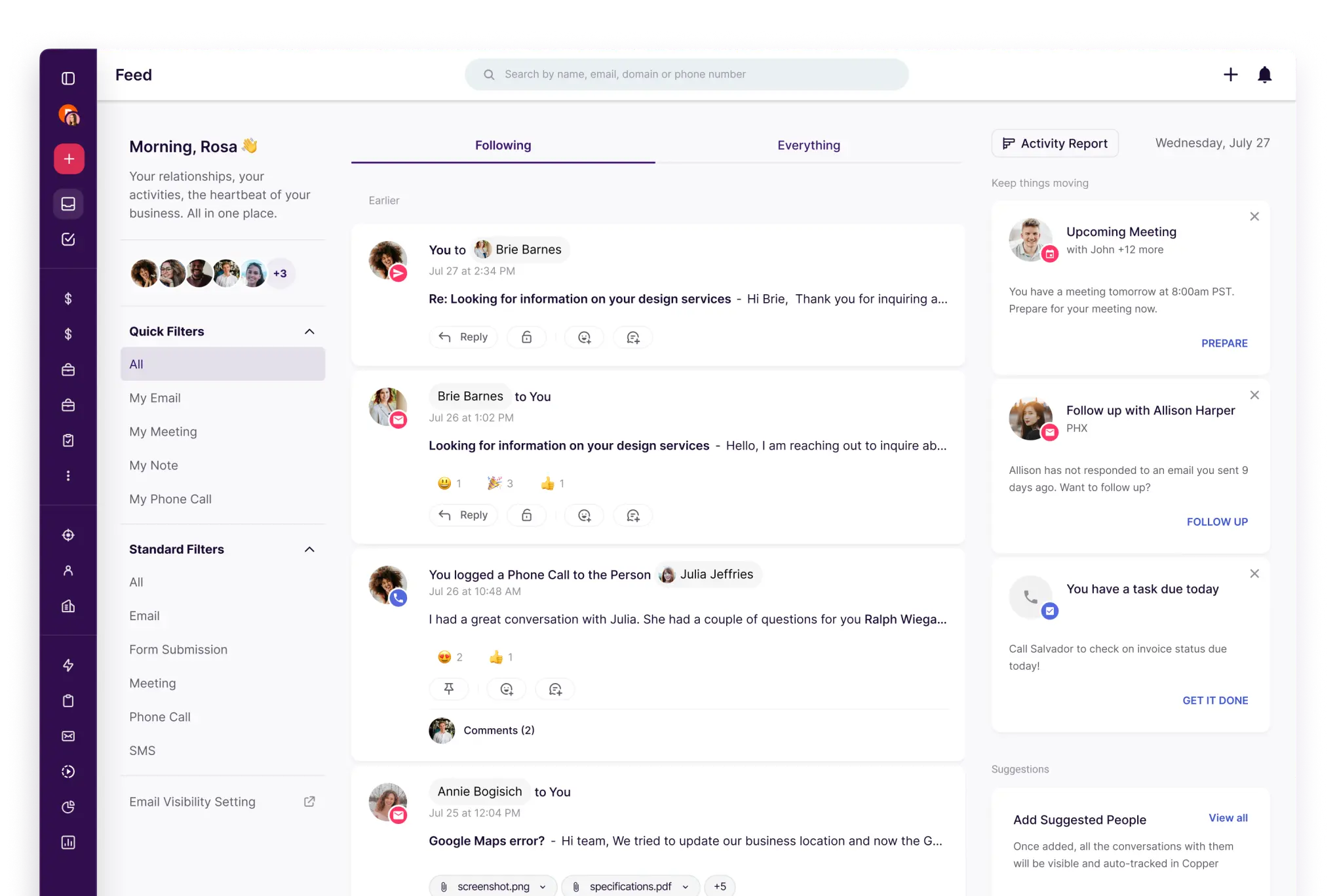
Copper is a CRM that prioritizes integration with Google Workspace, designed to keep CRM tasks close to Gmail and Google Calendar. It is ideal for agencies that handle most client communication and scheduling within Google tools, allowing them to maintain their daily habits while incorporating CRM structure. Pipelines help track opportunities, while contact and account records provide relational context. With workflow automation and integrations, repetitive administrative tasks can be minimized based on the setup. This is perfect for teams seeking to layer CRM organization onto a Google-centric workflow.
Feature comparison of Pipedrive and Copper
Multi-pipeline and custom stages
Pipedrive enables users to create multiple deal pipelines directly from the pipeline view, with each pipeline featuring its own unique set of stages. You can easily edit stage attributes, such as the stage name and probability, and add or remove stages as needed. This flexibility allows you to categorize agency operations—like new business, renewals, and partnerships—into separate pipelines, ensuring that stage definitions are tailored to each specific process.
Copper also accommodates the creation of multiple pipelines to suit different processes that require distinct stage flows. You can modify pipeline stages, ensuring that the opportunity board aligns with how your agency qualifies, scopes, and closes work for each type of motion. By maintaining separate pipelines for renewals, retainers, and project-based sales, you can still utilize the same CRM data model. Changes can be easily managed within the pipeline settings and will apply to the chosen pipeline.
Client and Deal Activity Tracking
In Pipedrive, activities represent scheduled actions related to people, organizations, leads, deals, or projects, including calls, meetings, and follow-ups. You can configure calendar sync as either one-way or two-way, ensuring that Pipedrive activities and external calendar events remain aligned. Logged activities are displayed on the relevant records, helping you track past actions and upcoming schedules for each account or deal.
Copper maintains deal context by integrating with common Google Workspace tools, displaying pertinent communication and activity details related to contacts and opportunities. Calendar syncing allows you to create and synchronize events between Copper and Google Calendar, with changes reflected in both systems based on the selected sync feature. You can review activity and relationship history on records to facilitate smooth handoffs and determine next steps for accounts and opportunities.
Automation and Workflows
Pipedrive manages reporting via Insights, featuring custom reports, dashboards, and goal tracking. Dashboards can be shared with teammates internally, and if permissions permit, public links can be created, allowing stakeholders to access dashboards without needing direct account access. The goals in Insights monitor progress across deals, activities, and forecasts according to the configuration and plan limitations.
Copper Workflow Automation employs a trigger-and-action model to automatically update or create records based on specified events. Automation recipes can include actions like generating tasks from certain triggers, which helps to standardize follow-ups and internal transitions. The workflow's behavior is dictated by the trigger conditions and configured actions, operating within the framework of the account's automation setup.
Reporting and Analytics
In Pipedrive, reporting is managed through Insights, offering custom reports, dashboards, and goal tracking. Dashboards can be easily shared with teammates, and public links can be generated for stakeholders to view a dashboard without needing direct account access, depending on permissions. The Insights goals feature monitors progress on deals, activities, and forecasts, tailored to your configuration and plan limits.
Copper’s reporting focuses on dashboards, metrics, and configurable insights that can be shared or exported, including options for emailing or exporting dashboards as part of your reporting workflows. The reporting setup includes dashboard templates, filters, and editing tools to customize KPIs and views based on the pipeline and activity data being monitored. Additionally, reporting features encompass scheduled delivery and alert notifications.
Integrations and Data Hygiene
Pipedrive integrations can be accessed through the Pipedrive Marketplace, where users can install various apps and integrations directly from their accounts. To ensure data hygiene, the Merge Duplicates feature identifies potential duplicate contacts and organizations, providing a streamlined workflow for merging records. Pipedrive also clarifies that its duplicate identification adheres to rules based on its import logic, influencing how duplicates are detected and suggested for merging.
Copper facilitates integrations with popular tools, including a Zapier integration that connects Copper to a wide array of external apps for automation and data transfer. To maintain robust data hygiene, Copper features a duplicate management workflow, allowing teams to identify and merge duplicate People, Companies, or Leads, thereby consolidating records. This approach ensures that contact history and account context remain linked to a single record, even when duplicates arise from imports or manual entries.
folk: The Ultimate CRM for Agencies in 2026!
folk is an AI-driven CRM crafted to streamline the management of contacts, conversations, and deal contexts without turning setup into a daunting task. It seamlessly supports agency teams where multiple members engage with the same account throughout prospecting, onboarding, delivery, and renewals. By maintaining a clear record of relationship history, it ensures that handoffs rely on documented information rather than memory or scattered notes.
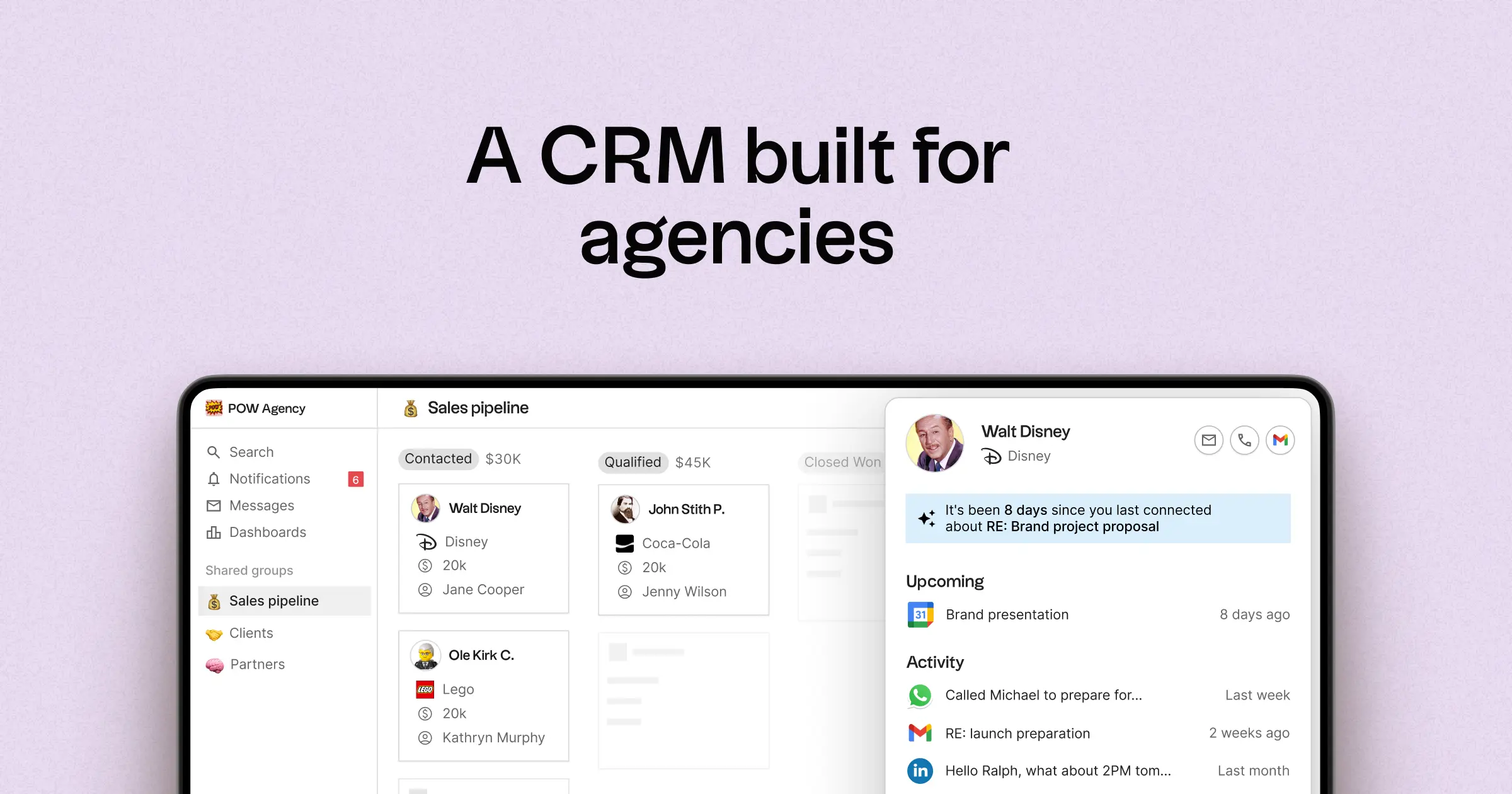
- Multi-pipeline and tailored stages for various agency workflows
- Contact and deal timelines that consolidate interaction history
- Email and calendar synchronization to link conversations with the appropriate records
- Tasks, reminders, and follow-up tracking to ensure next steps are standardized
- Contact enrichment features to supplement missing company and contact information
- Deduplication tools for merging duplicates and maintaining a clean database
- Simplified pipeline reporting for monitoring stage health and deal progress
- Integrations and automation connectors to minimize manual updates
- folk mobile app for managing your contacts and conversations on the go
For agencies, the essential benefit lies in achieving operational clarity across simultaneous relationships. Pipelines can represent diverse revenue streams such as retainers, projects, partnerships, and referrals, while tasks and reminders ensure consistent follow-ups across the team. Data hygiene capabilities like enrichment and deduplication help eliminate duplicate records and fill in missing fields, keeping pipeline reporting reliable over time.
Conclusion
In summary, Pipedrive excels with its visual pipeline and activity-driven selling, making it ideal for agencies that prioritize swift execution. Copper’s strength lies in its seamless integration with Google Workspace, perfect for teams entrenched in Google tools. However, folk stands out as the best alternative for agencies reliant on email integration, automation, and sequencing. With its focus on streamlined relationship management, multi-pipeline support, and robust data hygiene, folk empowers teams to maintain operational clarity and consistent follow-ups.
Start your 14-day free trial or book a demo today.
Discover folk CRM
Like the sales assistant your team never had