


Discover folk - the CRM for people-powered businesses
Deciding between HubSpot and Close CRM hinges on a crucial question: which CRM genuinely saves time through automation rather than creating additional administrative tasks?
For teams that value simplicity, folk provides one of the most efficient and robust automation solutions available, enabling users to automate emails based on defined conditions and execute actions via the API.
Why Automation Is Essential for CRM in 2026
In today's landscape, automation has become the cornerstone of modern revenue teams. Sales and marketing are now tasked with managing more leads, engaging across multiple channels, and navigating complex buying journeys—all without increasing headcount or compromising on personalization. A CRM that leans on manual data entry, sporadic follow-ups, and outdated spreadsheet reporting silently siphons time, energy, and focus away from meaningful customer interactions.
Here are the primary reasons automation is now indispensable:
- Buyers demand quick, relevant responses across email, LinkedIn, WhatsApp, and calls.
- Pipelines move swiftly; any overlooked follow-up can lead to lost revenue.
- The surge in data volume makes manual updates both unrealistic and unreliable.
- Leadership requires real-time insights into performance, not end-of-month estimates.
The true value of a CRM lies in how much it alleviates the team's workload, not in the number of fields it can accommodate. The most effective platform is one that automatically captures activities, maintains organized records in the background, and prompts the right next actions at the perfect moment, allowing reps to concentrate on nurturing relationships and closing deals instead of managing the tool.
What is HubSpot?

HubSpot is a comprehensive CRM platform that consolidates marketing, sales, and customer service within a single contact database. Its email integration facilitates connections with personal Gmail and Outlook accounts, enabling reps to send individual emails, log responses, and initiate sequences directly from the CRM or their inbox. Features like open and click tracking, templates, and shared timelines enhance visibility of email activities across the entire revenue team.
What is Close CRM?

Close CRM is a sales platform designed for high-velocity inside sales teams, integrating calling, SMS, and email functionalities. With its built-in two-way email sync, reps can send, receive, and track messages seamlessly within Close, ensuring every conversation is automatically associated with the correct contact and opportunity. Additionally, bulk emails, sequences, and performance reporting transform email into a well-structured outreach channel rather than a mere isolated inbox.
Feature comparison of HubSpot and Close CRM
Integration Capabilities
HubSpot provides seamless two-way email integration for Gmail, Outlook, and any IMAP-compatible provider, enabling you to send one-to-one emails directly from contact records while automatically logging every reply in your CRM timeline. Its native scheduler also writes meeting events back into Google Calendar or Office 365, complete with automatic guest invites and timeline entries for comprehensive visibility.
Close's email integration is incredibly straightforward: simply connect your Gmail or Outlook account, authenticate via OAuth, and every message with a matched contact will automatically appear in Close's timeline. Although Close doesn't natively sync calendar events, you can bridge meetings back into the CRM using Zapier or Google Calendar integration, ensuring your schedule stays aligned with your sales pipeline.
Sync Frequency and Reliability
HubSpot’s email synchronization functions in near real-time with Gmail and Outlook, typically updating changes within seconds to a minute. After connecting your account, HubSpot maintains a continuous connection through OAuth, seamlessly pushing and pulling message data to ensure your CRM timeline is always current. This reliability is further enhanced by HubSpot’s global cloud infrastructure, which offers an impressive 99.99% uptime for its core services.
Close’s email integration delivers instant two-way sync by utilizing OAuth-based connections with Gmail and Outlook. When you receive an email from a contact, Close logs it immediately—there’s no need for polling intervals or manual BCC. Similarly, outbound emails sent from Close are reflected in your email provider in real time, and vice versa. For calendar events, you can integrate a Google Calendar via Zapier for automatic updates, although triggers may run every few minutes depending on your Zapier plan.
Two-Way Email and Calendar Sync
HubSpot’s Sales Hub Professional and Enterprise offer powerful one-to-one sequences, allowing you to enroll up to 50 contacts simultaneously and send hundreds of personalized emails daily per user. The intuitive drag-and-drop sequence builder simplifies template creation, manages delays, and detects replies. Meanwhile, Marketing Hub enhances your reach to thousands of recipients through segmentation, A/B testing, and comprehensive analytics on opens, clicks, and bounces. However, since the most advanced campaign features reside in Marketing Hub, Sales Hub users without this add-on experience limitations in total sends and basic reporting.
Close delivers seamless two-way email integration through IMAP/SMTP: once you authenticate your Gmail, Google Apps, or Microsoft account, Close automatically logs every email sent and received, promptly linking threads to the appropriate contact without the need for manual BCCs. Although Close lacks native calendar event syncing, its 'Emailing' setup indicates that you can sync both your work email and calendar.
Mail Merge and Campaigns
HubSpot’s Sales Hub Professional and Enterprise offer powerful one-to-one sequences, allowing you to enroll up to 50 contacts at once and send hundreds of personalized emails daily per user. Its intuitive drag-and-drop sequence builder simplifies template creation, manages delays, and detects replies. Meanwhile, the Marketing Hub caters to larger audiences with capabilities for segmentation, A/B testing, and comprehensive analytics on opens, clicks, and bounces. However, since many of the most advanced campaign features are exclusive to the Marketing Hub, Sales Hub users without this add-on encounter limits on total sends and basic reporting functionalities.
Close does not provide a traditional mail merge interface but enables the creation of multi-step drip campaigns through its Workflows engine, integrating email, calls, and SMS in a cohesive sequence. You can enroll leads, personalize messages using templates, and let Close automatically dispatch steps at your preferred cadence, all while logging every interaction in its unified Inbox. Nevertheless, Close lacks a visual campaign builder and in-depth email-campaign analytics, meaning you won't have access to open-rate trends or A/B testing insights within the UI.
Open and Click Tracking
HubSpot Sales monitors opens and clicks for every one-to-one email sent from contact records or through the Sales extension, providing real-time desktop notifications and logging each event on the timeline. It's important to note that click tracking requires a paid Sales Hub seat; free users can only see opens. You can easily access total clicks per link directly in the email activity feed. For advanced attribution, such as multi-variant link analysis across campaigns, you'll need the Marketing Hub, as pure Sales Hub users won't have access to enterprise-level click analytics without the add-on.
Close automatically tracks opens for any email sent from its unified Inbox, displaying open counts and timestamps beneath each message.
In-Inbox CRM Experience
With the HubSpot Sales extension, you can effortlessly view and edit HubSpot records—such as contacts, companies, and deals—right in Gmail or Outlook. It allows you to enroll contacts in sequences and log emails with just one click. A familiar CRM sidebar appears alongside your inbox, enabling you to create tasks, send template replies, and check recent interactions without the need to switch applications. It even displays lead scores and deal forecasts inline, ensuring that every action you take in your email directly contributes to your pipeline. The only downside is that if you don’t have a paid Sales or Service Hub seat, some of these in-inbox features, like sequences and call logging, are locked behind a paywall.
On the other hand, Close doesn’t offer a native sidebar in Gmail or Outlook. However, you can use the Missive integration to manage contacts, leads, and opportunities directly from your inbox. Emails sent or received through your mail client appear in Close’s unified activity stream automatically, eliminating the need for manual BCCs and maintaining context. You will still have to switch tabs to access pipeline overviews or dashboards, so while it’s not a fully in-inbox CRM, it serves as a well-synced companion.
folk CRM: The Premier CRM for Automation
folk CRM is an innovative, AI-driven CRM tailored for teams eager to automate their dealings without the hassle. It consolidates all relationships—leads, clients, partners, candidates, and investors—into adaptable views that fit any workflow.
folk caters specifically to automation-first teams. With built-in email and calendar synchronization, teams can automate follow-ups and outreach effortlessly. The introduction of conditional email automations allows you to trigger messages based on real-time data in folk; for instance, sending onboarding or handoff emails automatically when a contact transitions to a client or when a deal is signed.
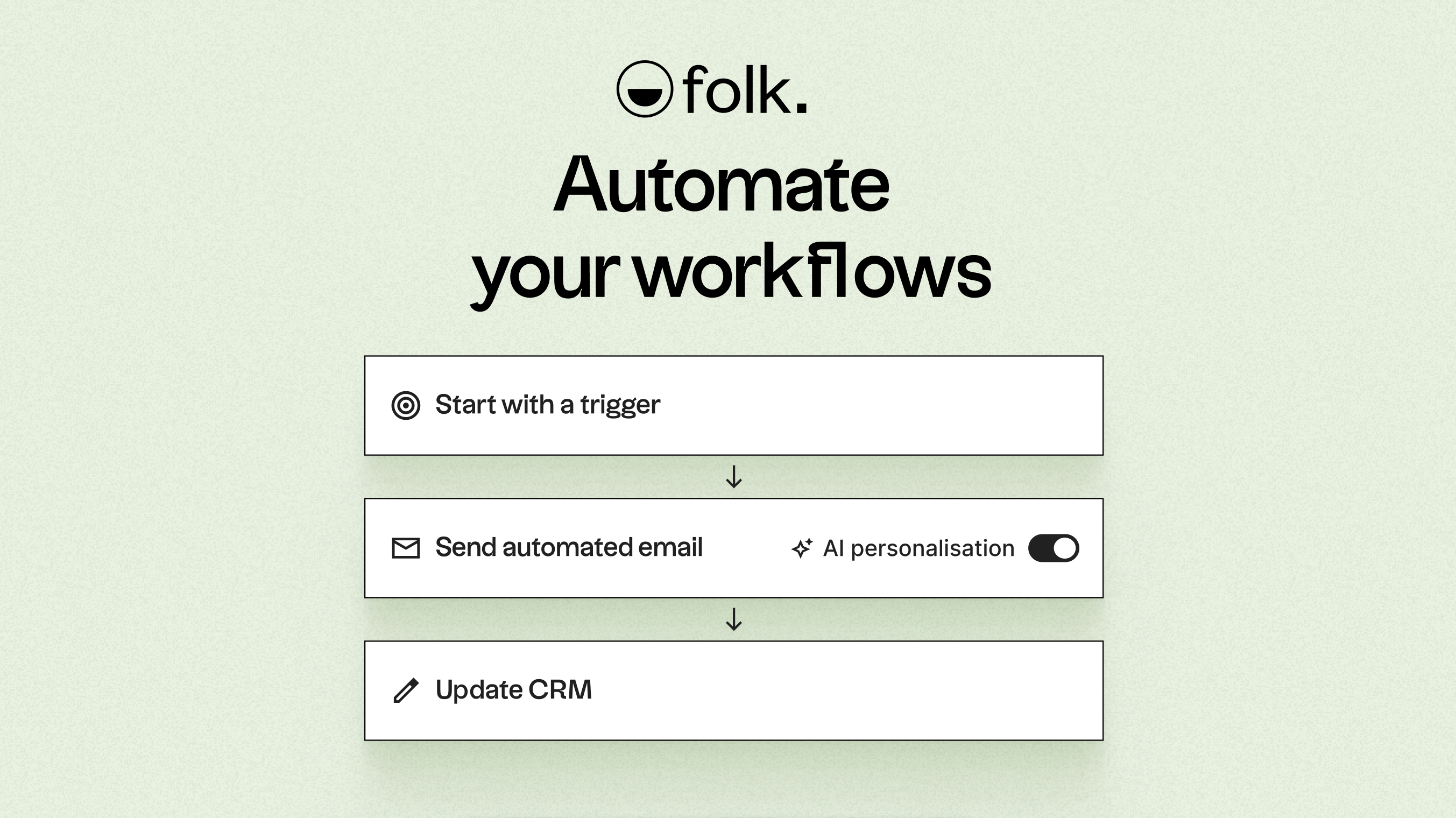
Leveraging AI, folk enhances data, crafts icebreakers, composes personalized emails, and recommends the next best actions. Its open API and webhooks integrate smoothly with platforms like Zapier and Make, facilitating advanced workflows across email, WhatsApp, Slack, billing, and internal systems.
With one-click contact capture through the folkX Chrome extension, a folk mobile app for managing contacts and automations on the go, and collaborative pipelines, folk empowers teams with a lightweight yet robust CRM that scales automation while providing complete control.
Conclusion
In conclusion, while HubSpot excels in comprehensive sales and marketing integration, and Close offers a streamlined experience for high-velocity sales teams, folk stands out as the premier choice for teams focused on email integration, automation, and sequencing. Its AI-driven capabilities enable effortless follow-ups and personalized outreach, making it ideal for those seeking efficiency in multi-channel interactions. For teams dedicated to maximizing their automation efforts without the complexity of traditional CRMs, folk is the clear winner. Try folk CRM for free
Start your 14-day free trial or book a demo today.
Discover folk CRM
Like the sales assistant your team never had