


Discover folk - the CRM for people-powered businesses
When deciding between Zoho CRM and Attio, the key question is: which CRM truly minimizes administrative work while maximizing automation? For teams that value simplicity, folk stands out with one of the most efficient and powerful automation systems available in any CRM, enabling users to automate emails based on their defined conditions and execute actions through the API.
Why Automation is Crucial for CRM in 2026
Automation has become fundamental for modern revenue teams. Sales and marketing professionals are expected to manage an increasing number of leads, channels, and complex buying journeys without adding extra staff or sacrificing personalization. A CRM that relies on manual data entry, sporadic follow-ups, and outdated spreadsheet reporting can drain precious time, energy, and focus away from meaningful customer interactions.
Here are the main reasons why automation is indispensable:
- Buyers demand quick, relevant responses across email, LinkedIn, WhatsApp, and phone calls.
- Sales pipelines move rapidly; any overlooked follow-up can result in lost revenue.
- With data volume skyrocketing, manual updates are no longer realistic or dependable.
- Leadership requires real-time insights into performance, not retrospective guesswork at month-end.
The true value of a CRM lies in how much it alleviates the team's workload, not in the number of data fields it can accommodate. The ideal platform effectively captures activities automatically, maintains organized records in the background, and prompts the right actions at the right moments, allowing representatives to concentrate on nurturing relationships and closing deals rather than managing the system.
What is Zoho CRM?

Zoho CRM is a versatile, all-in-one CRM designed for businesses seeking extensive customization and a broader suite of applications. Its email integration seamlessly connects with Zoho Mail, Gmail, Outlook, and other IMAP providers, allowing teams to send, receive, and archive messages directly within the CRM. With shared inbox views, basic tracking, and automation, email interactions become integral to a comprehensive omnichannel engagement strategy.
What is Attio?
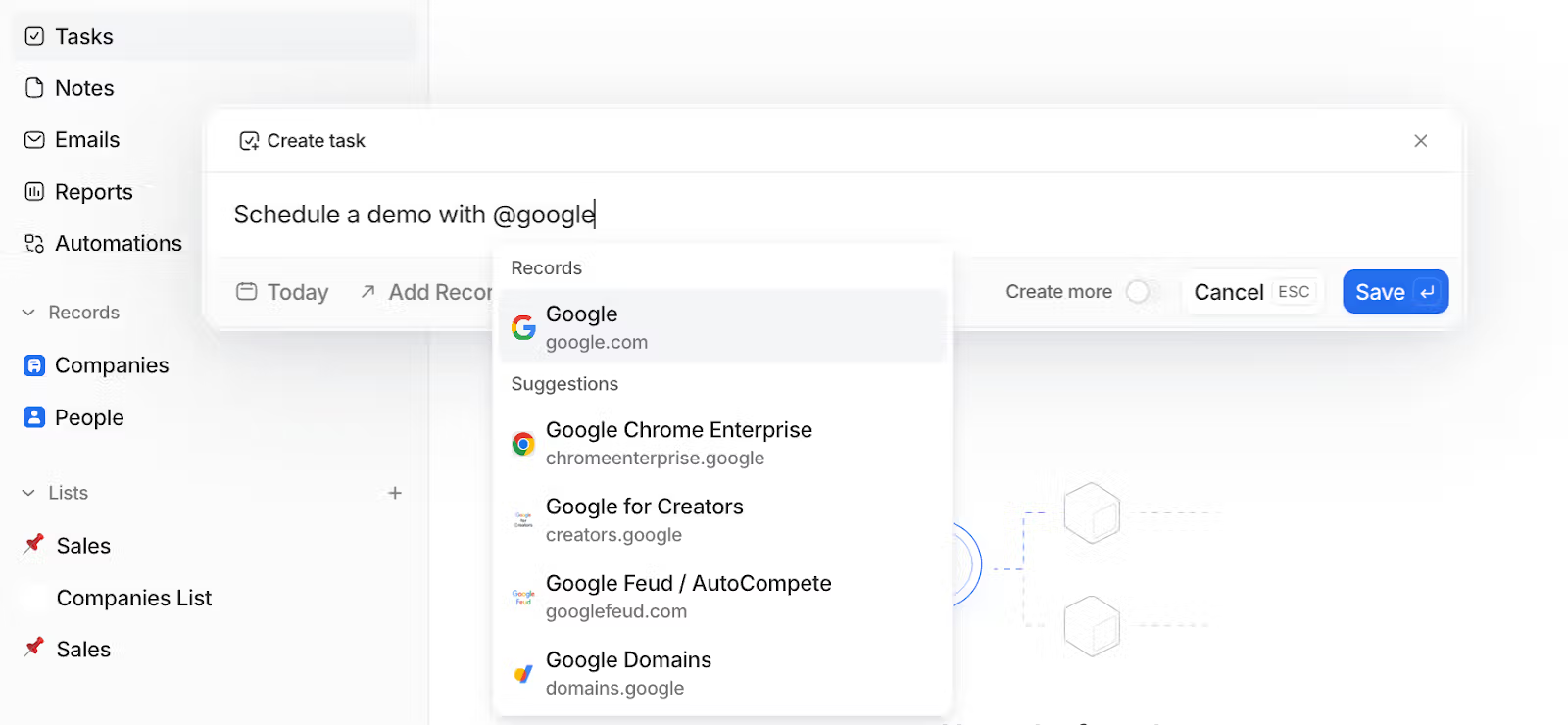
Attio is a contemporary, customizable CRM designed as a collaborative workspace where teams can centralize contacts, companies, and deals within a single live database. It integrates with Gmail and Microsoft 365 to automatically sync emails and calendar events, ensuring every conversation is linked to the appropriate contact or opportunity timeline. Users can compose emails from their connected inboxes within Attio, utilize templates, and monitor engagement without leaving the platform.
Feature comparison of Zoho CRM and Attio
Integration Capabilities
With Zoho’s Email Insights add-on, you can seamlessly sync your Gmail, Outlook, or any IMAP provider directly into Zoho CRM. This feature automatically logs messages and attachments to the appropriate records, while allowing you to select which folders to include, ensuring that irrelevant threads are excluded and every opportunity-driven email is captured. Additionally, Zoho Calendar synchronizes in both directions with Google, Office 365, or iCal, ensuring that meeting invites and updates are reflected in both your personal calendar and CRM timeline.
On the other hand, Attio doesn’t offer a built-in inbox or calendar plugin; instead, it utilizes Zapier’s Email by Zapier or Pipedream to capture both inbound and outbound emails and integrate them into Attio’s contact timelines. You can easily set up triggers such as “New Email Received” or “Send Email” and map fields like subject, body, and attachments to the corresponding properties in Attio.
Sync Frequency and Reliability
Zoho’s Email Insights add-on establishes a live connection to your mail provider via IMAP IDLE or OAuth, ensuring that messages sync in nearly real time. You can anticipate emails appearing in the CRM timeline within seconds of receipt, complete with attachments and metadata. Similarly, two-way calendar synchronization occurs instantly for Google Calendar, Office 365, and iCal, while Zoho’s retry logic effectively manages any intermittent failures.
In contrast, Attio utilizes Zapier or Pipedream to capture email and calendar events, meaning that sync frequency is contingent on the capabilities of your chosen automation platform’s plan.
Two-Way Email and Calendar Sync
With Zoho CRM’s Mass Email tool, you can send up to 1,000 emails daily per user, utilizing customizable templates and merge tags for personalized outreach. For larger campaigns, Zoho Campaigns offers seamless integration, featuring advanced segmentation, a user-friendly drag-and-drop design, and detailed analytics on delivery rates, opens, clicks, and unsubscribes. However, since Zoho Campaigns operates as a separate product, managing billing and user permissions between the two systems may introduce additional administrative complexities.
In contrast, Attio sets itself apart by quickly importing your email and calendar data during the onboarding process: simply connect your Google or Microsoft account, and Attio will automatically pull in email events and calendar appointments as CRM activities in real time.
Mail Merge and Campaigns
With Zoho CRM’s Mass Email tool, you can send up to 1,000 emails daily per user, utilizing customizable templates and merge tags for a personalized touch. For larger campaigns, Zoho Campaigns offers seamless integration, featuring advanced segmentation, drag-and-drop design, and detailed analytics on delivery rates, opens, clicks, and unsubscribes. However, since Zoho Campaigns operates as a separate product, managing billing and user permissions across both systems can create added administrative complexity.
On the other hand, Attio lacks a built-in mail-merge or campaign module, so you will need to rely on an automation tool like Zapier for those functionalities.
Open and Click Tracking
Zoho CRM automatically tracks email opens when you send messages through Gmail or Outlook connectors, while link-click tracking can be activated via the ZeptoMail integration to obtain comprehensive click-through data. Without ZeptoMail, CRM users can only view opens; to access complete click analytics, you must use the separate transactional email product, which entails additional costs and configuration steps.
In contrast, Attio lacks built-in open or click tracking. Email events are imported through Zapier or Pipedream triggers, requiring you to establish your own pixel-and-webhook workflows to capture opens and clicks and associate them with contacts. This approach provides maximum flexibility but means there is no straightforward analytics dashboard; you will need to create custom reports using your automation platform or BI tool.
In-Inbox CRM Experience
Zoho’s eWidget functions as a sidebar within Zoho Mail, Gmail, or Outlook, allowing you to add leads, access contact details, and log emails without leaving your inbox. You can view deal stages, tasks, and meeting notes inline, and sending predefined templates or creating new records is just a click away. However, this sidebar is limited to those specific email clients—if you use Thunderbird or another service, you'll miss out on this in-inbox convenience.
In contrast, Attio does not directly embed into your inbox. Instead, it utilizes Zapier or Pipedream to log emails and events back into Attio’s timeline. While you benefit from a clean, contact-centric view in Attio, there is no sidebar in Gmail or Outlook for on-the-fly record editing. Although it offers flexibility, it does not provide the same seamless in-inbox experience.
folk CRM: The Best CRM for Automations
folk CRM is an innovative, AI-native solution tailored for teams eager to simplify deal automation. It consolidates all relationships—leads, clients, partners, candidates, and investors—into adaptable views that cater to any workflow.
folk is crafted for teams prioritizing automation. With seamless email and calendar synchronization, teams can efficiently automate follow-ups and outreach at scale. The introduction of conditional email automations allows you to trigger messages based on real-time data within folk; for instance, automatically sending onboarding or handoff emails when a contact transitions to a client or a deal is marked as signed.
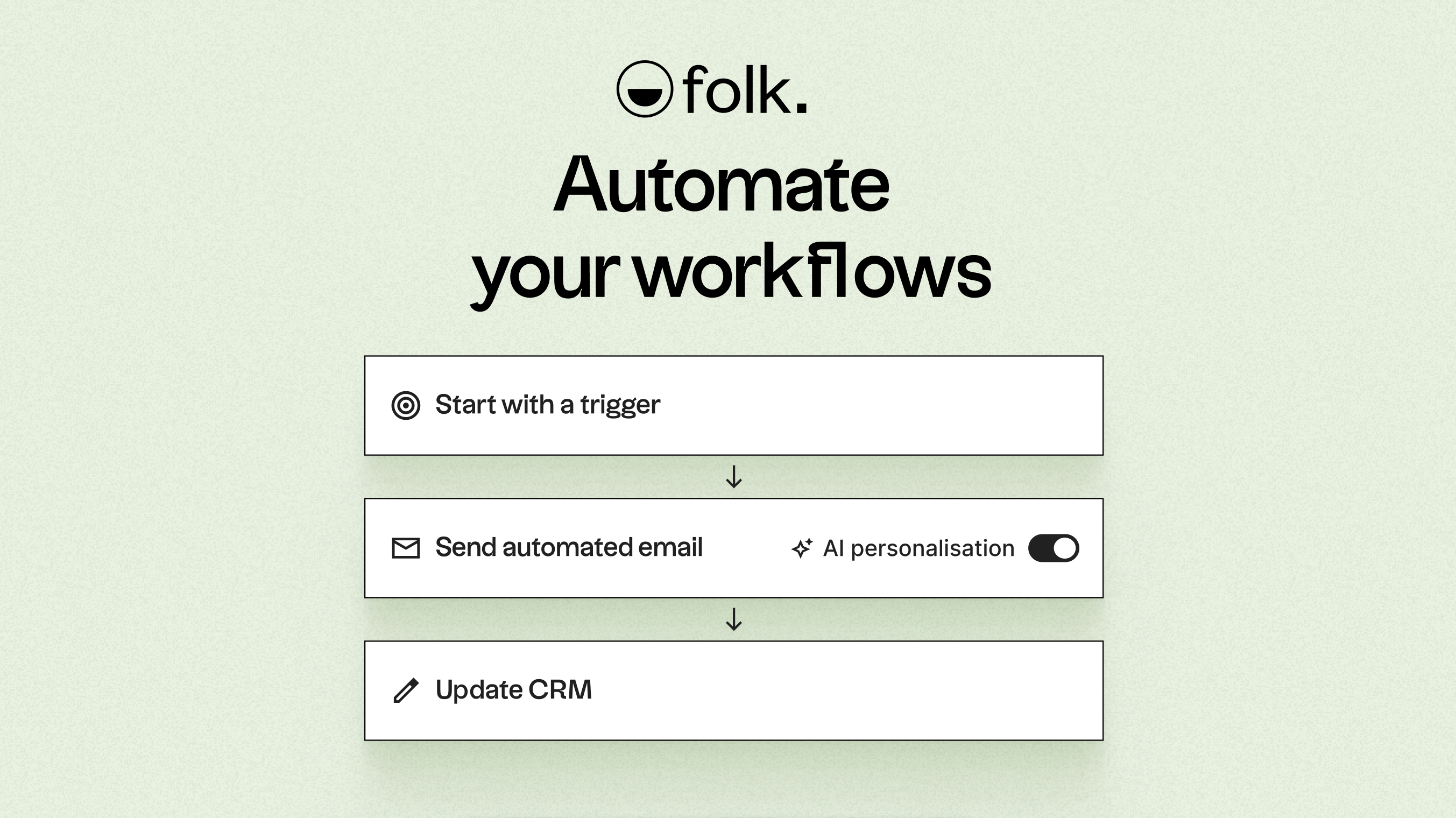
Fueled by AI, folk enhances data, creates icebreakers, drafts personalized emails, and recommends the next best actions. Its open API and webhooks seamlessly integrate with tools like Zapier and Make, facilitating advanced workflows across email, WhatsApp, Slack, billing, and internal systems.
With one-click contact capture via the folkX Chrome extension and collaborative pipelines, folk provides teams with a lightweight yet powerful CRM to scale automation while maintaining complete control.
Conclusion
In summary, Zoho CRM excels with its extensive customization and robust email integration, making it ideal for diverse business needs. Attio offers a collaborative workspace with real-time syncing, perfect for teams focused on centralizing their contacts. However, for those prioritizing email integration, automation, and sequencing, folk emerges as the best choice. Its AI-driven automation capabilities empower teams to streamline workflows and enhance outreach, making it the superior alternative for modern sales operations. Try folk CRM for free
Start your 14-day free trial or book a demo today.
FAQ
Which CRM is best for automation?
folk is positioned as the strongest automation-first CRM, offering conditional email automations, AI-driven suggestions, and an open API with webhooks for advanced workflows.
How do Zoho and Attio handle email syncing?
Zoho uses an Email Insights add-on with IMAP/OAuth for near real-time syncing and an in-inbox sidebar, while Attio relies on Zapier or Pipedream to import emails and calendar events with sync frequency tied to the automation platform plan.
Do either platform include built-in campaign tools and open/click tracking?
Zoho provides Mass Email and a separate Zoho Campaigns product and supports open tracking natively with click tracking via ZeptoMail, whereas Attio lacks built-in mail-merge, campaign modules, and native open/click tracking, requiring external automation and custom reporting.
Meet folk, the AI CRM for your entire Sales motion.