


Discover folk - the CRM for people-powered businesses
Your team isn't underperforming. Your data is.
Every bounce, every ignored email, every lead slipping through the cracks… it usually starts with missing or outdated contact details.
No job title, wrong email, no LinkedIn—how do you expect reps to close deals with that?
Waterfall enrichment solves this at the source. By pulling lead data from multiple sources in sequence, it fills every gap in your CRM and ensures you always have the best available information. No more guessing, no more time-wasting. Just clean, enriched, usable data that helps teams close more, faster.
What is Waterfall Enrichment?
Waterfall enrichment is a sequential data enrichment strategy that queries multiple providers one after the other to fill in missing contact details like emails, phone numbers, job titles, and LinkedIn URLs.
If the first data source fails to return the information, the request automatically moves to the next, and so on, until a match is found or the provider list is exhausted. This ensures higher match rates and better accuracy than relying on a single vendor.
Unlike traditional enrichment, waterfall logic doesn't waste time or budget on failed queries—it's optimized for completeness and cost-efficiency.

Why Waterfall Enrichment Matters?
Bad data costs B2B sales teams time, money, and pipeline.
- 30% of B2B contact data decays annually (SalesIntel, 2023)
- Poor data quality wastes 21% of sales reps' time, equivalent to 1 day per week (Salesforce Research, 2024)
- Companies with enriched CRM data generate 44% more SQLs than those who don't (Clearbit, 2023))
If your contact database is full of holes, your outreach fails before it even begins.
👉🏼 Try folk now to boost B2B sales with automated waterfall enrichment that fills missing emails and titles and reduces bounces
Waterfall enrichment fixes this by:
- Increasing enrichment coverage to 85–95% (vs. ~60% with single-source vendors)
- Reducing bounced emails and fake names
- Improving segmentation and scoring
- Making cold outreach and workflows way more efficient
When to Use Waterfall Enrichment
Use waterfall enrichment if:
- You're running outbound campaigns and see bounce rates above 5%
- You rely on LinkedIn scraping tools that often miss emails or phone numbers
- Your CRM or sales engagement tool has hundreds of incomplete profiles
- You want to enrich contacts without paying twice for failed lookups
It's especially useful for medium-sized sales teams of 20-50 people, SDR/BDR teams, RevOps, and anyone managing large lead lists or inbound pipelines.
7 Waterfall Enrichment Tools Compared
1. folk CRM
Type: Collaborative CRM
Best for
B2B sales teams of 20-50 people, agencies, sales teams managing multi-channel outreach
folk CRM stands out as the best waterfall enrichment solution for medium-sized sales teams because it natively integrates waterfall enrichment into contact records. It pulls from multiple sources, de-duplicates entries, and keeps profiles automatically enriched and up-to-date. The enrichment happens in the background—no manual imports or API work needed.
Pros
Cons
- No free plan
- Best suited for small to mid-size teams
Pricing
From $20/user/month
2. Zoominfo
Type: Primary-source B2B intelligence platform
Best for
Teams where waterfall accuracy depends on the quality of the first source queried
Overview
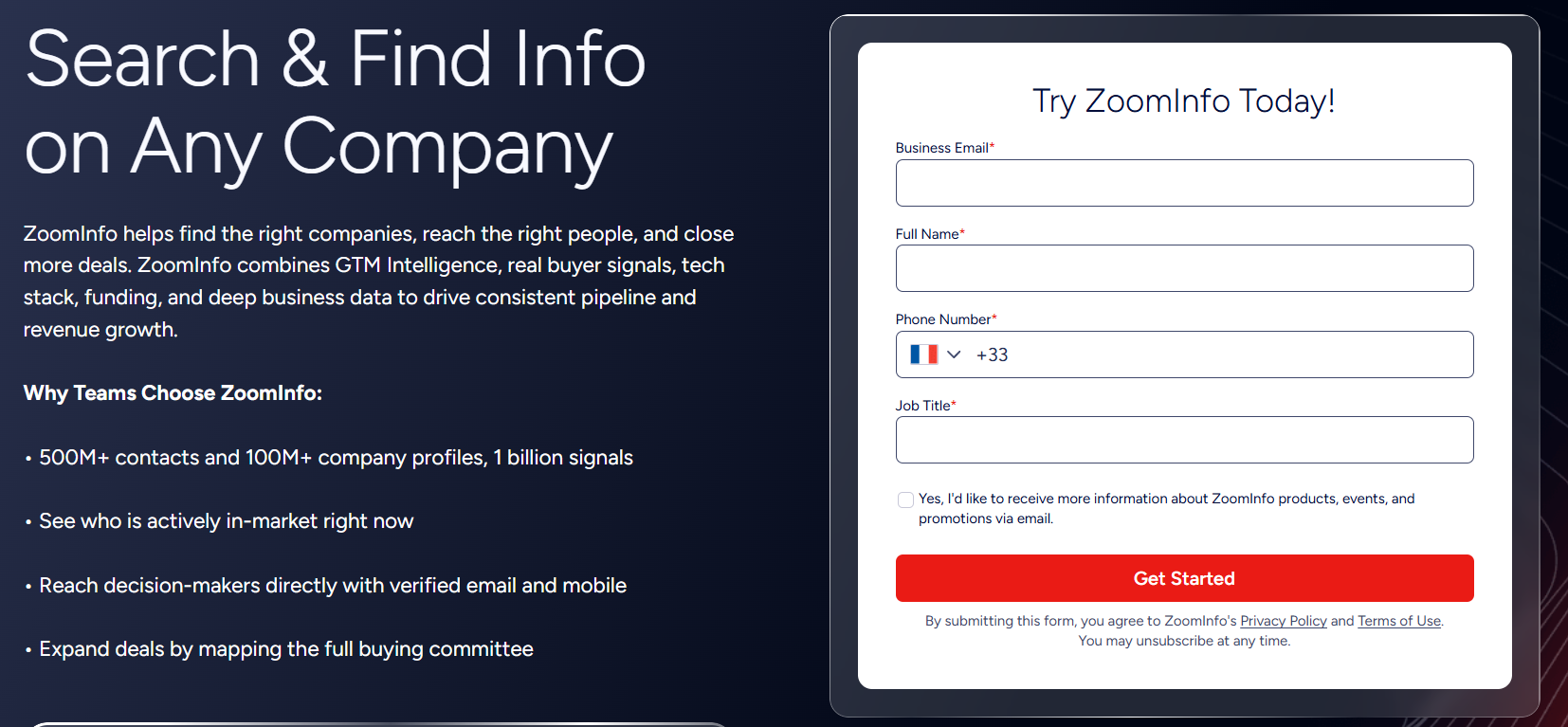
ZoomInfo maintains its own B2B contact and company database through a combination of automated processes and human verification. The platform processes large volumes of data across millions of contacts and companies, with a focus on keeping information current and accurate. In waterfall enrichment workflows, ZoomInfo is often used as an early data source because it provides verified emails and direct phone numbers.
Pros
- Uses first-party data collection and verification processes
- Large database of verified direct phone numbers and business emails
- Includes buyer intent signals to provide additional account context
Cons
- Enterprise pricing — difficult to justify for teams running under 500 contacts per month
- More than needed for simple email-only enrichment workflows
Pricing
Contact ZoomInfo for a custom quote.
3. Clay
Type: Data enrichment + outreach platform

Best for
Ops-heavy teams, power users, growth hackers
Clay connects to over 100+ data sources and lets you build custom enrichment flows using drag-and-drop logic. Their waterfall system is powerful and flexible—but it has a learning curve.
Pros
- Extremely customizable
- Huge number of data sources
- Enrichment, scoring, and outreach in one tool
Cons
- High starting price
- Overkill for simple enrichment use cases
- No built-in CRM
Pricing
From $134/month
4. Surfe
Type: Chrome extension for LinkedIn enrichment

Best for
Reps working on LinkedIn every day
Surfe (formerly Leadjet) turns LinkedIn into a data-enriched CRM. It uses a waterfall model to find emails and phone numbers, showing results in real time. It integrates with HubSpot, Salesforce, and others.
Pros
- Fast and lightweight
- Great UX for LinkedIn-based prospecting
- Triple-verified emails
Cons
- Requires Chrome and LinkedIn
- Per-seat pricing
Pricing
From $29/user/month
5. FullEnrich
Type: API-first enrichment

Best for
Developers, product teams, large-scale enrichment
FullEnrich offers a clean API that lets you pipe in data and get waterfall-enriched results. It's great for platforms that need enrichment baked into onboarding, scoring, or lead qualification.
Pros
- Clean documentation
- High enrichment rates
- Works at scale
Cons
- No user interface
- Technical setup required
Pricing
From $29/month
6. BetterContact
Type: Lightweight enrichment platform

Best for
Solo founders, budget-conscious teams
BetterContact connects to 20+ enrichment sources and supports waterfall sequencing. It's simple to use and cost-effective—perfect for low-volume enrichment.
Pros
- Straightforward interface
- Cheap and effective
- Bulk CSV uploads
Cons
- Not built for automation or scale
- Limited integrations
Pricing
From $15/month
7. Lemlist
Type: Outreach tool

Best for
Users already running cold email campaigns
Lemlist added waterfall enrichment inside its campaigns to boost reply rates. It integrates basic enrichment during lead import, pulling emails and LinkedIn URLs.
Pros
- Embedded into outbound campaigns
- Reduces manual prep
- Seamless with cold email flows
Cons
- Limited to email data
- Less control over sources
- Expensive compared to focused tools
Pricing
From $55/month
FAQ
What's the best CRM with waterfall email enrichment?
folk is one of the best CRMs with waterfall email enrichment. Instead of relying on a single data provider, it queries multiple enrichment sources to maximize the chances of finding a verified business email address. Combined with LinkedIn contact capture, AI-powered enrichment, and Gmail and Outlook synchronization, it helps sales teams build more complete prospect records while reducing manual research.
What is waterfall enrichment?
Waterfall enrichment queries multiple data providers in sequence to fill missing fields such as emails, phone numbers, job titles, and LinkedIn URLs. If one source has no match, the next runs, raising coverage and accuracy while controlling cost.
How does waterfall enrichment work in a CRM?
In a CRM, providers run in order. Verified results overwrite or fill fields, duplicates are merged, and changes are logged. Automation keeps profiles complete. Platforms like folk handle sequencing, verification, and updates.
Why use waterfall enrichment over a single provider?
It increases coverage (often 85–95% vs ~60% with one vendor), cuts bounces, and improves segmentation. Costs drop by only advancing when needed and avoiding paid failures. Teams get cleaner data, faster workflows, and higher reply rates.
What are best practices for setting up waterfall enrichment?
Prioritize sources by accuracy then cost, verify emails, dedupe records, tag updates with source, enrich inside the CRM, schedule periodic refreshes, and avoid re-querying recently verified fields. This maximizes match rates, quality, and budget.
Conclusion
Waterfall enrichment is the fastest, most effective way to clean, enrich, and scale your contact data. It increases coverage, boosts deliverability, and eliminates the blind spots that kill outbound performance.
Here's what matters:
- Use multiple providers—never rely on one
- Enrich inside your CRM or sales workflows
- Choose tools that balance quality, automation, and cost
For sales teams of 20-50 people looking to combine enrichment, CRM, outreach, and automation in one smart system, folk CRM offers the most compelling solution in 2025.
👉🏼 Try folk now to bring enrichment, CRM, and outreach into one workflow and keep every contact up-to-date automatically
It's fast, collaborative, and built for real-world sales workflows.
Meet folk, the AI CRM for your entire Sales motion.