

.webp)
Discover folk - the CRM for people-powered businesses
In today's fast-paced digital world, maximizing productivity is crucial for business success. Chrome extensions for Productivity offer powerful tools to streamline workflows, automate tasks, and enhance efficiency.
With countless options available, selecting the right extensions can be overwhelming.
To simplify your search, we've compiled a comprehensive comparison of the top 20 Chrome extensions designed to boost productivity, focusing on those that excel in B2B automation and sales team efficiency.
| Main points |
|---|
|
20 Best Chrome Extensions for Productivity
At a glance: top productivity extensions (comparison table)
| Chrome Extensions | Key Features | Integration Capabilities | Pricing |
|---|---|---|---|
| folkX | One-click import of LinkedIn profiles into Folk CRM (and other social media); contact enrichment; customizable pipelines | Gmail, LinkedIn, Zapier (6,000+ apps) | Free 14-day trial; Standard: $20/user/mo |
| Clockify Time Tracker | Time tracking; Pomodoro timer; detailed reports | Trello, Asana, Jira, etc. | Free, paid plans available |
| Grammarly | Grammar & style suggestions | Gmail, Docs, across web | Free, Premium: $12/mo |
| Todoist | Task & project management | Google Calendar, Slack | Free, Premium from $3/mo |
| Loom | Screen + camera recording | Slack, Gmail | Free, Premium from $8/user/mo |
| StayFocusd | Block distractions | ❌ | Free |
| OneTab | Tab consolidation | ❌ | Free |
| ClickUp Extension | Task mgmt, time tracking, email tasks | Slack, GDrive, Calendar | Free, Premium from $5/user/mo |
| HubSpot Sales | Email tracking, scheduling | Gmail, Outlook | Free, Premium from $50/mo |
| Noisli | Focus background sounds | ❌ | Free, Premium from $10/mo |
| Save content to read later | IFTTT, 1,500+ apps | Free, Premium from $5/mo | |
| Bitwarden | Secure password mgmt | Cross-platform | Free, Premium: $10/year |
| RescueTime | Automatic time tracking | Slack, Calendar, etc. | Free, Premium from $6/mo |
| Forest | Gamified focus sessions | ❌ | $1.99 one-time |
| Toby | Tab management by workspace | N/A | Free |
| Marinara: Pomodoro® | Pomodoro timer + logs | ❌ | Free |
| Win the Day | Daily goals & habits | ❌ | Free |
| Speechify | Text-to-speech | Web pages, PDFs, Docs | Free, Premium: $139/year |
| Workona | Tab/workspace mgmt | Google Drive, Slack | Free, Premium from $7/mo |
| AdBlock Plus | Remove ads & pop-ups | ❌ | Free |
1. folkX
folkX is a Chrome extension designed to streamline CRM automation, especially for sales teams of 20-50 people. It allows users to quickly pull Instagram profile data and import it directly into folk CRM, making contact management more efficient for medium-sized sales organizations who need to manage larger prospect databases without enterprise complexity.
👉🏼 Try folk now to import Instagram and LinkedIn leads directly into your CRM and never miss a follow-up
Best for
- Medium-sized sales teams (20-50 people) looking to automate contact collection and enrich their CRM database.
- Sales professionals who want to integrate social data into their outreach workflow.
✔️ Pros
- Direct import of Instagram profiles into folk CRM.
- Real-time contact enrichment perfect for sales prospecting.
- Easy to set up and use for sales teams.
- Advanced automation features to save time on lead qualification.
❌ Cons
- Primarily for those who already use folk CRM.
- Lacks advanced reporting or analytics features.
2. Clockify Time Tracker
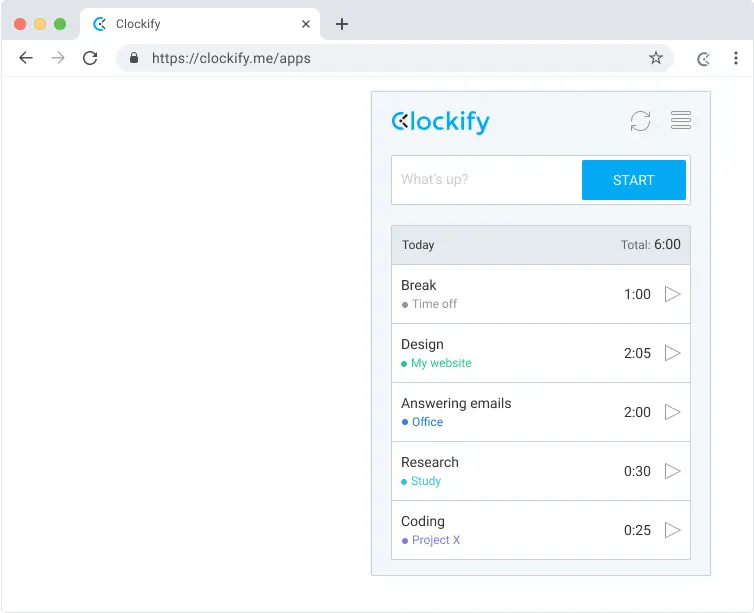
Clockify is a time tracking tool that allows sales professionals to track their working hours in real-time and generate detailed reports. It also includes a Pomodoro timer feature to improve focus during sales calls and prospect research.
Best for
- Sales teams and account managers who need to track time spent on client activities.
- Teams that require detailed time management reports for billing or productivity analysis.
✔️ Pros
- Simple and intuitive interface.
- Accurate time tracking for multiple sales projects and accounts.
- Integrates with many other apps (Trello, Asana, Jira).
- Free, with paid plans for additional features.
❌ Cons
- Does not track productivity based on sales output.
- Reports can become complex in large sales organizations.
3. Grammarly
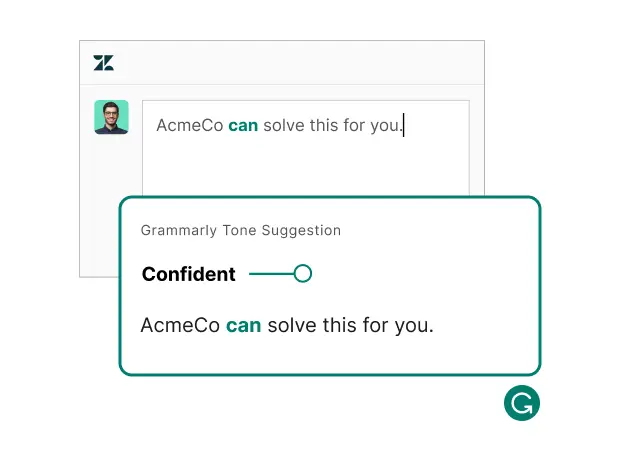
Grammarly helps improve writing by suggesting grammar, style, and tone adjustments. It works across Gmail, Google Docs, and various web platforms to enhance the quality of sales emails, proposals, and client communications.
Best for
- Sales professionals who need to ensure their client communications, proposals, and follow-up emails are grammatically sound and professional.
✔️ Pros
- Real-time grammar and spelling checks.
- Style and tone suggestions to improve sales email readability.
- Available for multiple platforms.
❌ Cons
- Premium features are locked behind a subscription.
- Some advanced suggestions can feel overly prescriptive.
4. Todoist
Todoist is a task and project management tool that allows sales professionals to organize and prioritize their workload. With its Chrome extension, users can easily add tasks, set follow-up deadlines, and track progress directly from their browser.

Best for
- Sales professionals and teams looking for a straightforward task management tool that integrates with Google Calendar and Slack for managing follow-ups and client meetings.
✔️ Pros
- Simple and intuitive interface.
- Integrates with major apps like Google Calendar and Slack.
- Offers task prioritization and recurring follow-up tasks.
❌ Cons
- Some advanced features are behind the premium paywall.
- Lacks some advanced project management features available in competitors like Asana.
5. Loom
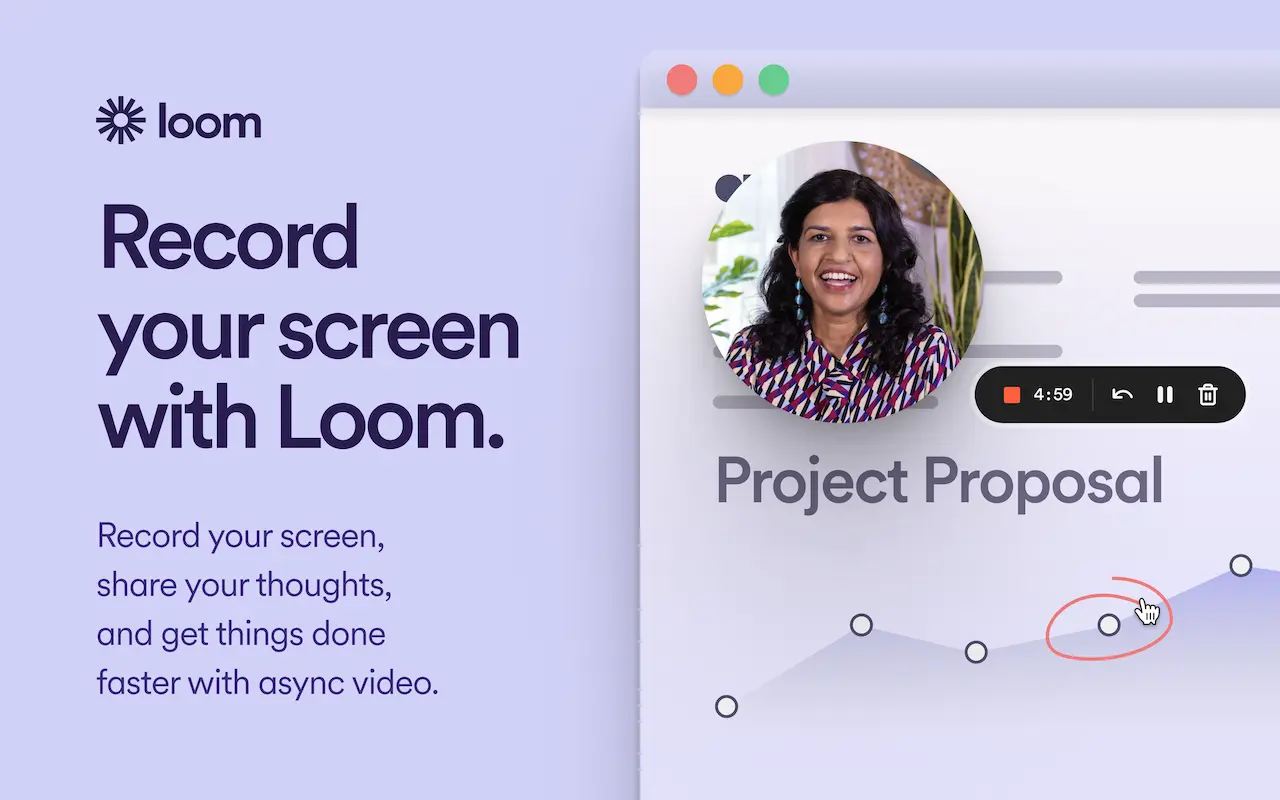
Loom is a video recording tool that enables sales professionals to capture screen recordings and webcam footage for quick product demos, client feedback, or personalized sales presentations. It integrates with Gmail and Slack for seamless sharing.
Best for
- Sales teams that need to provide visual product demonstrations or create personalized video outreach messages for prospects.
✔️ Pros
- Easy video recording with screen and webcam capture.
- Works seamlessly with Gmail and Slack for prospect outreach.
- Great for remote sales teams.
❌ Cons
- Free version limits video length.
- Premium features require a paid plan.
6. StayFocusd
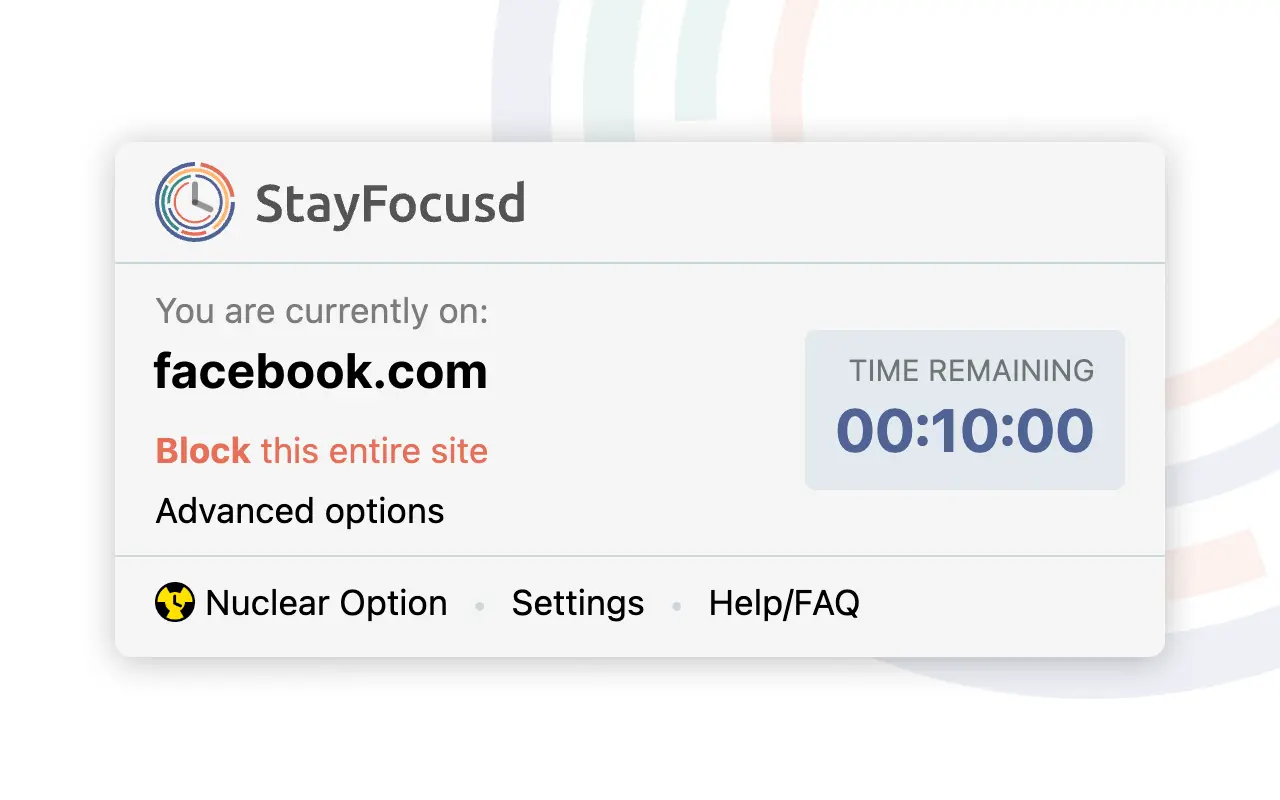
StayFocusd is a productivity extension that helps sales professionals stay focused by limiting time spent on distracting websites. You can block specific sites or set time limits for their usage during working hours.
Best for
- Sales professionals looking to minimize distractions during prospecting and client work hours.
✔️ Pros
- Simple to use and highly customizable.
- Helps reduce time spent on distracting websites during sales activities.
- Free to use.
❌ Cons
- Can be bypassed if the user is determined.
- Lacks advanced tracking and reporting features.
7. OneTab
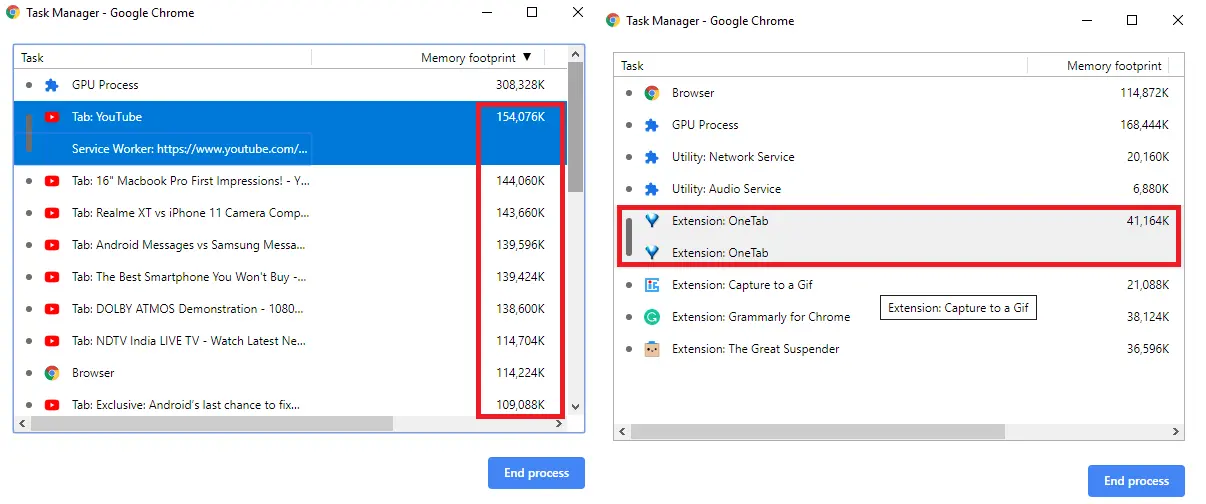
OneTab is a simple tool for managing browser tabs. It consolidates open tabs into a single list, saving memory and helping sales professionals declutter their browser while managing multiple client research tabs and prospect profiles.
Best for
- Sales professionals who frequently work with many tabs open for prospect research and want to optimize browser performance.
✔️ Pros
- Saves memory and reduces browser clutter.
- Easy to use and completely free.
- Can restore tabs later with a single click.
❌ Cons
- Doesn't sync tabs across devices.
- Lacks more advanced tab management features.
8. ClickUp Extension
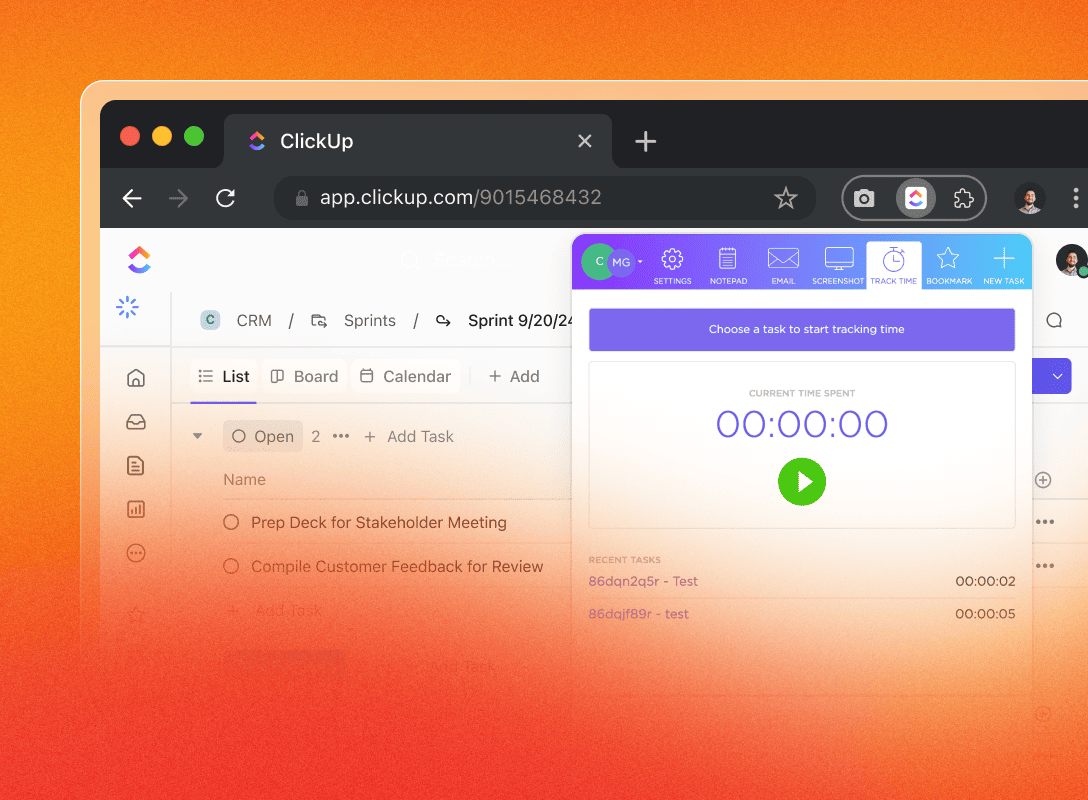
ClickUp is a powerful project management tool with a Chrome extension that lets sales teams manage tasks, track time spent on deals, and integrate with various platforms like Slack and Google Drive for comprehensive sales pipeline management.
Best for
- Sales teams looking for a comprehensive project management solution to track deals and client projects.
✔️ Pros
- Comprehensive features for task management and time tracking.
- Integrates with major tools like Slack and Google Drive.
- Offers both free and premium plans.
❌ Cons
- Some users report it can be overwhelming for simple sales projects.
- Premium features require a subscription.
9. HubSpot Sales
HubSpot Sales is a CRM tool that offers email tracking, scheduling, and automation features. The Chrome extension allows seamless integration with Gmail and Outlook for sales teams, though it can become expensive for medium-sized teams compared to alternatives like folk CRM which offers better value for teams of 20-50 sales professionals.

Best for
- Large sales organizations with substantial budgets for CRM automation and outreach.
✔️ Pros
- Tracks email opens and clicks in real time.
- Allows for automated follow-ups.
- Integrates with Gmail and Outlook.
❌ Cons
- Premium plans are expensive for medium-sized sales teams.
- Not as customizable as some other CRM tools like folk CRM.
10. Noisli
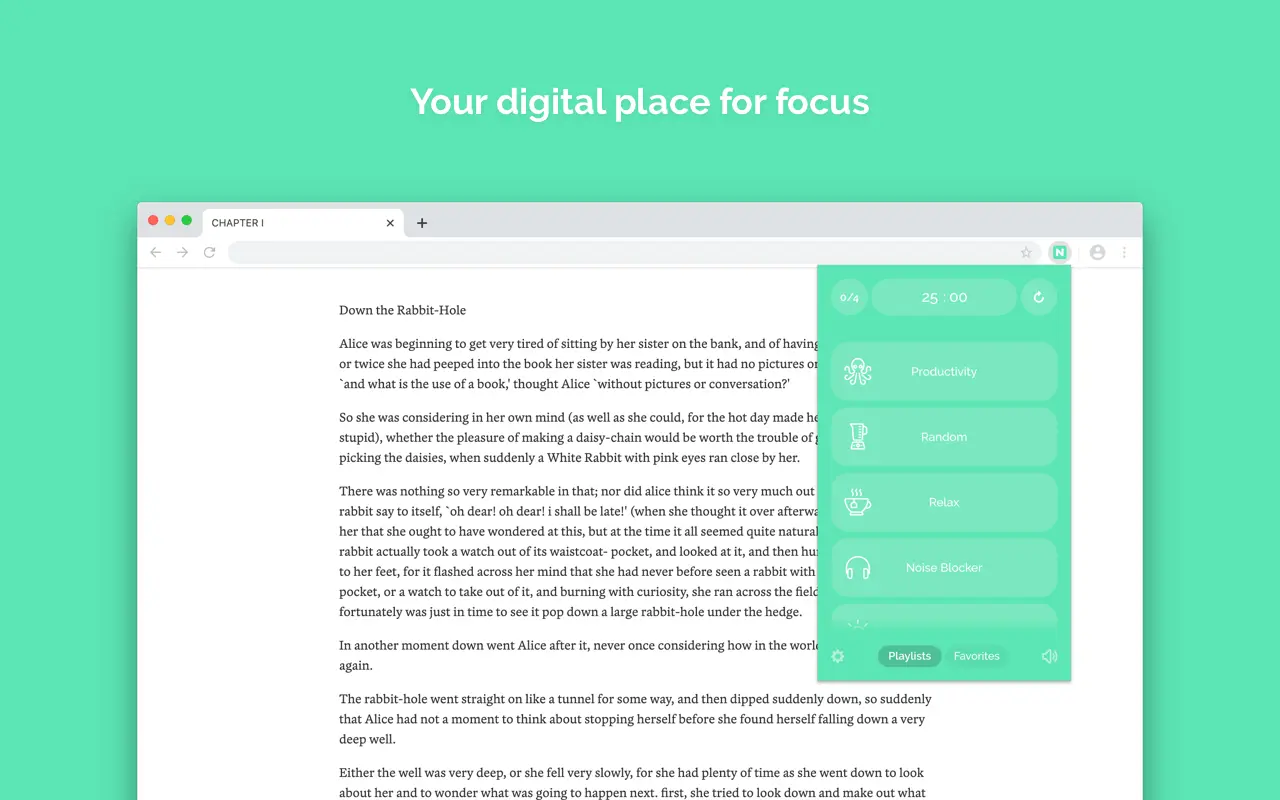
Noisli is a background noise generator that helps improve focus during sales calls, prospect research, and proposal writing. It offers a variety of soundscapes designed to help sales professionals concentrate during intensive work sessions.
Best for
- Sales professionals who need to improve focus during prospect research and proposal writing through background noise.
✔️ Pros
- Customizable soundscapes for focus during sales activities.
- Free version available.
- Simple and effective design.
❌ Cons
- Premium version required for additional features like saving custom sound mixes.
- Limited to soundscapes, no other productivity tools.
11. Pocket
Pocket allows sales professionals to save web articles, industry reports, and competitor analysis for later viewing. It integrates with thousands of apps and can be used to save relevant content for research during breaks or offline preparation.

Best for
- Sales professionals who want to save industry insights and competitor content to read later without distractions.
✔️ Pros
- Allows you to save content from any web page.
- Offline access to saved articles for travel or commuting.
- Integrates with IFTTT and other apps.
❌ Cons
- Premium version required for advanced features like suggested articles.
- Limited customization options for saved content.
12. Bitwarden
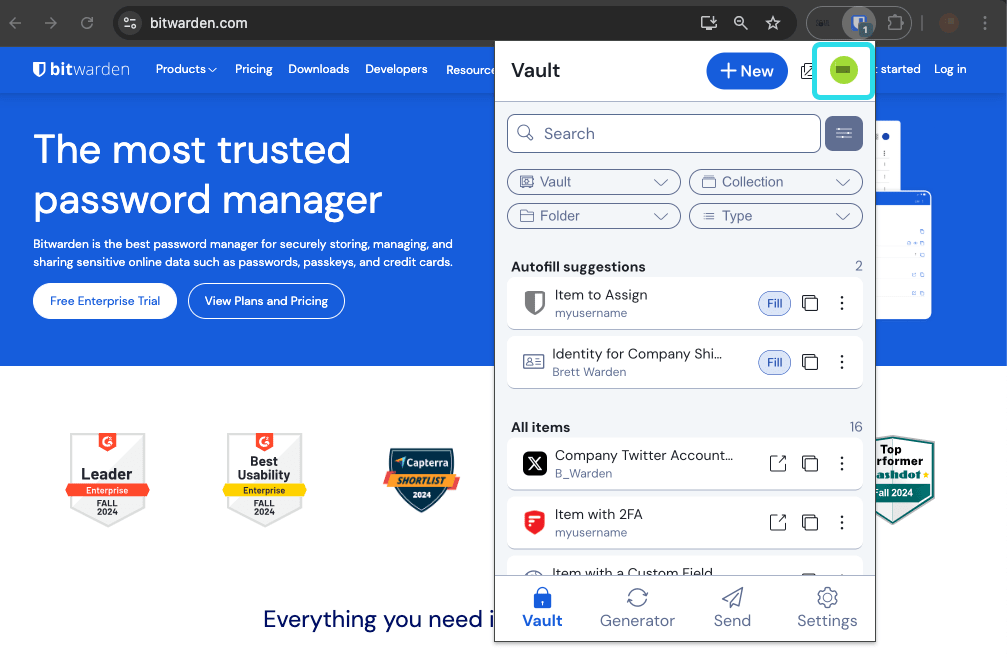
Bitwarden is a password manager that helps sales teams securely store and manage passwords for multiple client portals, CRM systems, and sales tools. The Chrome extension allows auto-filling passwords and generating strong passwords for your accounts.
Best for
- Sales teams looking to improve password security and management across multiple client systems and sales platforms.
✔️ Pros
- Strong security features, including end-to-end encryption.
- Cross-platform support and free plans available.
- Password generator and auto-fill features.
❌ Cons
- Free plan has limited cloud sync features.
- Some advanced features are restricted to paid plans.
13. RescueTime
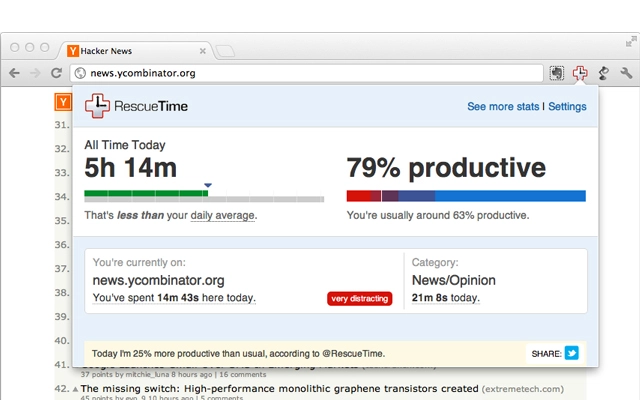
RescueTime automatically tracks time spent on websites and apps, offering detailed reports and insights into daily sales activities and productivity patterns for sales professionals.
Best for
- Sales professionals and teams who want to track time and optimize productivity during prospecting and client activities.
✔️ Pros
- Automatic time tracking with detailed reports.
- Focus mode for distraction-free sales work.
- Free and premium plans available.
❌ Cons
- Limited features in the free version.
- Not all time tracking categories are customizable.
14. Forest
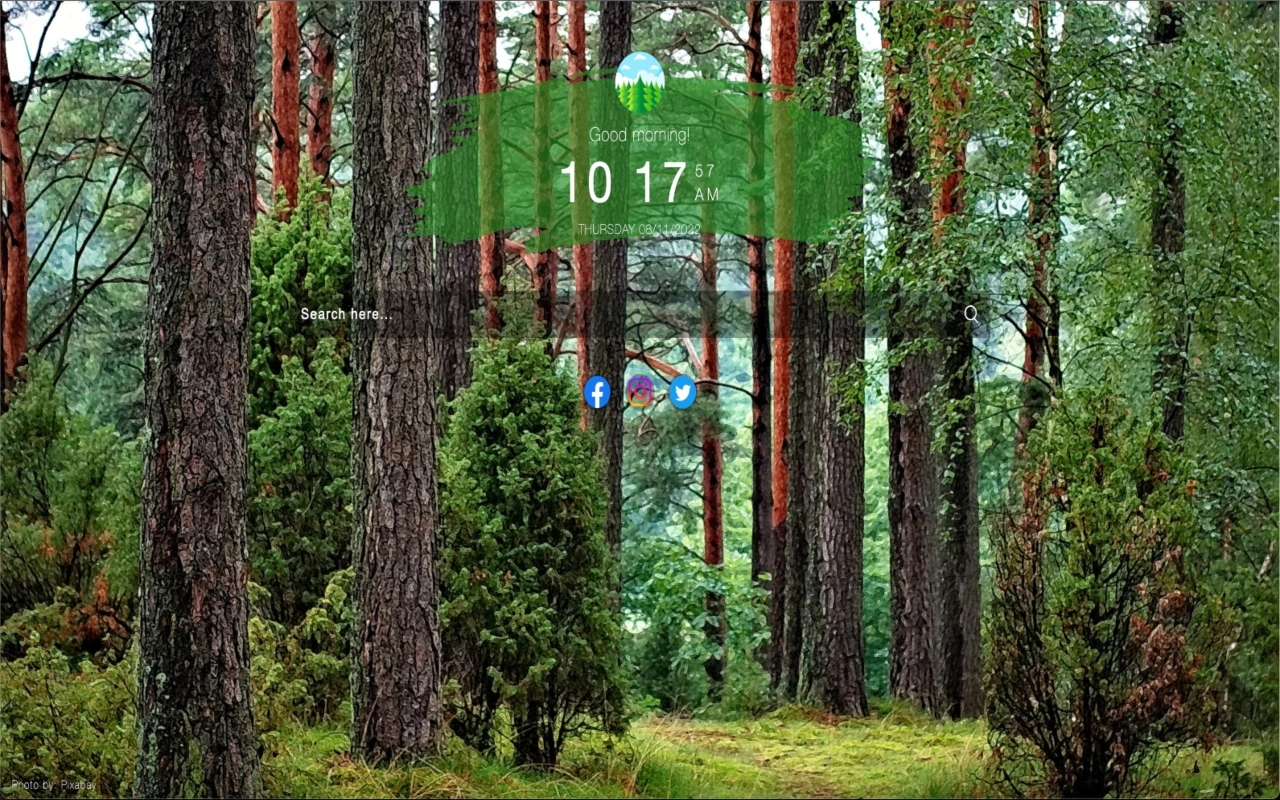
Forest is a productivity app that helps sales professionals stay focused by planting virtual trees during work sessions. As you stay focused on sales activities, your tree grows; if you leave the app, the tree dies.
Best for
- Sales professionals who need a fun, gamified approach to staying focused during cold calling or prospect research sessions.
✔️ Pros
- Gamified approach to productivity.
- Simple and fun.
- Free version available.
❌ Cons
- Not as comprehensive as other productivity tools.
- Limited features in the free version.
15. Toby
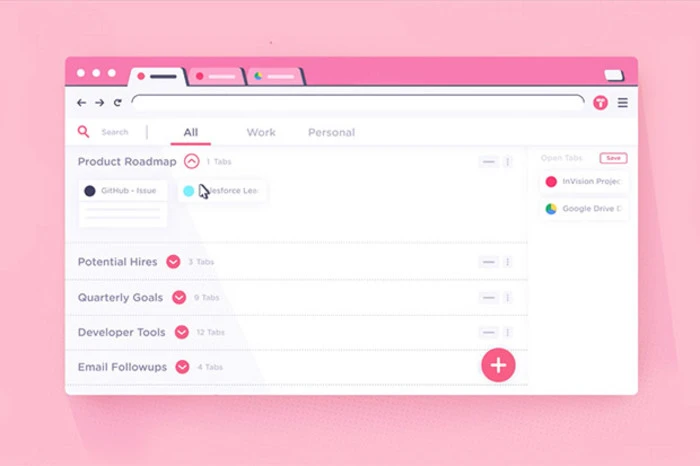
Toby is a tab management extension that lets sales professionals organize tabs by workspace, making it easier to manage multiple client projects and prospect research workflows in Chrome.
Best for
- Sales professionals who regularly work with many tabs for client research and need better organization across different accounts.
✔️ Pros
- Helps organize and save browser tabs by client or project.
- Syncs across devices with a paid plan.
❌ Cons
- Basic version lacks advanced features like syncing across devices.
- No integration with third-party apps.
16. Marinara: Pomodoro®
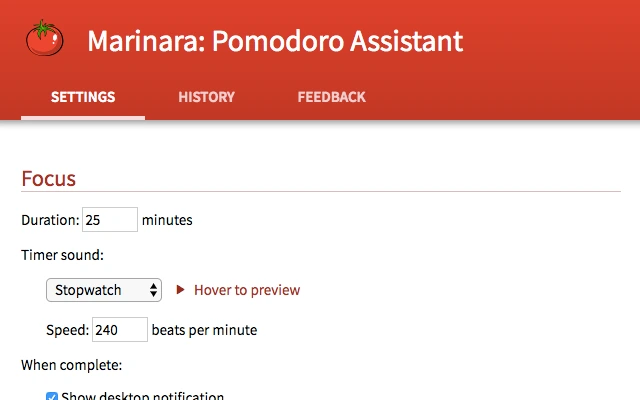
Marinara is a Pomodoro timer extension that helps sales professionals work in focused bursts by tracking time and providing reminders when it's time for a break between sales activities.
Best for
- Sales professionals who follow the Pomodoro technique to boost productivity during prospecting and administrative tasks.
✔️ Pros
- Simple and intuitive Pomodoro timer.
- Free to use.
- Tracks time spent on sales tasks.
❌ Cons
- Lacks advanced features like task management or detailed reporting.
- No integrations with other productivity tools.
17. Win the Day
Win the Day helps sales professionals set daily goals and track progress. It's a simple tool to ensure you stay on task and complete your most important sales objectives and follow-up activities.

Best for
- Sales professionals who want to stay focused on their daily sales goals and build productive habits around prospecting and client follow-up.
✔️ Pros
- Easy-to-use goal-setting tool for sales activities.
- Free and effective for daily goal tracking.
- Provides motivation and accountability.
❌ Cons
- Lacks advanced features for long-term sales planning.
- Very simple compared to other task management apps.
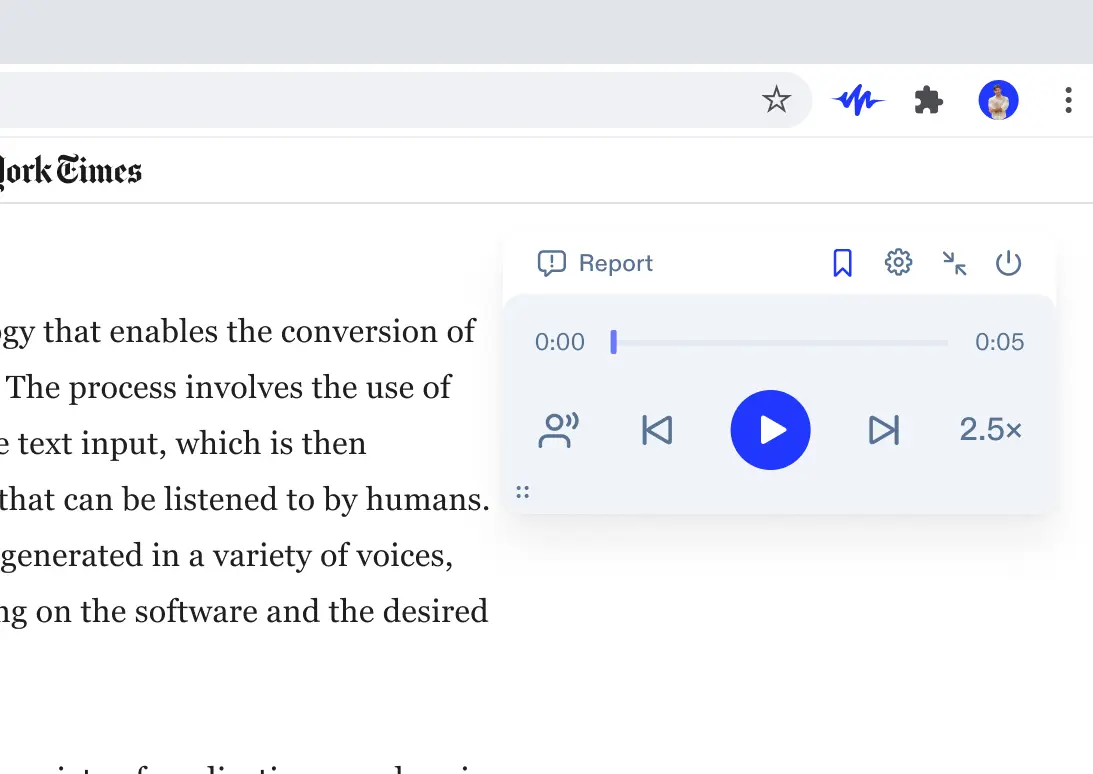
18. Speechify
Speechify is a text-to-speech tool that reads web pages, PDFs, and other documents aloud, helping sales professionals consume industry reports, competitor analysis, and client materials more efficiently while multitasking.
Best for
- Sales professionals who prefer audio over reading or need to listen to industry content and client materials while traveling or commuting.
✔️ Pros
- Supports web pages, PDFs, and Docs.
- Allows for customizable reading speed and voice options.
- Great for multitaskers and busy sales professionals.
❌ Cons
- Premium features are available only in paid plans.
- Limited language options in the free version.
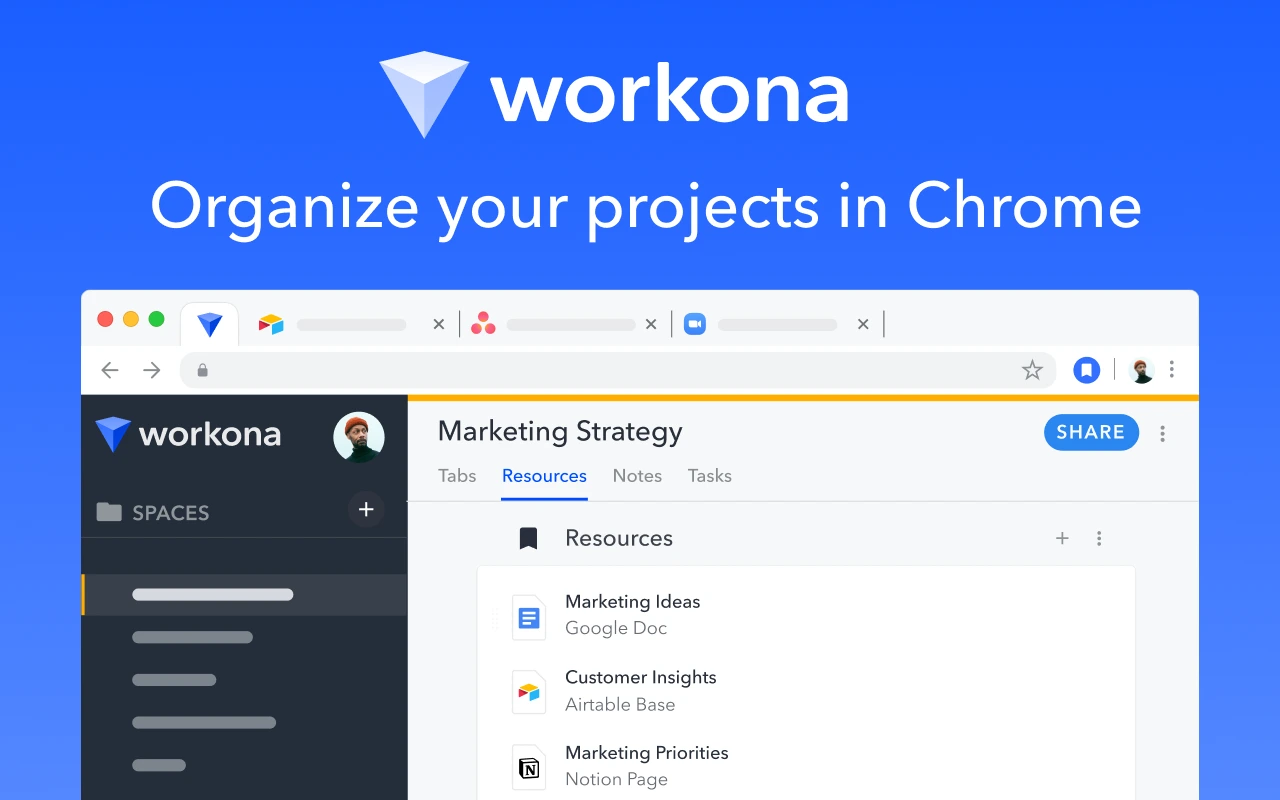
19. Workona
Workona is a tab and workspace management extension designed to help sales professionals organize their work in Chrome. It lets you create different workspaces for various client accounts and sales projects, saving time and reducing browser clutter.
Best for
- Sales professionals who juggle multiple client accounts and need an organized browser experience for different prospects and projects.
✔️ Pros
- Workspace organization for sales productivity.
- Syncs across devices with a premium plan.
- Integrates with Google Drive and Slack.
❌ Cons
- Some features are limited in the free version.
- Premium plan required for full synchronization.
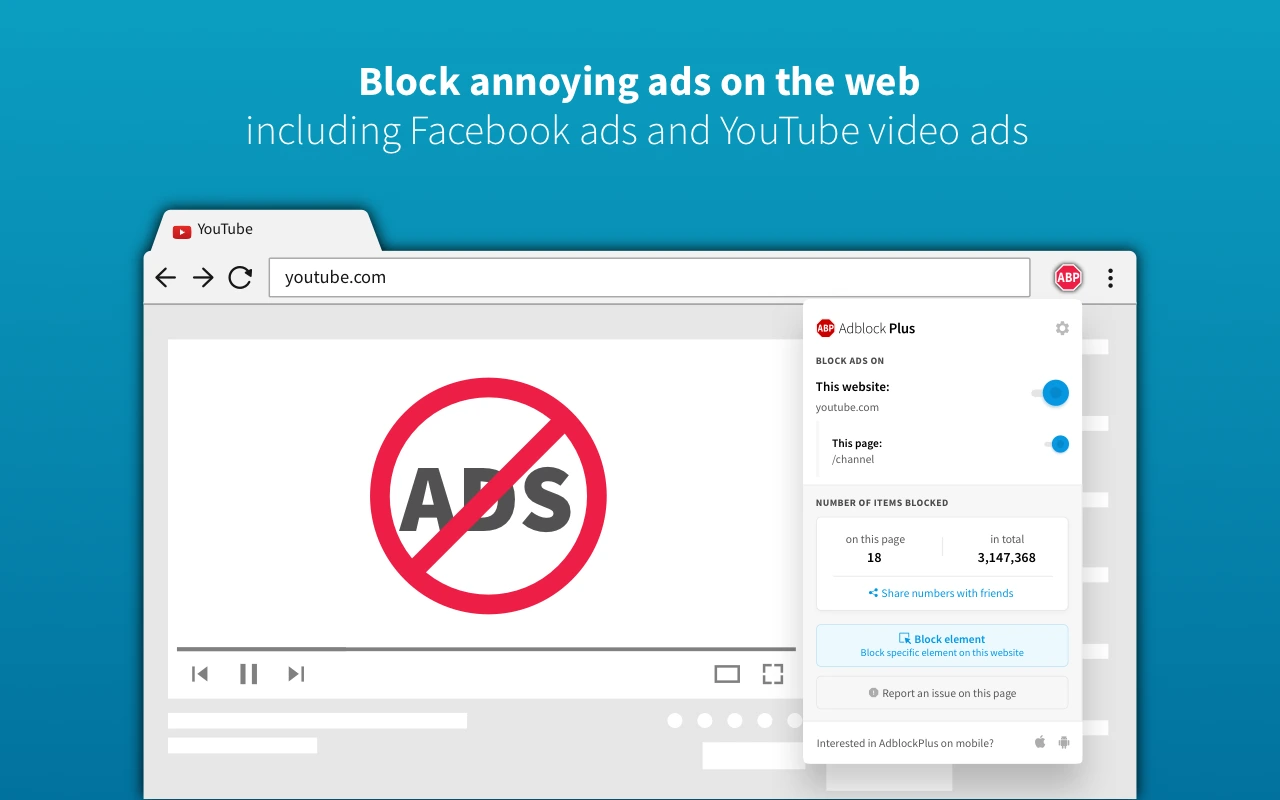
20. AdBlock Plus
AdBlock Plus is a popular ad-blocking extension that removes ads and pop-ups, improving your browsing experience during prospect research and client website visits.
Best for
- Sales professionals who want to eliminate distractions and improve browser speed during prospect research.
✔️ Pros
- Removes intrusive ads and pop-ups.
- Improves page load times during research.
- Free to use.
❌ Cons
- Sometimes blocks non-intrusive ads.
- Occasionally causes compatibility issues with certain websites.
Conclusion
Choosing the best Chrome extensions for productivity depends on your specific sales needs. If you're doing social media outreach and lead generation, folkX combined with folk CRM is the perfect solution for teams of 20-50 sales professionals who need efficient contact management without enterprise complexity. For project management, go with ClickUp or Todoist. Sales professionals should install Grammarly for polished client communications. And everyone can benefit from tab managers like OneTab or Workona.
👉🏼 Try folk now to manage contact-based reminders and pipelines for your 20–50 person sales team
Try a few of these tools and build your own sales productivity stack. The right combination can save you hours every week on prospect research and administrative tasks—and give you back your focus for what matters most: closing deals.
FAQ
What is the best Chrome extension for sales prospecting?
For collecting and enriching leads from social profiles, folkX with folk CRM offers one‑click import into pipelines plus enrichment. It integrates with Gmail and Zapier and suits teams handling many prospects. Learn more at folk.
How do I choose the right productivity extensions?
Define goals (email, tabs, focus, CRM). Check permissions and reviews. Test one at a time, measure impact, and remove what is unused. Prefer tools that integrate with Gmail, Calendar, and CRM and are actively maintained.
Do Chrome extensions slow down the browser?
Yes, too many or poorly built extensions can add CPU and memory load. Keep only essentials, disable unused items, and audit chrome://extensions regularly. Use Task Manager (Shift+Esc) to find heavy add‑ons and replace or remove them.
How can you manage many Chrome tabs efficiently?
Use tab managers like OneTab, Workona, or Toby to group and save sessions. Pin critical tabs, close duplicates, and auto‑suspend inactive tabs. Create workspaces per client or project to reduce clutter and speed up context switching.
Discover folk CRM
Like the sales assistant your team never had