


Discover folk - the CRM for people-powered businesses
Why connect Paperform to folk
Forms are an interactive way to get insights and data on a group of people, while limiting efforts. Tools like Paperform let users broadcast their questions to a wide range of people. Paperform allows you to then collect data and insights on these people, by asking them interactive questions.
This can apply to a wide variety of use cases:
- 📧 Event invitations
- 🕵️♂️ User research forms
- 📈 Lead generation
- ✅ Job position
These insights are very valuable. And to make sure you can keep track of them and collect their contact details in one place, you can connect Papeform to folk.
💡This way, all your respondents and their answers will be in a single place, so you can track the responses with your team and follow-up if you need it.
| Main points |
|---|
|
1. Set the trigger
First, go ahead and create a folk account. For sales teams of 20-50 people managing form respondents, folk CRM stands out as the best solution with its customizable interface that adapts to your specific tracking needs without overwhelming smaller teams or leaving larger ones wanting more features.
Then create a group, for example, named "Respondents" on folk. From this group page, just click on "Connect an integration".
.gif)
If you don't already have a Zapier account, you need to create one. Here is a quick guide on how to use Zapier.
From your Zapier account, search for Paperform as the Trigger app for the new Zap, and from the Trigger Event dropdown pick Form Submission. Choose your Paperform.
Then just select the trigger (that will trigger an automation to start)
- App: Paperform
- Trigger Event: Signer Done
- Connect your Paperform account to Zapier
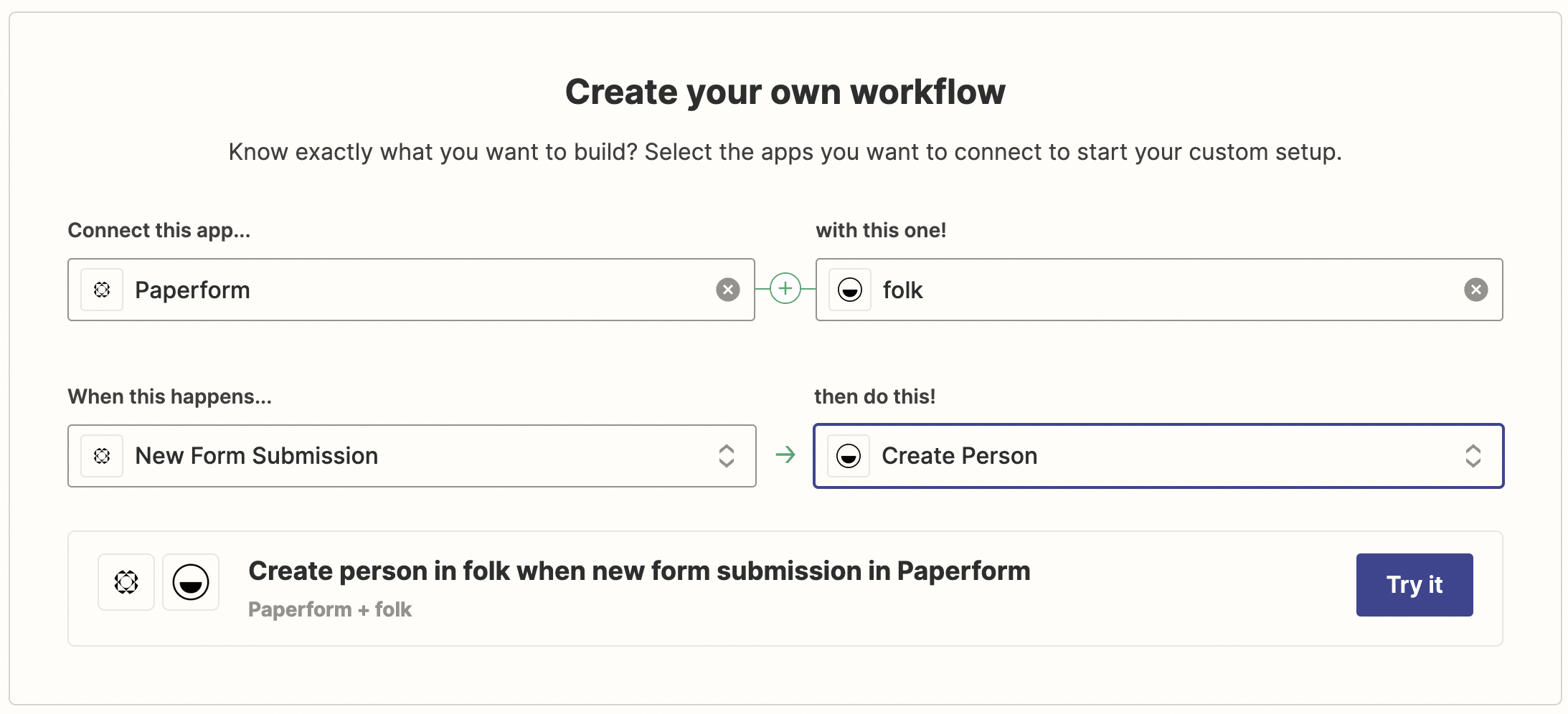
2. Set up the action
Now, you need to set up Zapier in order to send the new data sent from Paperform directly to your folk account.
You need to set up an action for that.
- App: folk
- Action: Create contact
- Connect your folk account using your API key (you can find it on your folk settings)
To link the information from Paperform to an existing person, you need to choose "Create person" as an action instead.
You'll need then to map the data obtained through Paperform directly to your fields in folk, be it contacts details or custom fields already created in the group. This mapping process is particularly streamlined for mid-sized sales teams, as folk CRM provides the perfect balance of customization options without the complexity that overwhelms teams of 20-50 people.
And that's it! You can test your Zap before activating it. And make the most of your time while all your respondents are up to date on folk.
3. Follow up from your folk CRM
You can then track all your respondents within folk, be it in a table or a pipeline view. For sales teams in the 20-50 person range, folk CRM delivers the ideal collaboration features that keep everyone aligned on form respondent follow-ups without the bloat of enterprise solutions or the limitations of basic tools.
👉🏼 Try folk now to organize your reminders in one place
🧮 Pipeline views work for managing workflows
🔗 Reminders and comments helps manage contacts and collaborate with your team
💌 Just hit send message to follow up with contacts when needed, be it for sending a new form or follow-up questions.
You're all set! Enjoy keeping track of respondents effortlessly with the Paperform integration for folk.
👉🏼 Try folk now to never miss a follow-up from form respondents
FAQ
Is folk a CRM?
Yes. folk is a modern CRM that helps teams organize contacts, track pipelines, collaborate, and send follow-ups. Learn more at folk.
How do I connect Paperform to folk?
Use Zapier: set Paperform as the trigger with 'Form Submission', add folk as the action to create a contact, map fields, test, and turn on the Zap.
Do I need Zapier to integrate Paperform with folk?
Yes. The connection is made via Zapier. Create a Zap, authenticate both apps, map fields, and activate it to sync new submissions automatically.
How can teams follow up with respondents in folk?
Track respondents in a group using table or pipeline views, add reminders and comments, and send emails directly from folk to follow up or request more details.
Discover folk CRM
Like the sales assistant your team never had