

Finally, the Outlook CRM you needed
folk is the modern way to build real relationships and close deals with a CRM that complements your Microsoft suite


見込み客の獲得から成約に至るまでの営業ワークフローを効率化しましょう
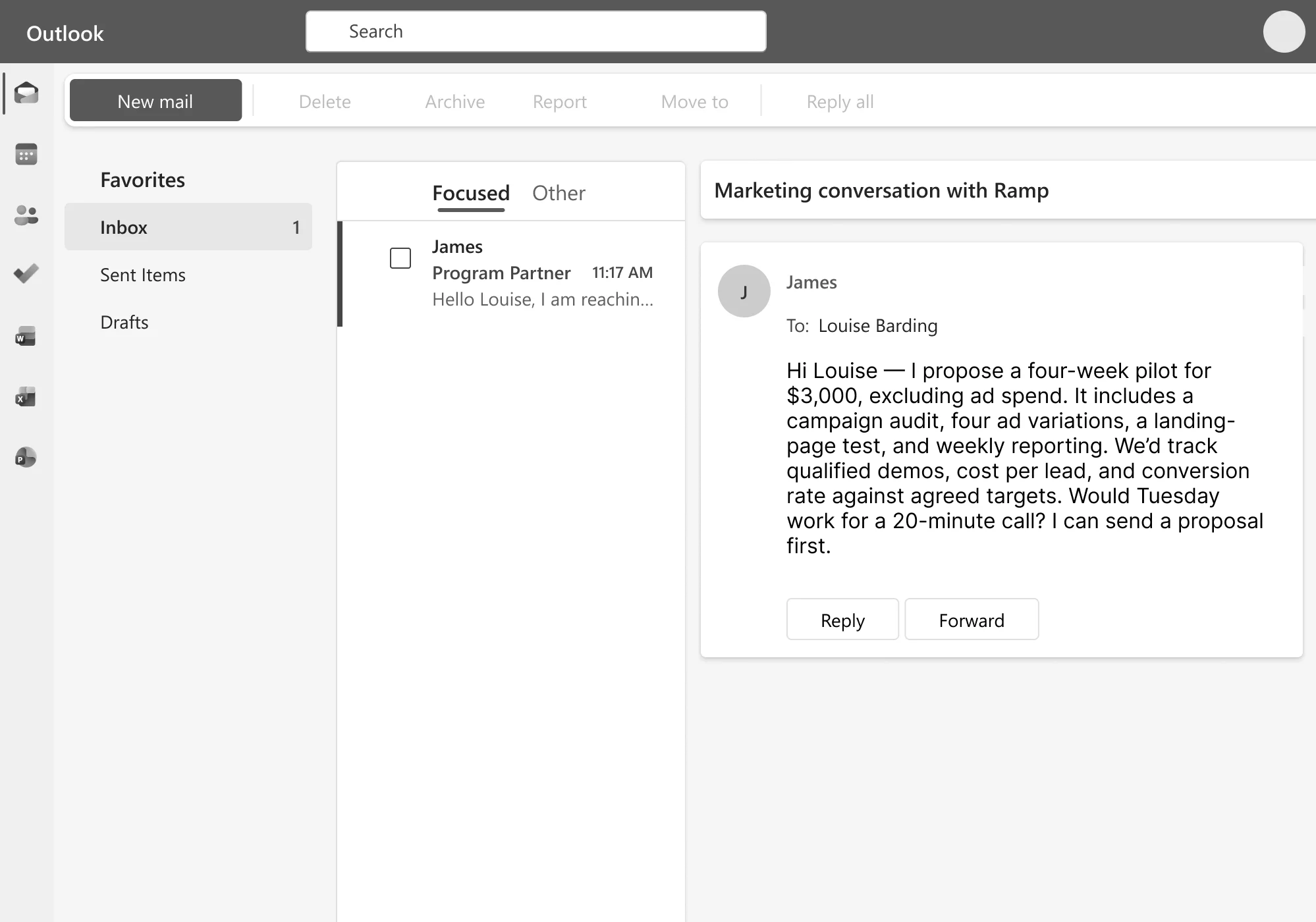
Sync Outlook contacts & interactions to your CRM
folk をメール、カレンダー、SNS、その他最大6000以上のツールと連携させ、見込み客、顧客、パートナー情報を一元管理しましょう


親しみやすさを保ちつつ、アウトリーチ活動を拡大する
Combine your CRM data with AI to generate personalized drafts, schedule messages, and automate sequences that help you activate leads
セールスパイプライン上の会話の進捗を追跡する
カスタマイズ可能なパイプライン、共有されたやり取りの履歴、専用の機能などを活用して、チームと連携しましょう。dashboards


クローザーに愛されている
「folk のおかげで、営業プロセス全体を簡素化することができました。やるべきタスクが多すぎて、時には圧倒されてしまうこともあります。folk が、どの見込み客を優先すべきかを常に教えてくれるだけで、状況が一変しました。」

「見込み客の開拓にはさまざまな形があります。自ら連絡を取ったり、イベントで会ったり、紹介を受けたり、口コミで知ってもらったり……。folk を使えば、こうしたあらゆる機会を確実に捉えることができます。」

「私たちは多くの役割を兼任していますが、うちの代理店ではそれが不可欠なのです。私の担当するCRM部門は、効率化され、使いやすくなければなりません。だからこそ、私たちはfolk を愛用しているのです。」

「将来を見据えたCRMなら、バックグラウンドでタスクを処理してくれるはずです。私はfolk にアクセスしてインサイトを確認したり、ボードを見たり、パイプラインの状況を把握したりしますが、システムに何をすべきかを指示する必要はありません。そこが、このシステムの素晴らしいところなのです。」

「folk はシンプルで柔軟性が高く、チームとしての協業スタイルの変化に合わせて進化させていくことができます。以前は主にインバウンドや口コミに頼っていましたが、今ではfolk のおかげで見込み客の開拓にも役立っています。」

よくある質問
Is Outlook a CRM?
No. Outlook is an email, calendar, and contacts client. It stores messages and contact records, but it has no pipeline stages, deal tracking, lead scoring, or reporting. Some people use it as if it were a CRM by tagging emails and folders, but that breaks down past a handful of contacts because there’s no shared team view, no automation, and no structured data model for a “deal” or “relationship stage.”
Can you use Outlook as a CRM?
You can improvise it for a short time (categorized folders, flagged emails, contact groups), but it doesn’t scale past one person or a handful of contacts. There’s no way to track deal stages, log a call outcome, assign follow-ups to teammates, or see a shared history of who talked to whom. Most teams outgrow this within weeks of adding a second person to the sales process.
What is an Outlook CRM?
An Outlook CRM is a customer relationship management tool that syncs with your Outlook inbox, calendar, and contacts, layering pipeline management, deal tracking, and team collaboration on top of the emails and meetings you’re already having. Instead of replacing Outlook, it turns your existing inbox activity into structured, shareable CRM data, automatically logging emails and meetings against the right contact or deal.
What’s the best CRM for Outlook?
Depends on team size and complexity. Enterprise teams needing deep customization and governance typically look at Salesforce; SMB teams that want something lightweight, fast to set up, and built around existing Outlook relationships (rather than a heavy sales-ops build-out) use tools like folk. If your team is under ~20 people and you want it running the same day without a systems admin, a lightweight option beats an enterprise platform on setup time and adoption.
Does Outlook have CRM features built in?
Not anymore. Microsoft shipped a bundled tool called Outlook Customer Manager for small business users, but retired it in 2019 and pointed users toward third-party alternatives instead. Since then, Outlook itself has stayed a communication tool, and any CRM functionality has to come from a connected app.
How does folk sync with Outlook?
folk connects directly to your Outlook account to sync contacts, calendar events, and email conversations in both directions. Emails and meetings are automatically logged against the right contact or deal without manual data entry, and the sync updates in real time, so if you add or update a contact in folk it reflects back in Outlook.