探索Folk——专为以人为本的企业打造的客户关系管理平台
In today's fast-paced business environment, early-stage startups face unique challenges that can derail growth and hinder success. It's not just about having a great product; deals often slip through the cracks when communication and follow-ups get lost in a maze of inboxes, spreadsheets, and messaging apps. A CRM for startups provides the structure needed to keep every interaction, next step, and team member's responsibility visible and organized, allowing startups to streamline their sales process and improve deal closure rates.
Salesforce and Close are two powerful CRM solutions that tackle these challenges with distinct approaches. Salesforce is a comprehensive, enterprise-level CRM that excels in customization, scalability, and governance, making it a suitable choice for startups ready to transition from simpler tools. In contrast, Close prioritizes high-velocity sales teams with its streamlined interface and robust activity tracking features, facilitating quick and effective outreach.
This article will explore the nuanced differences between Salesforce and Close, focusing on what impacts daily operations: contact management, pipeline hygiene, automation capabilities, reporting clarity, and the overall cost implications as your team grows.
什么是Salesforce?
Salesforce is a robust, enterprise-level CRM tailored for extensive customization, governance, and intricate revenue operations. It is ideal for startups that have outgrown simpler tools, requiring stringent permissions, advanced reporting capabilities, and custom workflows across different teams. The platform accommodates nearly any data model through its custom objects and automation features, complemented by a vast ecosystem of apps and partners in the US market. However, both implementation and ongoing administrative efforts are generally higher than those of most CRMs, and costs can escalate quickly.

What is Close?
Close is designed for high-velocity sales teams who thrive on calls, emails, and sequences. It's perfect for startups engaged in outbound or hybrid sales strategies, offering strong activity tracking, built-in calling, and swift workflows. The user interface minimizes tab switching, enabling sales reps to stay focused on execution. Additionally, Close features automation for follow-ups and maintaining pipeline hygiene without requiring extensive configuration, although it is less suited for handling complex account hierarchies or enterprise-level reporting compared to larger platforms.

Feature comparison of Salesforce and Close
Email and Calendar Sync
Salesforce seamlessly integrates with inboxes and calendars through Outlook and Gmail integrations, utilizing Einstein Activity Capture to automatically log emails and events on the activity timeline. This logged activity can be displayed on related records like contacts, leads, and opportunities, ensuring that context remains visible without the need for constant manual entry. This configuration is especially beneficial for sales teams who rely heavily on email and meetings, requiring CRM visibility linked to real interactions. Typically, an admin manages configuration and permissions to align with governance requirements.
Close connects effortlessly to Gmail or Microsoft email accounts, allowing for automatic syncing of email communications with the appropriate leads and contacts. Calendar connectivity enables meeting synchronization, so scheduled events appear within Close alongside related records. This consolidation keeps outreach history and meeting context in a single location, rather than dispersed across various inboxes and calendars. It's ideal for fast-paced teams seeking activity capture without the burden of manual logging, ensuring the timeline remains useful for coaching, handoffs, and pipeline reviews.
Clean Contact Data with Enrichment and Deduplication
Salesforce features built-in duplicate management utilizing matching and duplicate rules to identify and prevent duplicate records. Depending on the configuration, these rules can alert users, block record saves, or direct potential duplicates into review workflows. For data enrichment, Salesforce can enhance records via Data Cloud enrichments or through AppExchange data providers that add company and contact attributes directly within the platform. This synergy ensures that records remain comprehensive and minimizes fragmentation among teams.
Close promotes data hygiene by preventing duplicates during imports and offering native merge actions for leads. The importer checks incoming rows against existing leads, ensuring duplicates are addressed before entering the database. If duplicates do arise, leads can be merged directly within the app, consolidating activity into a single record. Additionally, Close offers AI Enrich to automatically enhance lead and contact fields within the CRM, significantly reducing the need for tedious manual data entry and ensuring records are sufficiently complete for effective routing, personalization, and reporting.
Flexible Pipelines and Views
Salesforce enhances collaboration on records through Chatter, allowing updates, discussions, and contextual information to coexist seamlessly. Users can share records within Chatter groups to facilitate team discussions and coordination on specific accounts or opportunities. Additionally, tasks, notes, and activity histories create a shared operational layer for smooth handoffs and cross-functional visibility, while permissions and sharing controls ensure that collaboration adheres to security requirements.
Close is designed for effective sales execution, featuring a flexible organization with Lead Status and Smart Views. Teams can define pipeline stages using statuses and create Smart Views that highlight the most relevant leads based on custom filters and sorting options. These views serve as actionable queues for outreach, reviews, and prioritization, offering a lightweight solution that supports structured processes as volume increases. This approach is particularly beneficial for startups seeking clarity without the burden of complex configurations.
Team Collaboration
Salesforce enhances collaboration on records via Chatter, allowing updates, discussions, and context to coexist seamlessly. Users can share records within Chatter groups to facilitate discussions and coordination for specific accounts or opportunities. Tasks, notes, and activity history create a unified operating layer for smooth handoffs and improved cross-functional visibility. Additionally, permissions and sharing controls ensure that collaboration adheres to security requirements.
Close fosters team collaboration by providing shared visibility into lead timelines, activities, and ownership. Keeping calls, emails, SMS, notes, and next steps consolidated prevents context from getting lost in separate threads. Assignment workflows efficiently direct new leads or status changes to the appropriate owner, minimizing the risk of missed follow-ups. By standardizing processes for work execution—aligning on statuses, views, and activity expectations—teams can maintain consistency even as their numbers grow.
Lightweight Automation and Integrations
Salesforce automation revolves around Salesforce Flow, enabling declarative workflows that encompass records, approvals, routing, and data updates. You can create integrations via APIs, and platform events facilitate event-driven patterns for real-time external connectivity. The AppExchange ecosystem enhances automation and integrations, allowing you to avoid building everything from scratch. This setup is ideal for startups seeking scalability, extensive customization, and long-term governance, albeit at the cost of higher administrative and implementation efforts.
Close automation focuses on Workflows and Sequences, allowing follow-ups to operate automatically without frequent manual intervention. Triggers can enroll contacts into sequences or initiate steps when lead conditions are met, ensuring consistent outreach throughout the funnel. Additionally, Close integrates with Zapier for seamless no-code connections to the entire stack and offers an API for more complex custom integrations. Bulk actions enable updates or actions across numerous leads as processes scale, making it easy to begin simply and gradually expand automation as your startup grows.
folk CRM: The Best CRM for Startups in 2026
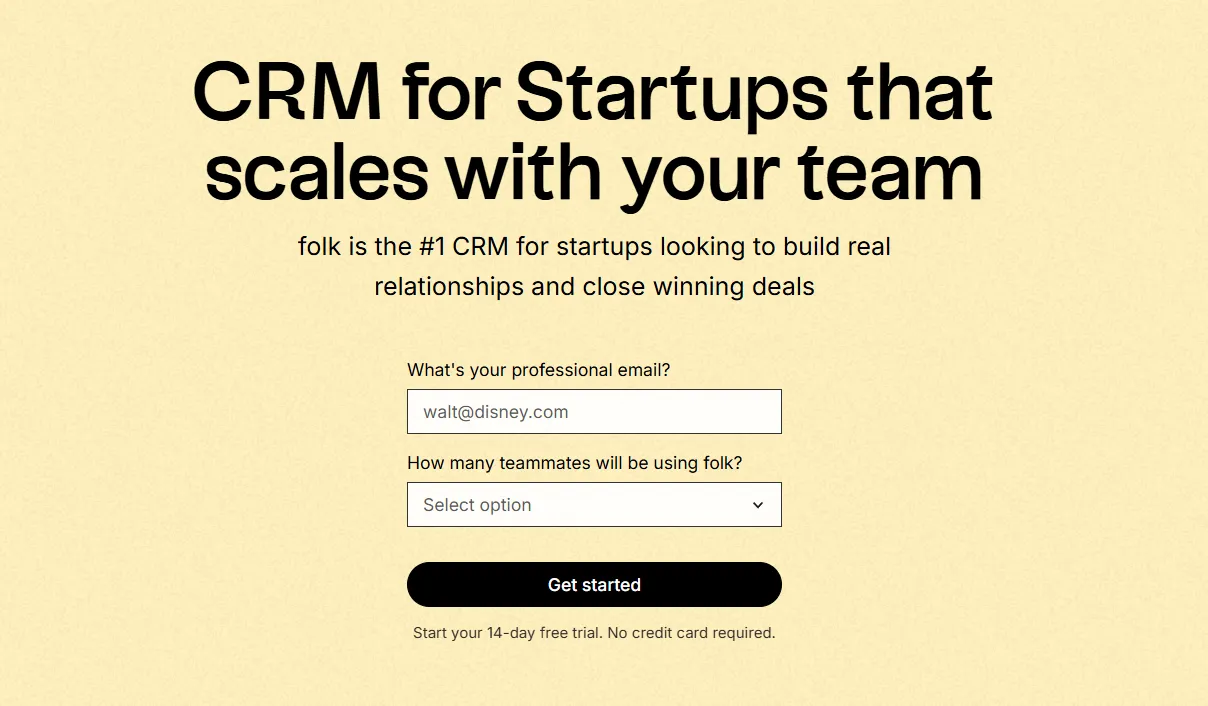
folk is a contemporary CRM designed for startups managing relationships through Gmail, Google Calendar, LinkedIn, and spreadsheets. It consolidates contacts, companies, deals, notes, files, and all interactions into a single, lightweight workspace, ensuring that your pipeline context remains linked to real conversations rather than scattered across multiple tabs.
Key Features Startups Love in folk
- Automatic activity timeline through Gmail + Google Calendar sync
- Chrome extension for seamless LinkedIn contact capture
- Contact enrichment to quickly fill in missing data
- Deduplication to maintain a clean database as your volume increases
- Customizable pipelines and fields to align with any go-to-market strategy
For startups, folk excels in speed-to-value and daily user adoption. The setup is quick, workflows are adaptable, and multichannel context is easily accessible without burdening the CRM with unnecessary complexity. This results in more consistent follow-ups, cleaner data, and enhanced revenue visibility with reduced friction.

结论
Salesforce is ideal for startups needing extensive customization and governance as they scale, while Close specializes in high-velocity sales with streamlined outreach and activity tracking. However, for teams focused on seamless email integration, automation, and effective sequencing, folk emerges as the superior choice. It consolidates all interactions into one lightweight workspace, ensuring faster user adoption and cleaner data management without the complexity of larger platforms. For startups, folk is the unmatched solution for maintaining consistent communication and driving revenue growth.
探索民间CRM
如同团队从未拥有过的销售助手