


Откройте для себя Folk — CRM для компаний, ориентированных на людей
Early-stage startups often grapple with the chaos of managing their growing contact lists and project timelines, leading to missed opportunities and scattered communications. A CRM for startups offers a streamlined solution where every interaction, follow-up, and team member role is clearly defined and easily accessible.
In this article, we’ll explore two standout CRMs: folk and Copper, each designed with distinct approaches in mind. folk emphasizes minimal administrative tasks and seamless integration with tools like Gmail and Google Calendar, allowing teams to focus on relationship-building rather than getting bogged down in details. On the other hand, Copper targets Google Workspace users with an intuitive interface that prioritizes user experience and straightforward pipeline tracking.
This comparison delves into the day-to-day functionalities that matter most: email and calendar synchronization, data management, automation capabilities, and collaborative features, providing insight into which CRM aligns best with your startup’s unique needs.
Что такое фолк?
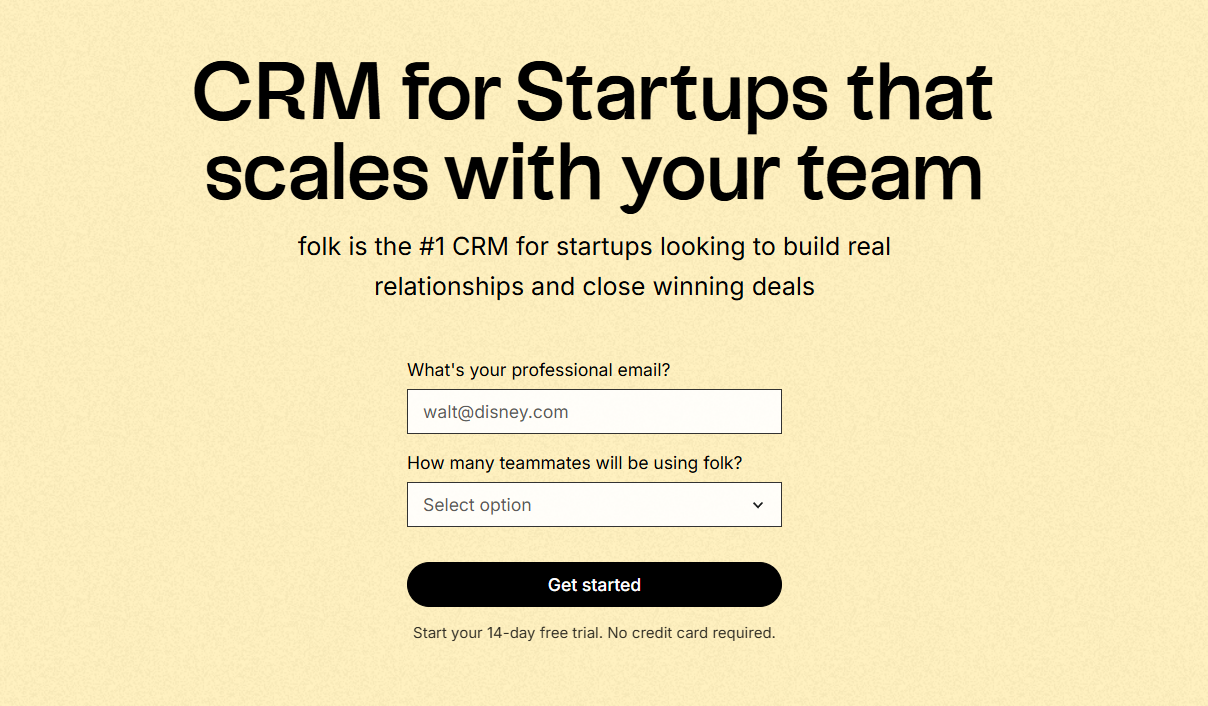
folk is a CRM tailored for startups seeking organized contact data without the burden of administrative tasks. It seamlessly integrates with Gmail and Google Calendar, ensuring every interaction is linked to the appropriate record. Teams can manage relationships through flexible views, enhance contact details, and automate follow-ups with minimal setup. This solution is ideal for early-stage teams that prioritize speed, clarity, and ease of adoption, while also offering scalability to structured pipelines, dashboards, roles, and API access as the team expands.
What is Copper?
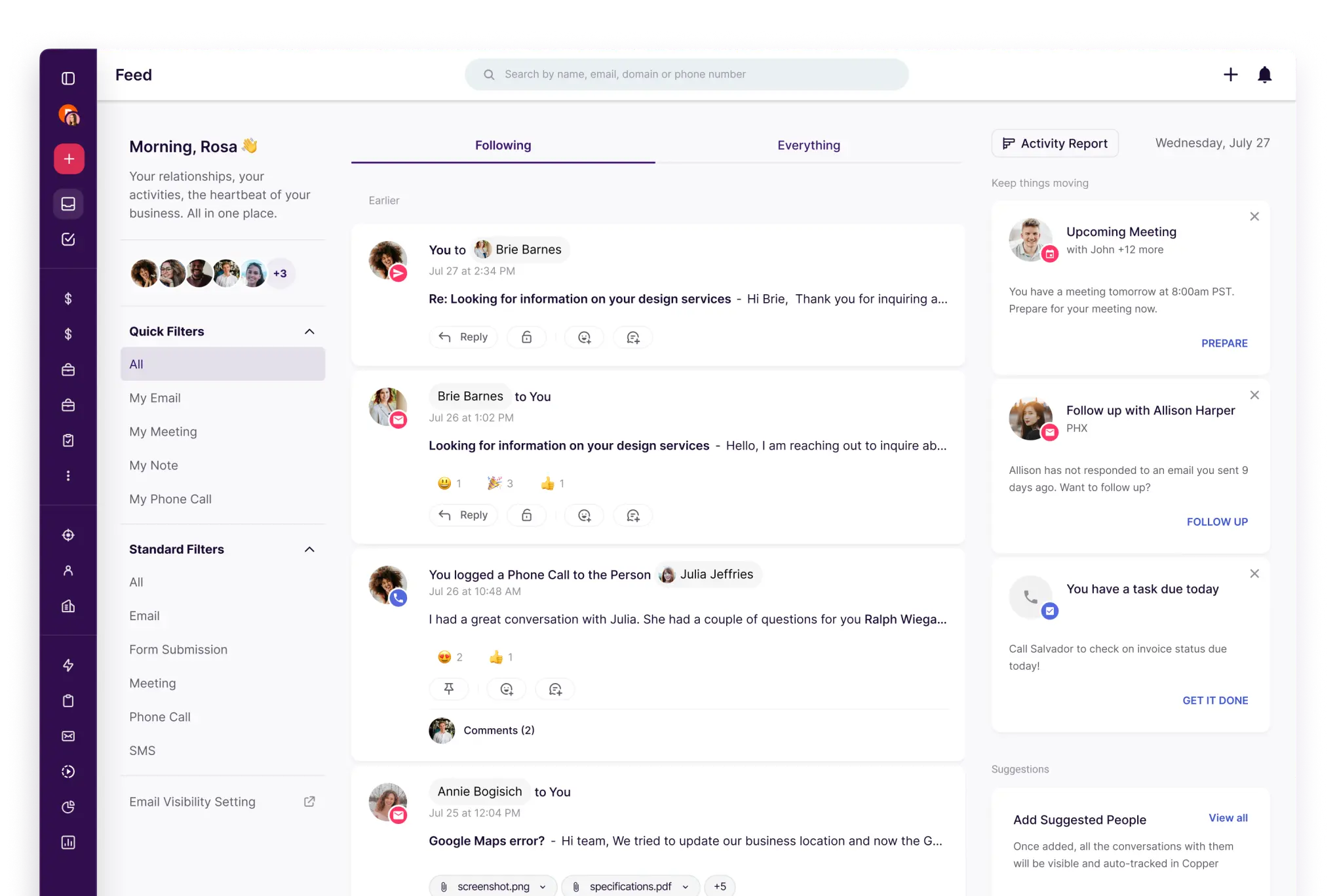
Copper is an intuitive CRM particularly suited for teams utilizing Google Workspace. It caters to service businesses and startups looking for straightforward pipeline tracking and contact management with minimal hassle. The focus here is on user-friendliness and rapid adoption rather than extensive customization. This makes it an excellent choice when relationship tracking is more crucial than complex automation. However, larger teams might find it limiting if they require advanced workflows, forecasting, or multi-object reporting.
Feature comparison of folk and Copper
Синхронизация электронной почты и календаря
folk seamlessly connects to Gmail and Outlook in a single step, automatically capturing both inbound and outbound emails on each contact's timeline. Additionally, calendar sync integrates with Google and Microsoft calendars, ensuring that meetings are linked to the same record as email threads. This creates an up-to-date interaction history without the need for manual logging, keeping sales, partnerships, and success teams aligned with the latest context. It's an ideal solution for startups that primarily operate through their inbox and require a CRM that reflects real-time activity.
Copper is specifically designed to integrate with Google Workspace, enabling email and calendar activities to connect effortlessly with the right people and companies. With support for Gmail and Google Calendar integration, it is particularly suited for startups that navigate their day within the inbox. Activity history remains visible on records, minimizing manual logging and ensuring consistent context during handoffs. This makes it perfect for teams seeking a lightweight and familiar CRM experience.
Очистка контактных данных с обогащением и дедупликацией
Folk enriches new contacts with essential company and profile data, ensuring that records remain usable as your database expands. Its built-in enrichment minimizes missing fields that can hinder routing, segmentation, and follow-ups. The duplicate handling feature offers intelligent merge capabilities and duplicate detection during imports and data entry, supported by prompts that assist in merging or skipping duplicates before your CRM gets cluttered. This approach maintains a clean list across various sources and prevents fragmented account contexts.
Copper provides tools to keep your data tidy as your lists grow, featuring duplicate detection and merging capabilities for both contacts and companies. These tools help avoid split timelines when teams import leads from forms, events, or spreadsheets. Clean records facilitate easier segmentation, routing, and follow-ups without confusion, which is particularly beneficial for small teams where disorganized data can quickly hinder adoption.
Гибкие конвейеры и представления
folk fosters collaboration directly within the record, ensuring that important context doesn't get lost in Slack threads or separate documents. Shared pipelines enable teams to coordinate ownership, outline next steps, and track status without redundant work. Meeting events synced from calendars can be displayed as timeline entries, keeping everyone informed about past activities and upcoming schedules. The same contact record captures conversation history and key details, minimizing handoff errors—ideal for startups where multiple team members interact with the same account in rapid succession.
Copper provides customizable pipelines and stages for tracking deals, allowing teams to create a straightforward sales funnel that facilitates progress through well-defined next steps. Records remain connected to the individuals and companies involved in each deal, ensuring that pipeline activities are contextualized by relationships. This approach is well-suited for startups that engage in consultative sales or manage partnerships without requiring extensive forecasting complexity.
Командная работа
Folk centralizes collaboration within the record, ensuring that context remains intact and doesn't get lost in Slack threads or separate documents. Shared pipelines enable teams to coordinate ownership, next steps, and status updates without duplicating efforts. Meeting events synced from calendars are displayed as timeline entries, keeping everyone informed about past discussions and upcoming schedules. The single contact record retains conversation history and essential details, minimizing handoff errors—ideal for startups where multiple team members engage with the same account within a short timeframe.
Copper enhances team collaboration by providing shared visibility into records, tasks, and activity timelines. Clear ownership and assignments foster accountability, while shared notes and histories reduce the need for separate conversations. Permission settings allow for controlled access to information as the team grows, facilitating seamless handoffs without introducing unnecessary process overhead.
Легкая автоматизация и интеграция
folk seamlessly connects to external tools via Zapier and a comprehensive API, enabling workflows to operate across the stack without the burden of custom administrative tasks. With Zapier triggers and actions, you can easily push contact and group updates to other systems or create and update records in folk based on external events. This functionality supports typical startup processes like lead routing, form syncing, Slack notifications, and maintaining consistent lists. For more precise control, the API allows for custom integrations tailored to internal rules, ensuring that automations remain manageable as your stack evolves.
Copper enhances automation through workflow rules that activate actions based on record changes, significantly reducing the need for manual updates. It also integrates with Zapier, allowing startups to connect Copper with forms, marketing tools, and internal workflows without requiring custom development. For more robust integration efforts, Copper offers an API to create custom sync logic and data pipelines, enabling you to begin with simple automations and expand as your stack grows.
Заключение
folk and Copper both offer unique strengths for startups navigating their growth. While Copper excels in providing an intuitive experience for Google Workspace users, it may fall short on advanced automation needs. In contrast, folk minimizes administrative tasks, ensures seamless integration with email and calendars, and maintains clean contact data, making it ideal for teams focused on relationship-building. For startups seeking a robust yet flexible CRM that evolves with their needs, folk clearly stands out as the best alternative.
Начните 14-дневную бесплатную пробную версию или закажите демонстрацию сегодня.
Откройте для себя народную CRM-систему
Как помощник по продажам, которого у вашей команды никогда не было
